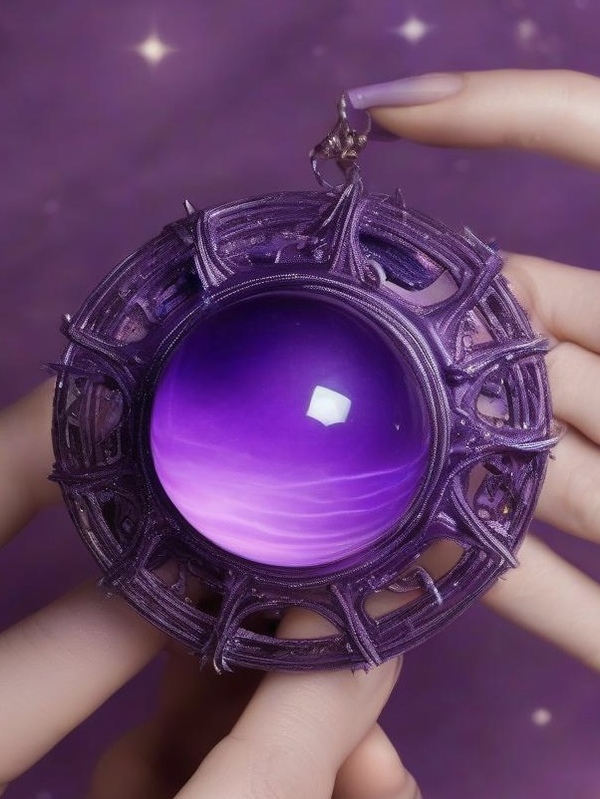
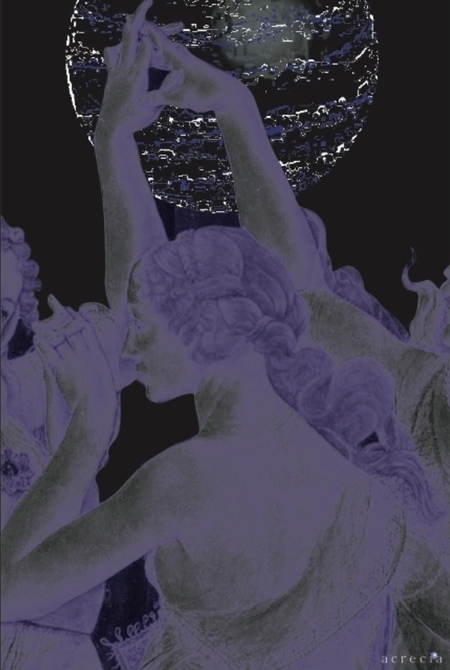
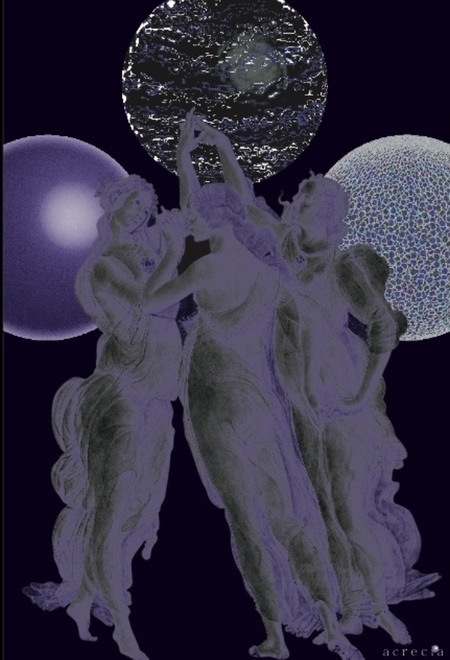
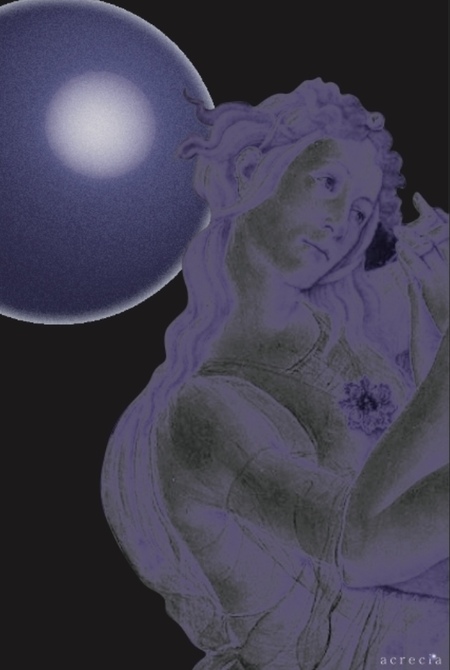
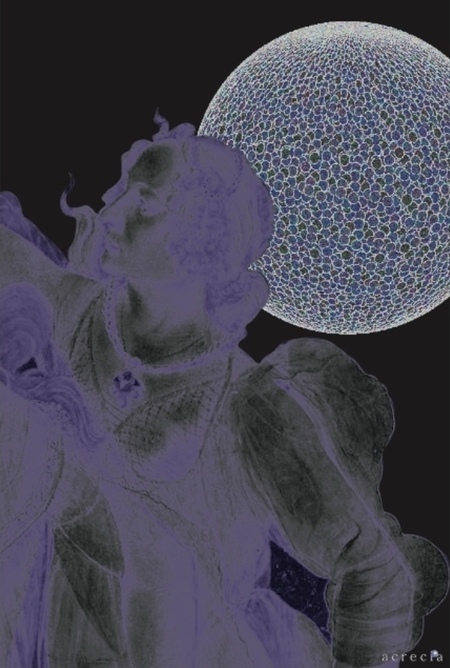
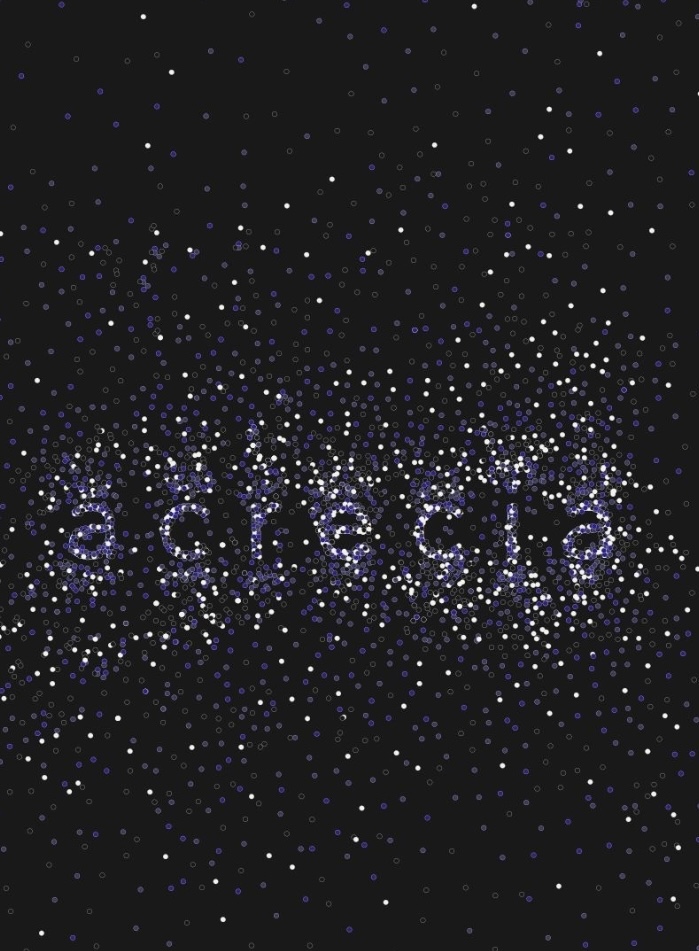
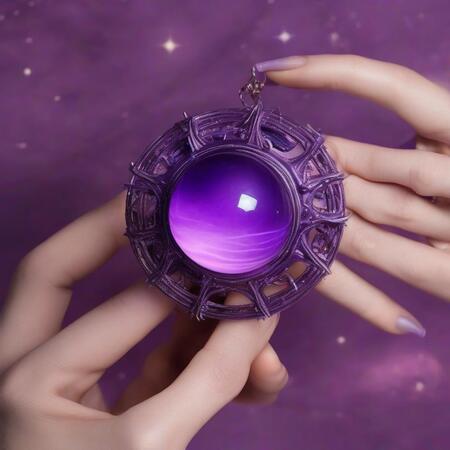
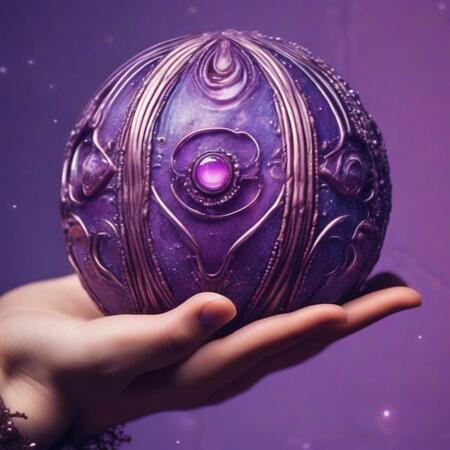
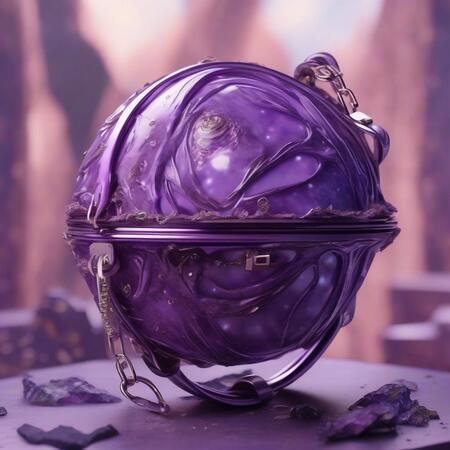
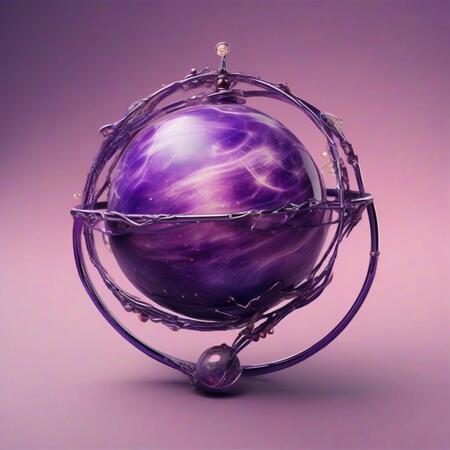
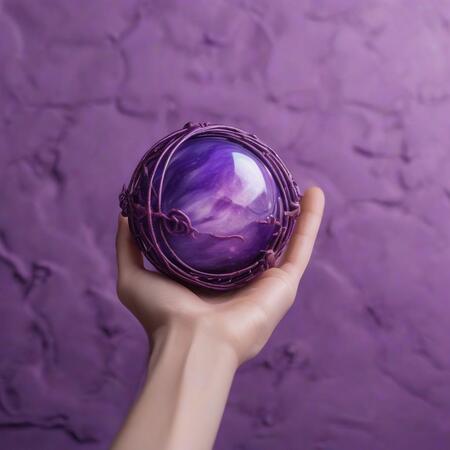
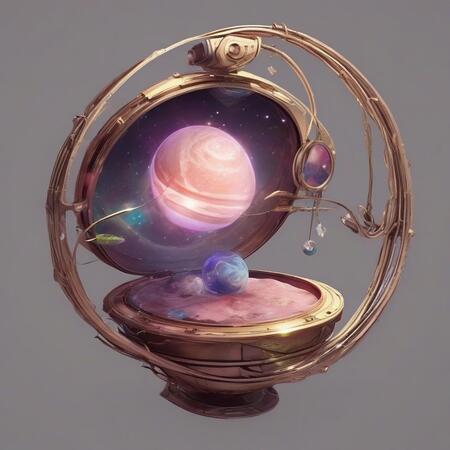
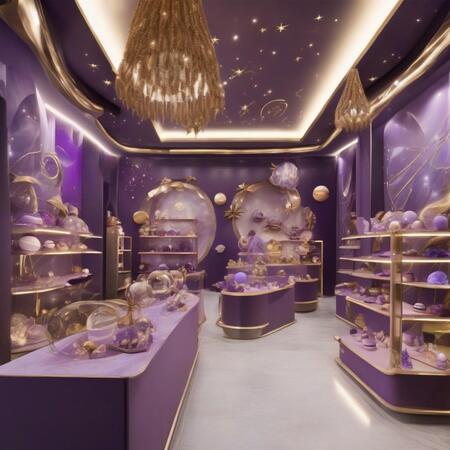
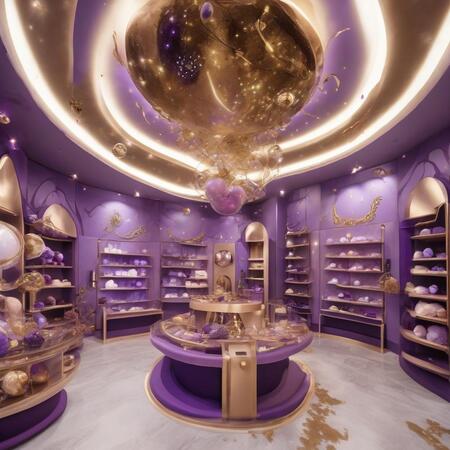
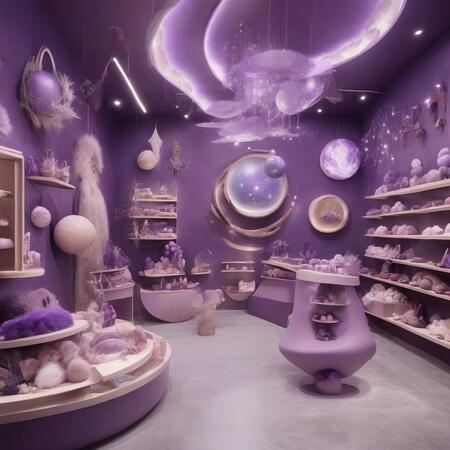
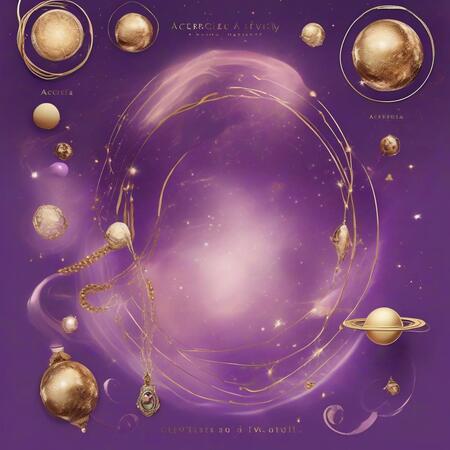
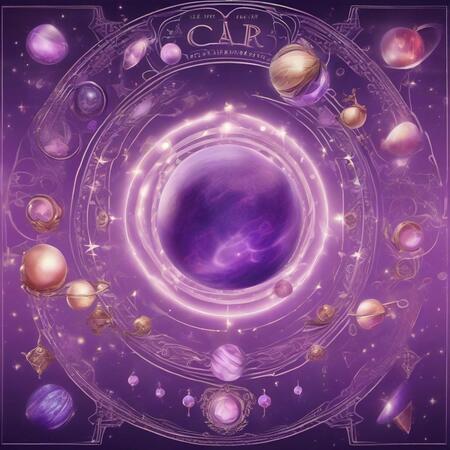
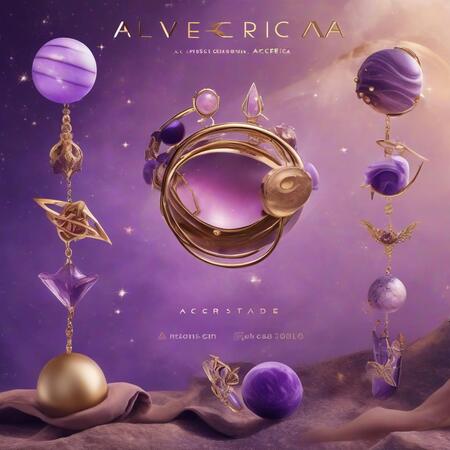
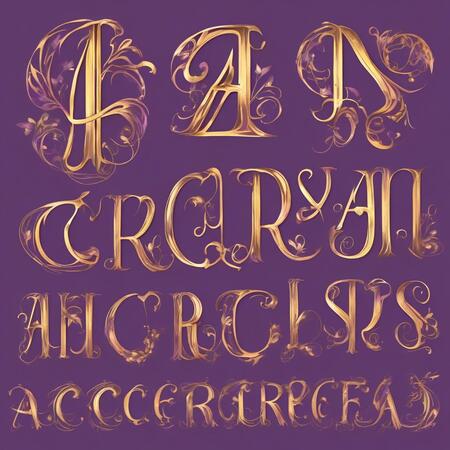
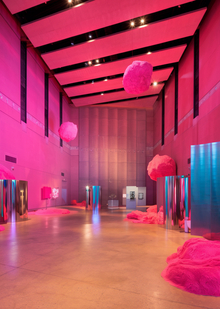
Вероника Рябуха создала концепцию бренда ручных планет-аксессуаров Acrecia, которые служат украшением и талисманом. Проект включает в себя визуальные материалы, такие как айдентика, промо и интерьеры магазина, созданные с использованием Stable Diffusion XL.
Елизавета Турбина создала личный бренд украшений ручной работы и кастомных вещей под названием TURBINIE. Коллекция «а помнишь, в детстве» включает украшения, вдохновлённые предметами и игрушками детей девяностых и нулевых.
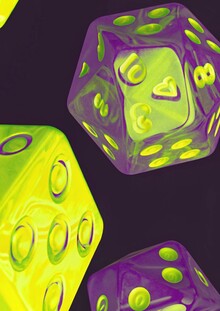
Софья Гилева создала настольную ролевую игру BVB-SИ, действие которой разворачивается в тоталитарной стране с развитыми технологиями и имплантами. Проект включает книгу правил, 3D-рендеринг имплантов и логотип в киберпанк стиле с палитрой из тёмно-фиолетового, зелёного и жёлтого цветов.
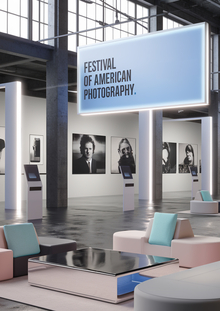
Варвара Любачева создала ребрендинг фестиваля американской фотографии с использованием искусственного интеллекта. Проект включает в себя минималистичный логотип, современный интерьер и визуальные элементы, выполненные в чёрно-белой палитре с акцентами в пастельных тонах.
Виолетта Браунс создала выставочное пространство «Ctrl+N» в формате 3D-модели для VR-центра. Проект включает в себя фасад, лобби, лого и мерч, сгенерированные с использованием Leonardo AI и Ideogram.
hsespacecreative.deziiign
The digital ecosystem of HSE Institute for Creative Industries Development, combining a professional portfolio for students, graduates and employees of the bachelor’s and master’s degree programmes «Management in Creative Industries», an online educational platform, and a hub that aggregates international competitions in creative industries, among other digital services for creatives.
... Show more
We use cookies to improve the operation of the HSE website and to enhance its usability. More detailed information on the use of cookies can be fou...
Show more
Press space bar to start a drag.
When dragging you can use the arrow keys to move the item around and escape to cancel.
Some screen readers may require you to be in focus mode or to use your pass through key
Press space bar to start a drag.
When dragging you can use the arrow keys to move the item around and escape to cancel.
Some screen readers may require you to be in focus mode or to use your pass through key
Press space bar to start a drag.
When dragging you can use the arrow keys to move the item around and escape to cancel.
Some screen readers may require you to be in focus mode or to use your pass through key
Press space bar to start a drag.
When dragging you can use the arrow keys to move the item around and escape to cancel.
Some screen readers may require you to be in focus mode or to use your pass through key
Press space bar to start a drag.
When dragging you can use the arrow keys to move the item around and escape to cancel.
Some screen readers may require you to be in focus mode or to use your pass through key
Press space bar to start a drag.
When dragging you can use the arrow keys to move the item around and escape to cancel.
Some screen readers may require you to be in focus mode or to use your pass through key
Press space bar to start a drag.
When dragging you can use the arrow keys to move the item around and escape to cancel.
Some screen readers may require you to be in focus mode or to use your pass through key
Press space bar to start a drag.
When dragging you can use the arrow keys to move the item around and escape to cancel.
Some screen readers may require you to be in focus mode or to use your pass through key
Press space bar to start a drag.
When dragging you can use the arrow keys to move the item around and escape to cancel.
Some screen readers may require you to be in focus mode or to use your pass through key
Press space bar to start a drag.
When dragging you can use the arrow keys to move the item around and escape to cancel.
Some screen readers may require you to be in focus mode or to use your pass through key
Press space bar to start a drag.
When dragging you can use the arrow keys to move the item around and escape to cancel.
Some screen readers may require you to be in focus mode or to use your pass through key
Press space bar to start a drag.
When dragging you can use the arrow keys to move the item around and escape to cancel.
Some screen readers may require you to be in focus mode or to use your pass through key