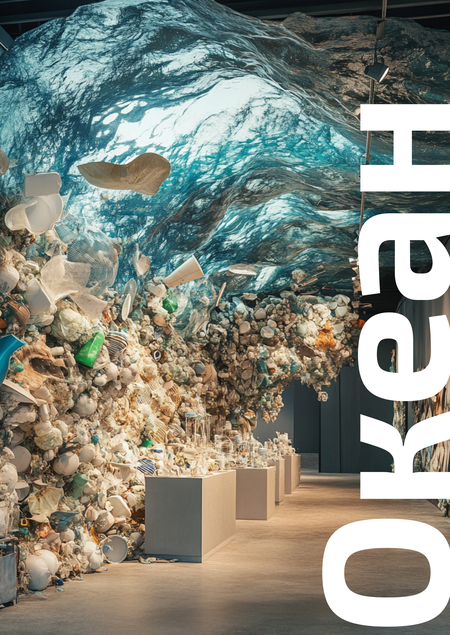
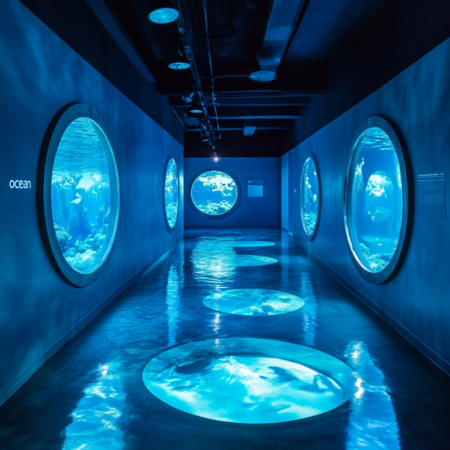
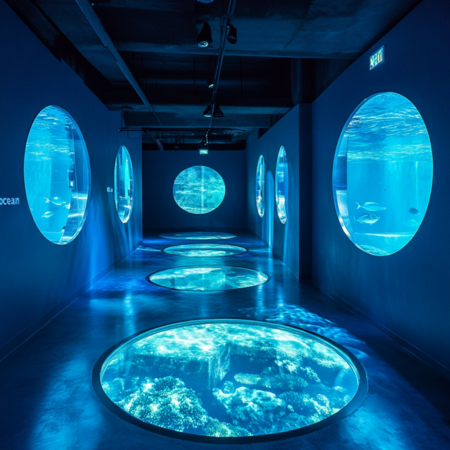
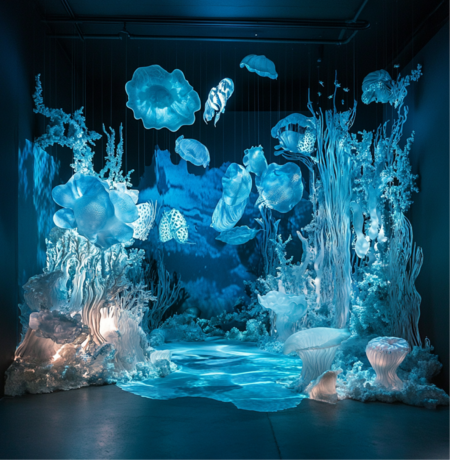
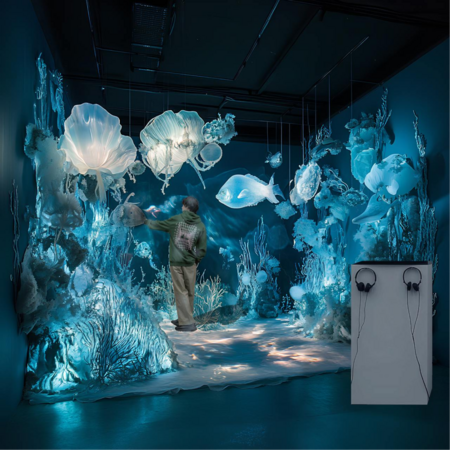
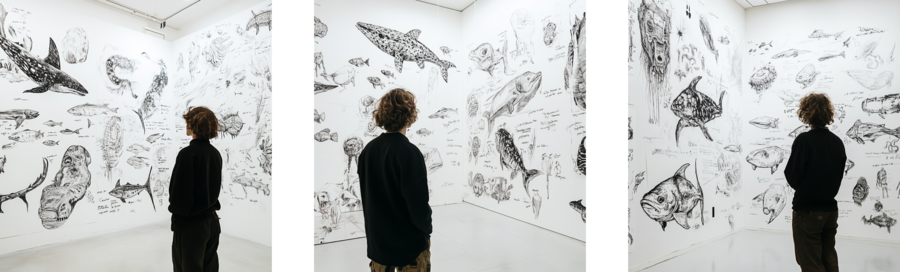
Океан — это выставка, посвященная красоте океана и его обитателям.
Задача выставки вдохновить людей морскими красотами
и напомнить о том какой вред приносят люди океану.
Наше пространство призвано помочь людям увидеть уникальное пространство использованное для интерпретации океана.
Original size 2388x1515
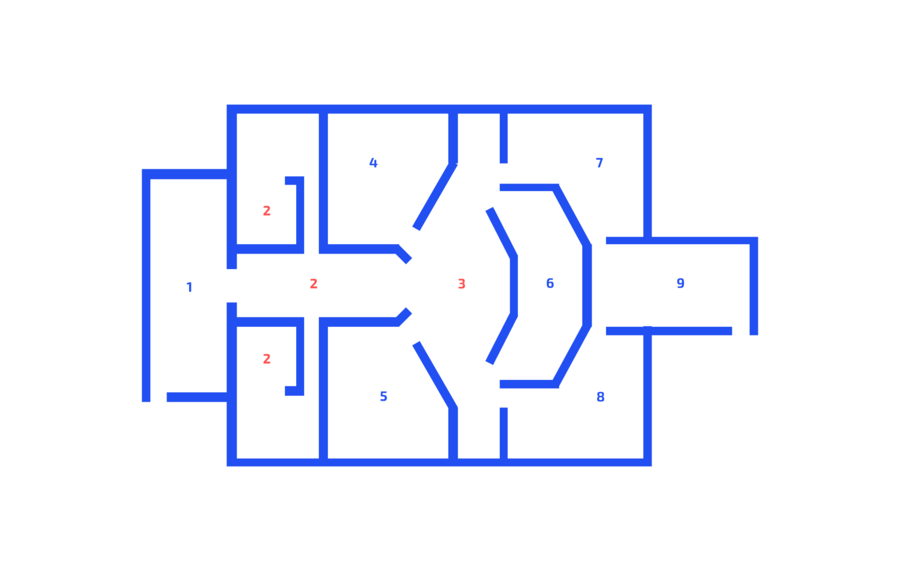
Входная зона
Подводный туннель из проекций + комнаты со звуком океана и инсталляцией
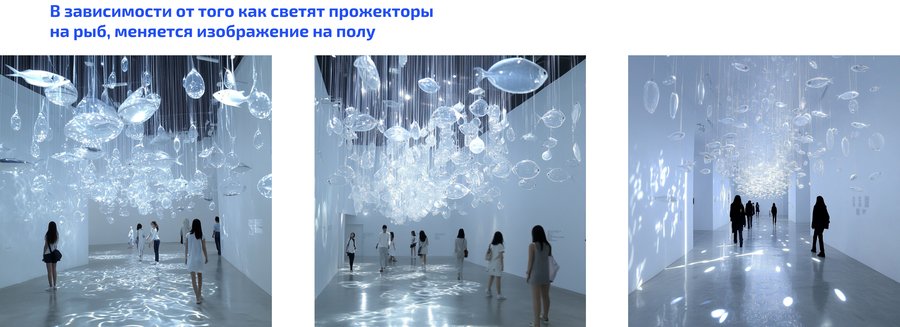
Белый зал со стеклянными рыбами на потолке
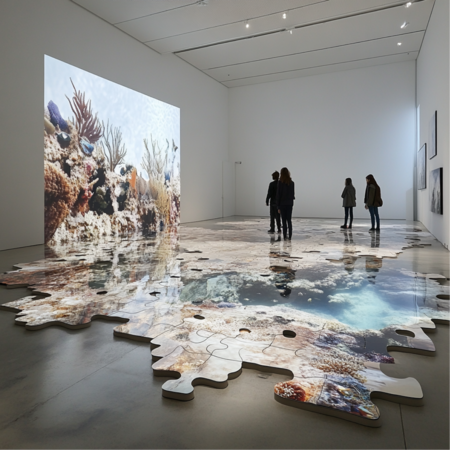
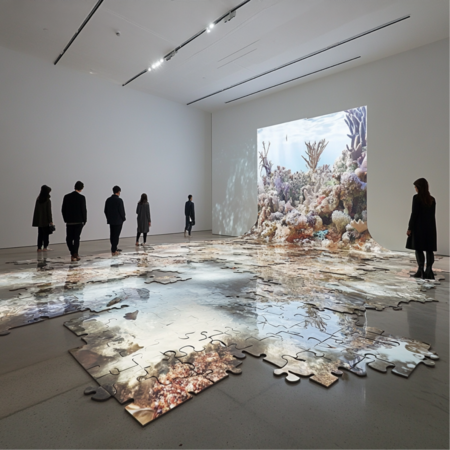
Зал с пазлом, который можно собирать всем вместе
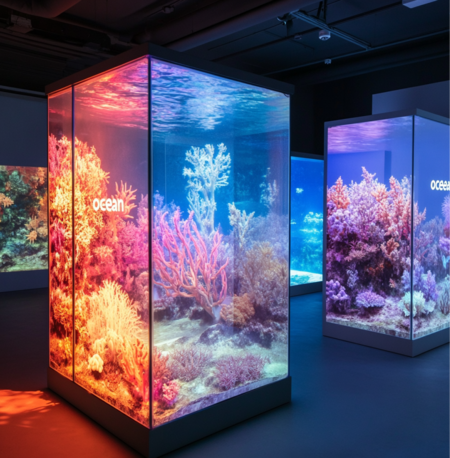
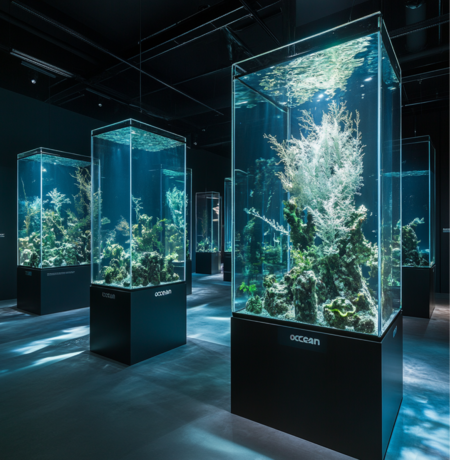
Зона с аквариумами в которых водоросли и кораллы
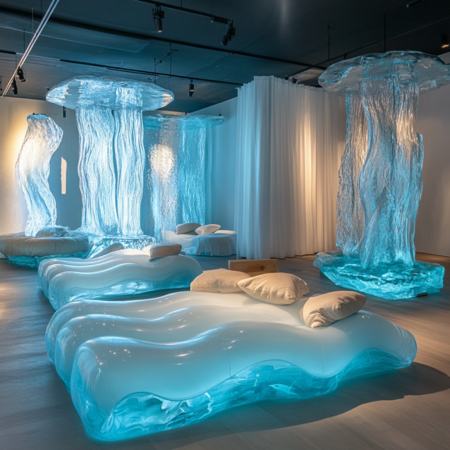
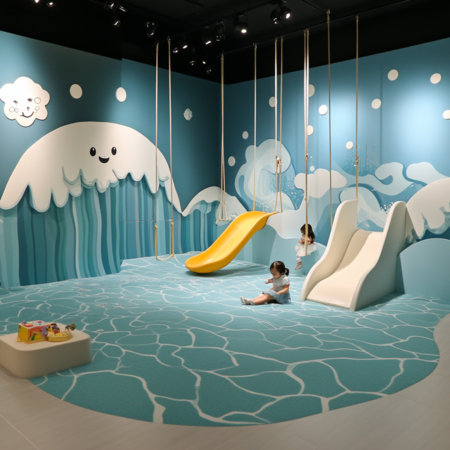
Детская зона совмещенная с зоной отдыха
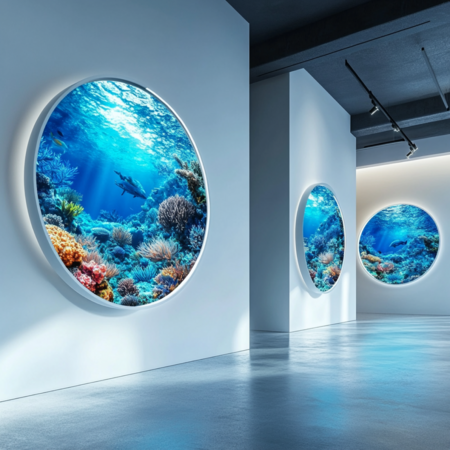
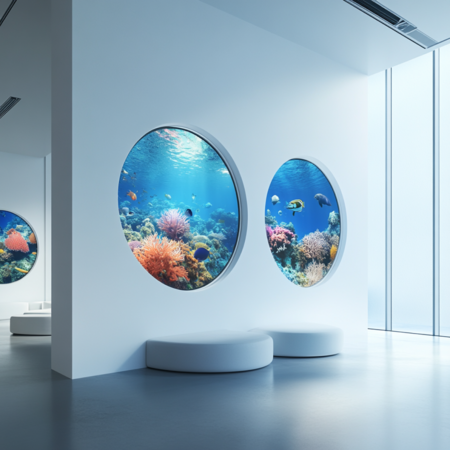
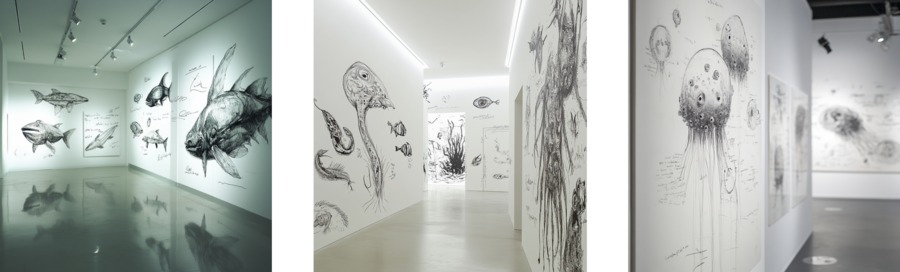
Зал с рыбами на стенах
Зал с голограммами костей рыб
Выходная зона показывающая вред который люди приносят океану
Валерия Челебий создала выставку «Океан», посвящённую красоте моря и его обитателей. Проект включает интерактивные зоны, такие как подводный туннель с проекциями и зал с голограммами костей рыб.
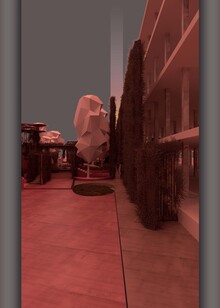
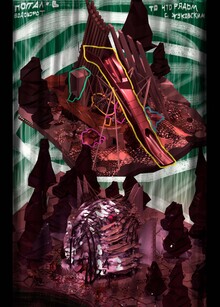
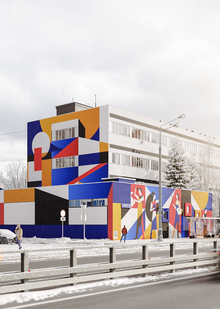
Евгений Свириденко разработал суперграфику для здания художественно-графического факультета Московского педагогического государственного университета. Проект включает графику и визуализацию, направленные на эстетизацию городского пространства и улучшение имиджа института.
hsespacecreative.deziiign
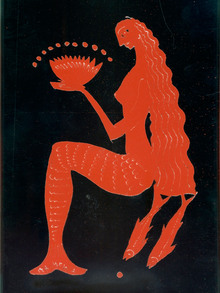
The digital ecosystem of HSE Institute for Creative Industries Development, combining a professional portfolio for students, graduates and employees of the bachelor’s and master’s degree programmes «Management in Creative Industries», an online educational platform, and a hub that aggregates international competitions in creative industries, among other digital services for creatives.
... Show more
We use cookies to improve the operation of the HSE website and to enhance its usability. More detailed information on the use of cookies can be fou...
Show more
Press space bar to start a drag.
When dragging you can use the arrow keys to move the item around and escape to cancel.
Some screen readers may require you to be in focus mode or to use your pass through key
Press space bar to start a drag.
When dragging you can use the arrow keys to move the item around and escape to cancel.
Some screen readers may require you to be in focus mode or to use your pass through key
Press space bar to start a drag.
When dragging you can use the arrow keys to move the item around and escape to cancel.
Some screen readers may require you to be in focus mode or to use your pass through key
Press space bar to start a drag.
When dragging you can use the arrow keys to move the item around and escape to cancel.
Some screen readers may require you to be in focus mode or to use your pass through key
Press space bar to start a drag.
When dragging you can use the arrow keys to move the item around and escape to cancel.
Some screen readers may require you to be in focus mode or to use your pass through key
Press space bar to start a drag.
When dragging you can use the arrow keys to move the item around and escape to cancel.
Some screen readers may require you to be in focus mode or to use your pass through key