Проект исследует массовое производство личности в эпоху расцвета социальных сетей. Отталкиваясь от принципов поп-арта, работа рассматривает, как интернет превратил образ человека в новый объект массовой культуры, заменив рекламируемый продукт рекламируемой личностью.
Original size 3421x2480
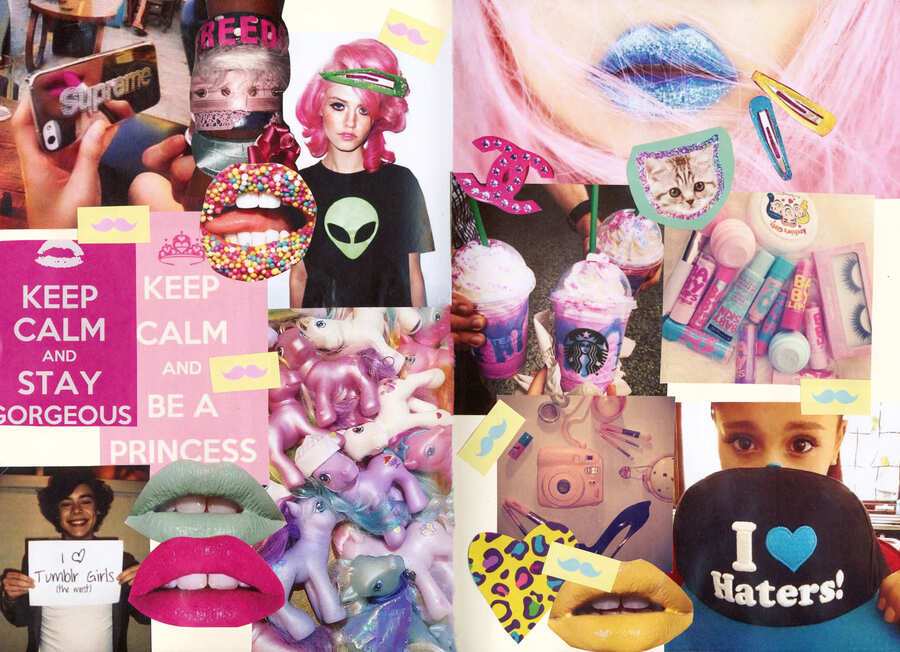
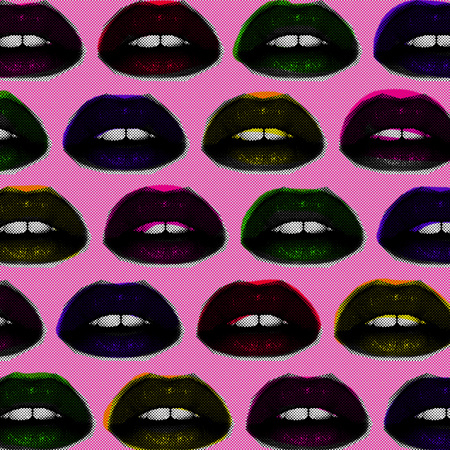
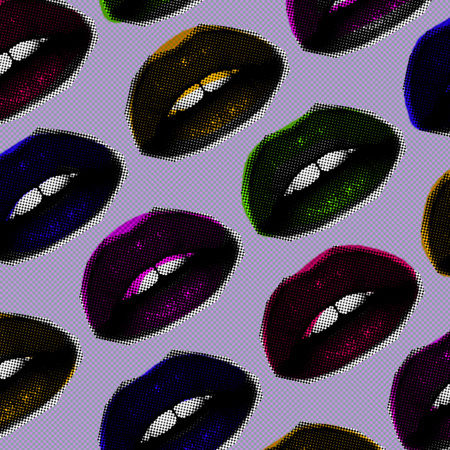
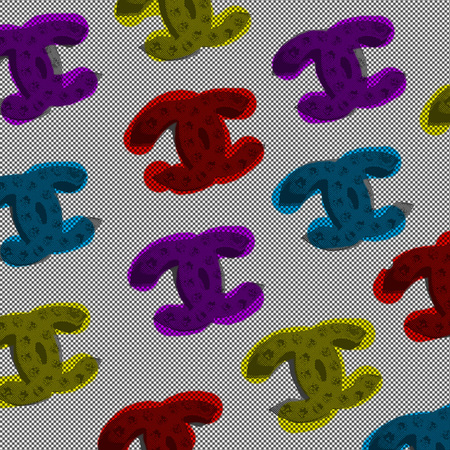
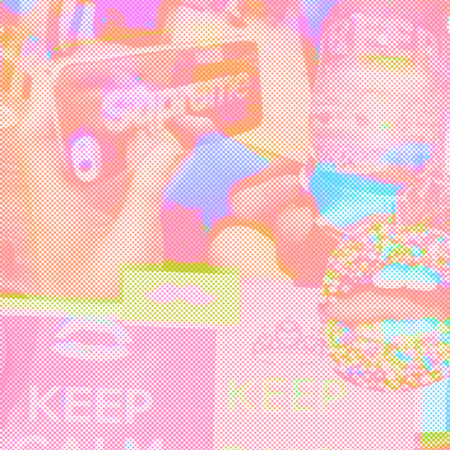
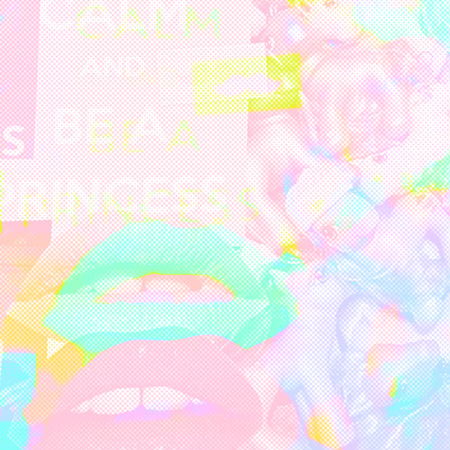
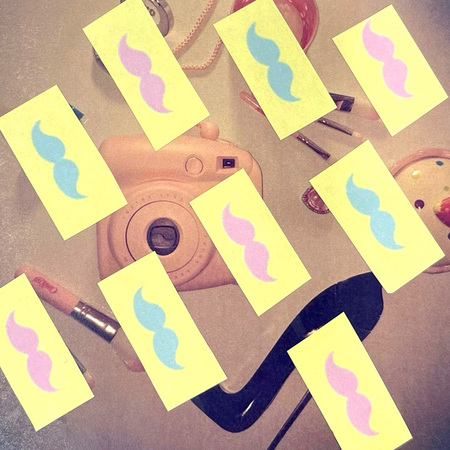
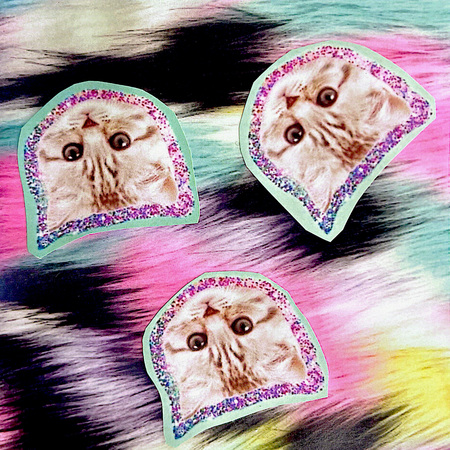
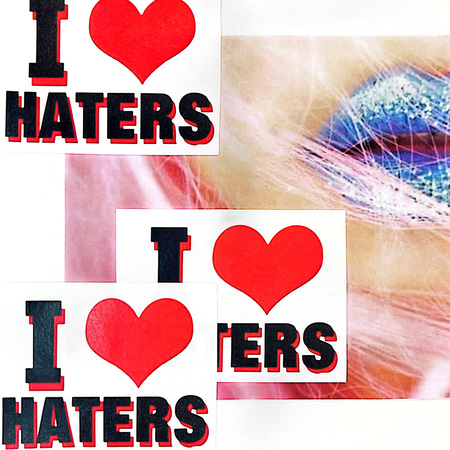
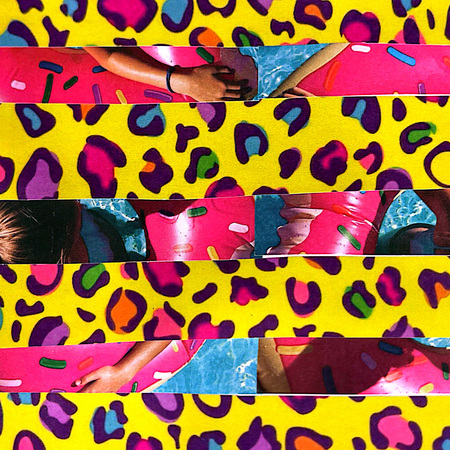
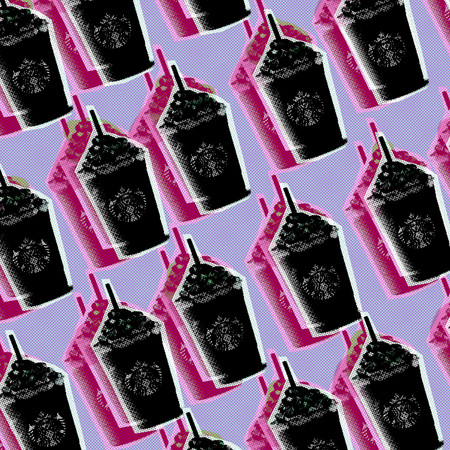
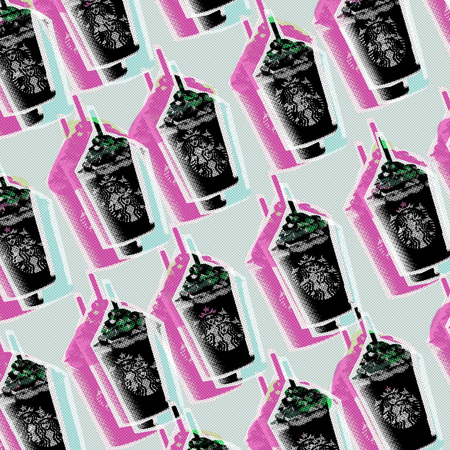
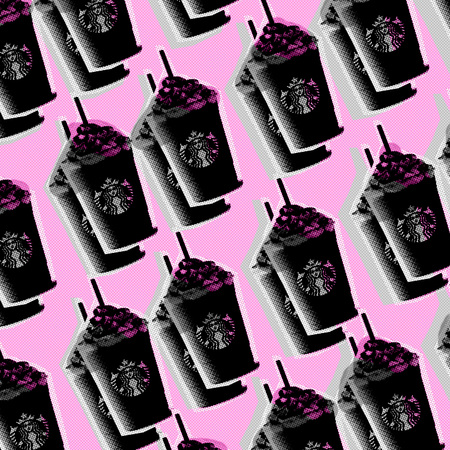
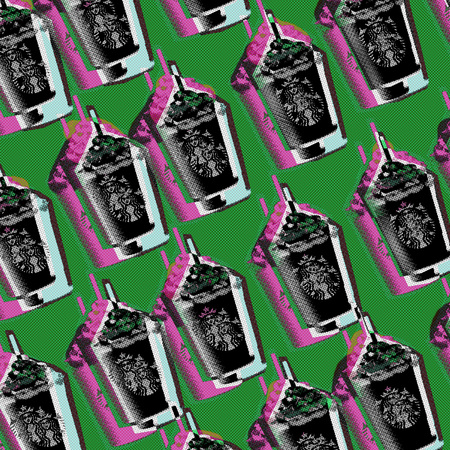
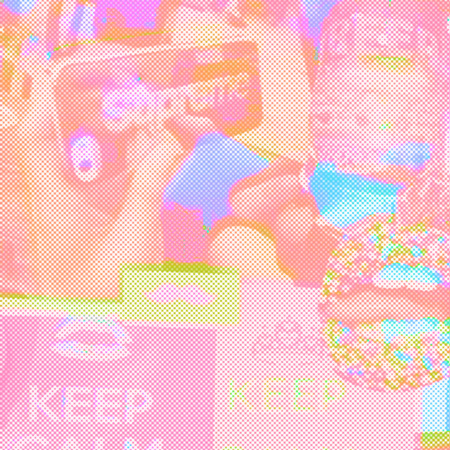
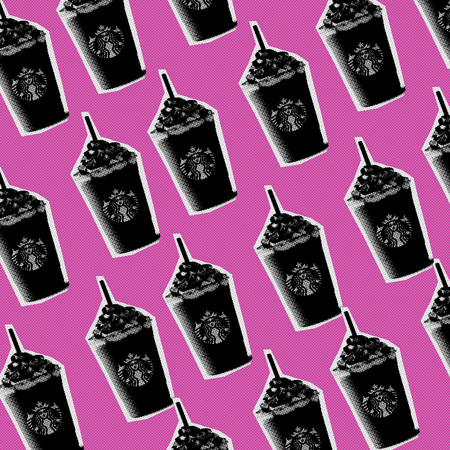
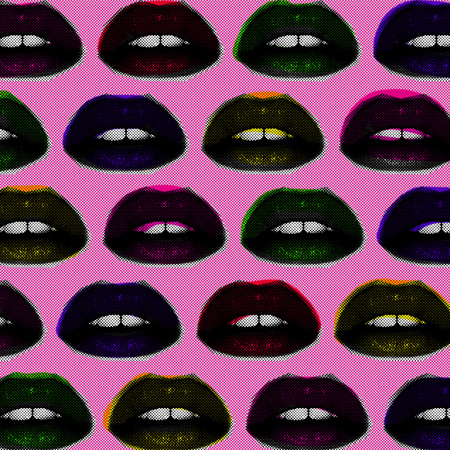
Графическое решение основано на принципах поп-арта: коллаже, наложении изображений и работе с узнаваемыми массовыми образами. Многослойная композиция и повторение визуальных элементов создают эффект информационного потока, характерного для эпохи социальных сетей и интернет-культуры 2010-х годов.
Цветовая палитра основана на характерных оттенках интернет-культуры и Tumblr-эстетики 2010-х годов. Сочетание розового, голубого, сиреневого, зелёного и ярко-розового отражает визуальный язык социальных сетей того периода, объединяя инфантильность, цифровую среду и массовую поп-культуру.
Original size 3294x2134
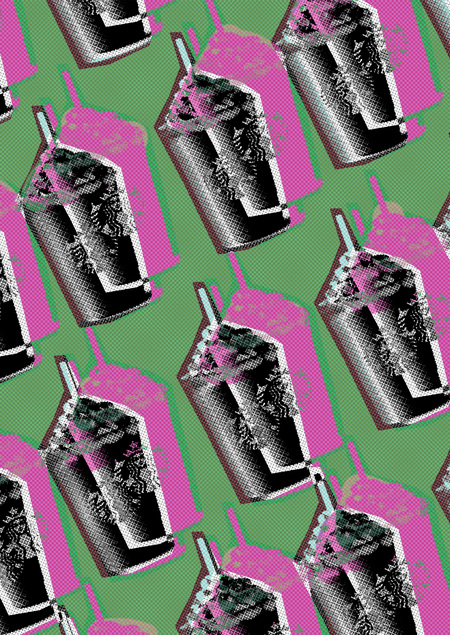
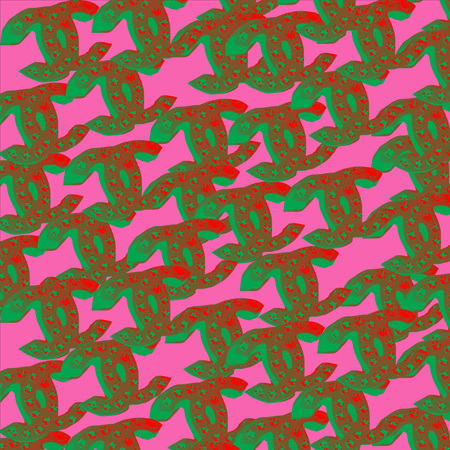
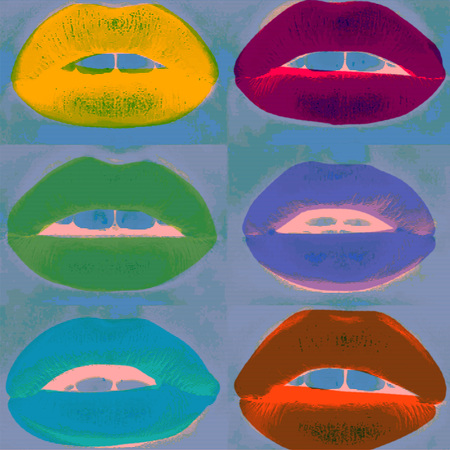
Итоговые паттерны
Использование нескольких паттернов отражает визуальную насыщенность и эклектичность интернет-культуры 2010-х годов. Наслоение различных принтов и графических элементов передаёт характерную для эпохи Tumblr и социальных сетей эстетику коллажа, в которой множество образов, трендов и визуальных кодов существует одновременно.
The digital ecosystem of HSE Institute for Creative Industries Development, combining a professional portfolio for students, graduates and employees of the bachelor’s and master’s degree programmes «Management in Creative Industries», an online educational platform, and a hub that aggregates international competitions in creative industries, among other digital services for creatives.
... Show more
We use cookies to improve the operation of the HSE website and to enhance its usability. More detailed information on the use of cookies can be fou...
Show more
Press space bar to start a drag.
When dragging you can use the arrow keys to move the item around and escape to cancel.
Some screen readers may require you to be in focus mode or to use your pass through key
Press space bar to start a drag.
When dragging you can use the arrow keys to move the item around and escape to cancel.
Some screen readers may require you to be in focus mode or to use your pass through key
Press space bar to start a drag.
When dragging you can use the arrow keys to move the item around and escape to cancel.
Some screen readers may require you to be in focus mode or to use your pass through key
Press space bar to start a drag.
When dragging you can use the arrow keys to move the item around and escape to cancel.
Some screen readers may require you to be in focus mode or to use your pass through key
Press space bar to start a drag.
When dragging you can use the arrow keys to move the item around and escape to cancel.
Some screen readers may require you to be in focus mode or to use your pass through key
Press space bar to start a drag.
When dragging you can use the arrow keys to move the item around and escape to cancel.
Some screen readers may require you to be in focus mode or to use your pass through key
Press space bar to start a drag.
When dragging you can use the arrow keys to move the item around and escape to cancel.
Some screen readers may require you to be in focus mode or to use your pass through key
Press space bar to start a drag.
When dragging you can use the arrow keys to move the item around and escape to cancel.
Some screen readers may require you to be in focus mode or to use your pass through key
Press space bar to start a drag.
When dragging you can use the arrow keys to move the item around and escape to cancel.
Some screen readers may require you to be in focus mode or to use your pass through key
Press space bar to start a drag.
When dragging you can use the arrow keys to move the item around and escape to cancel.
Some screen readers may require you to be in focus mode or to use your pass through key
Press space bar to start a drag.
When dragging you can use the arrow keys to move the item around and escape to cancel.
Some screen readers may require you to be in focus mode or to use your pass through key