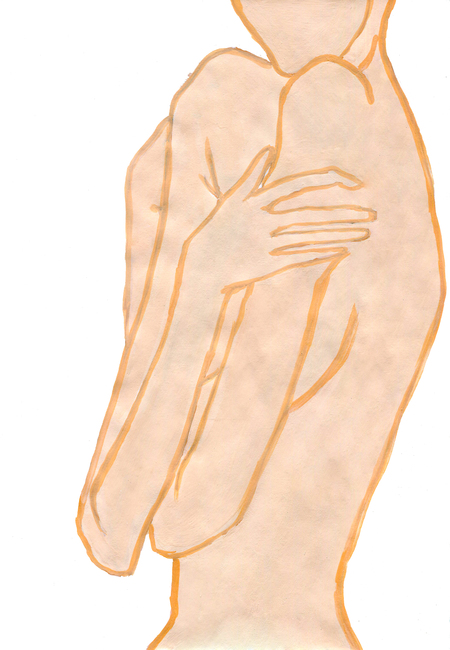
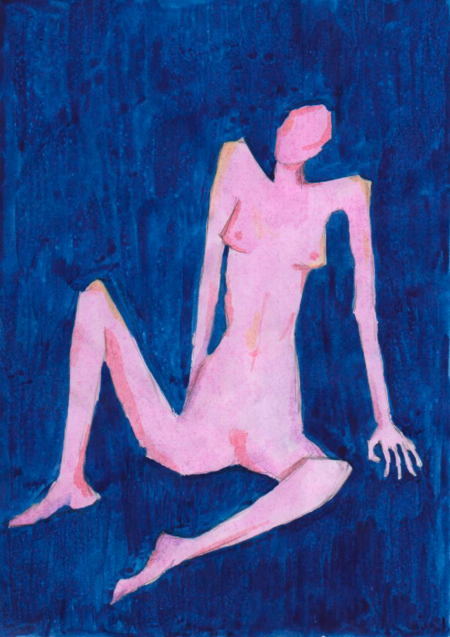
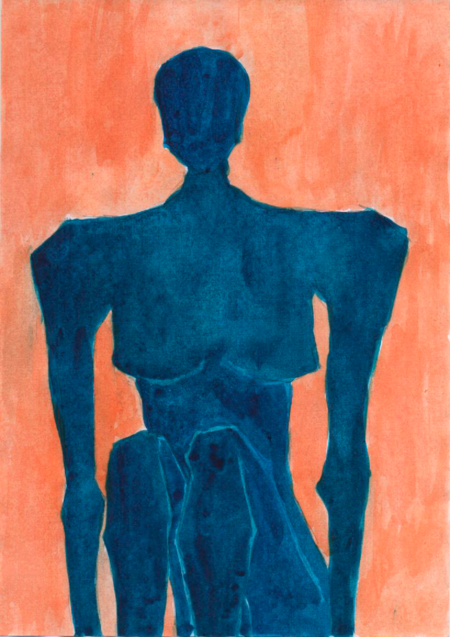
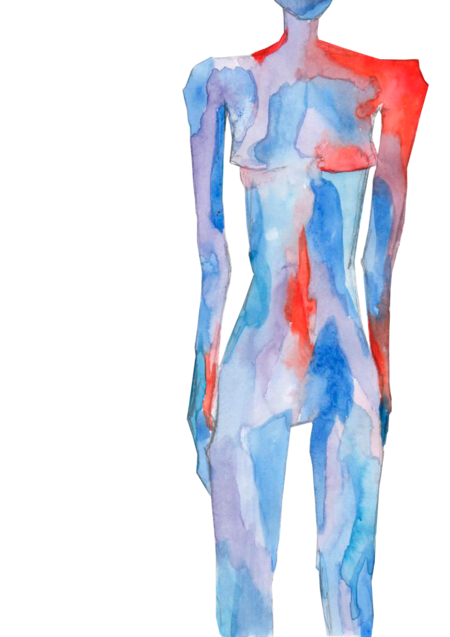
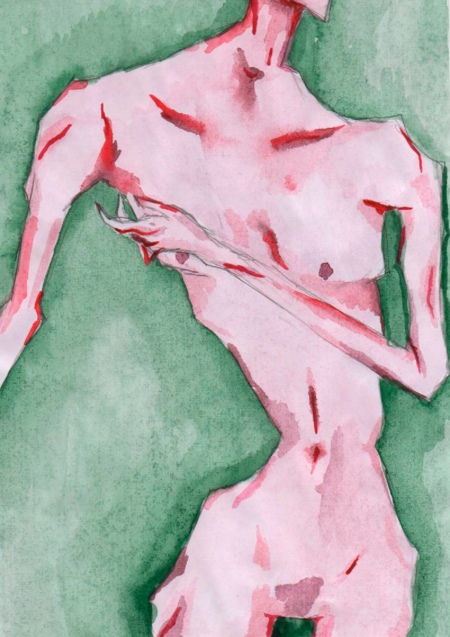
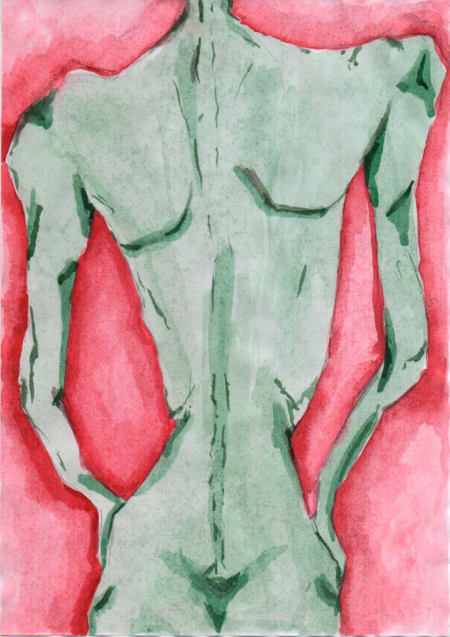
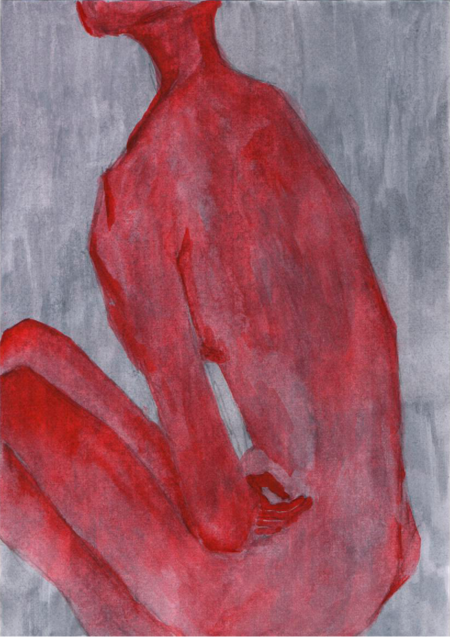
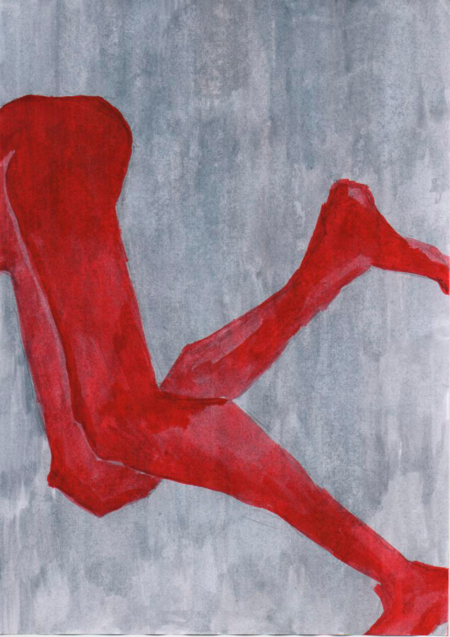
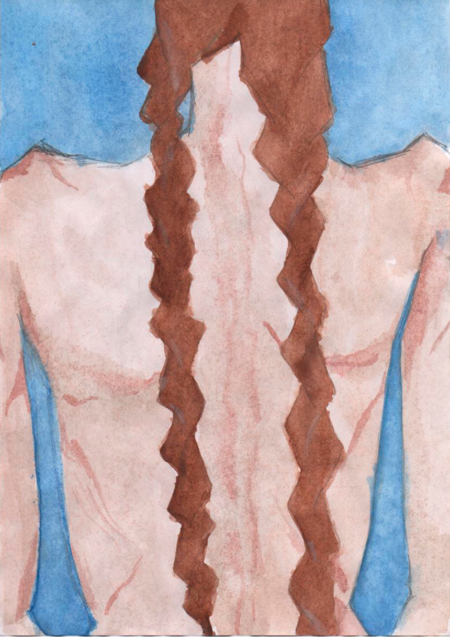
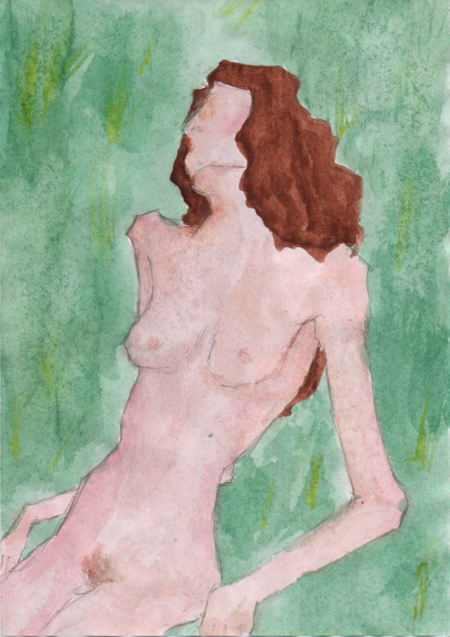
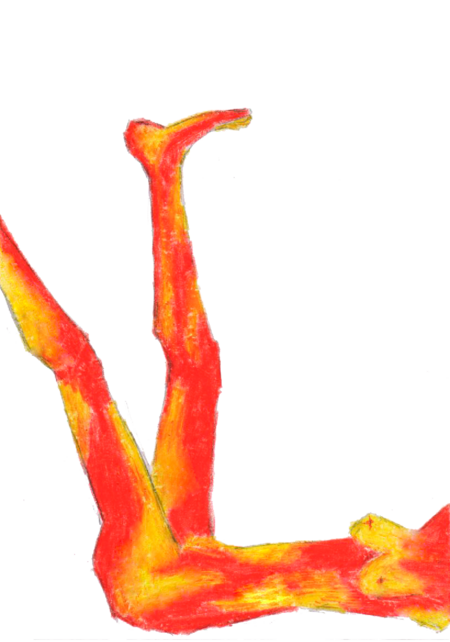
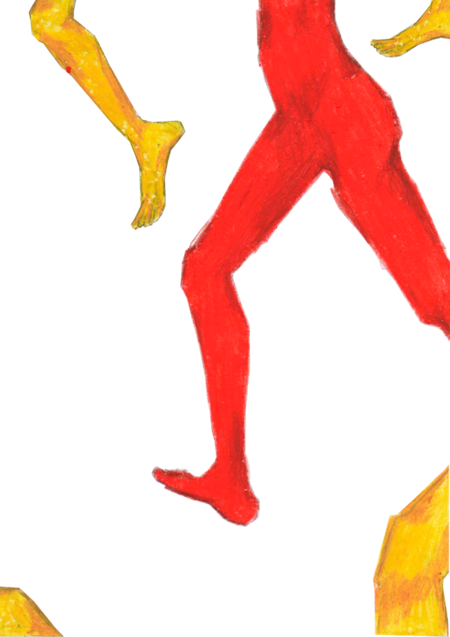
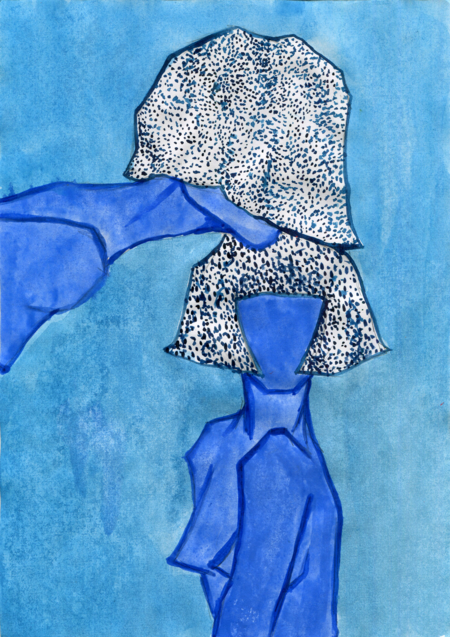
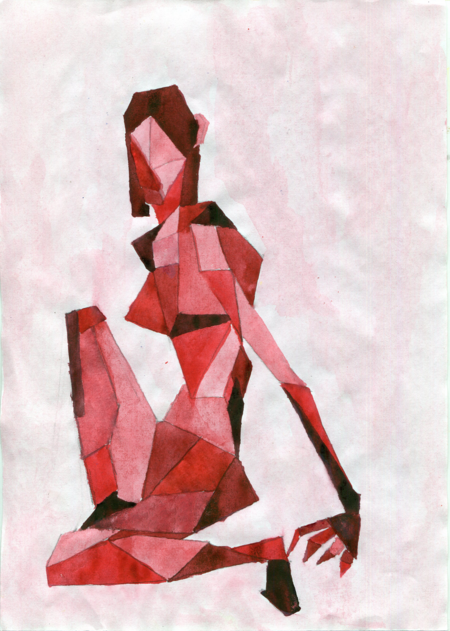
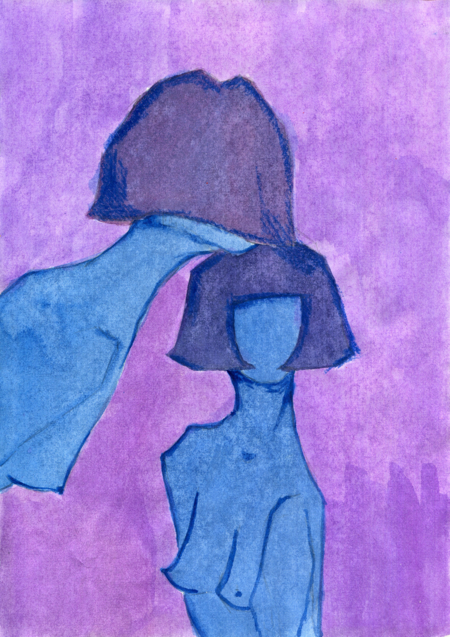
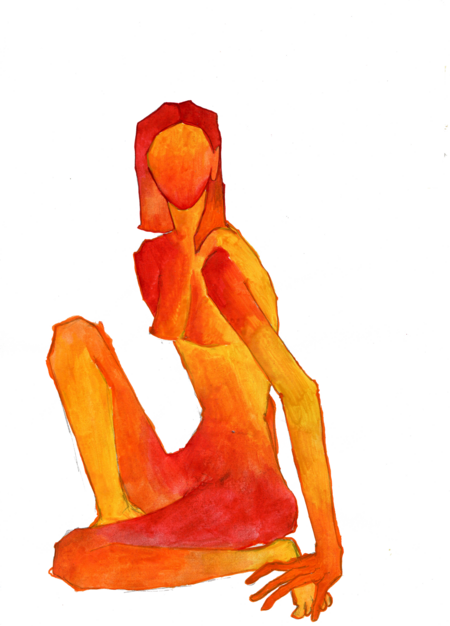
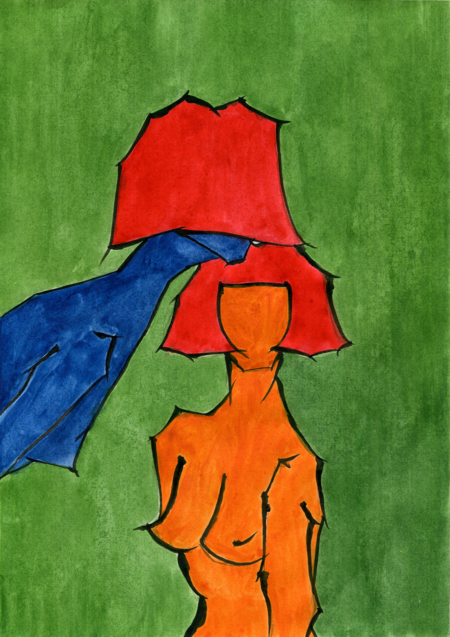
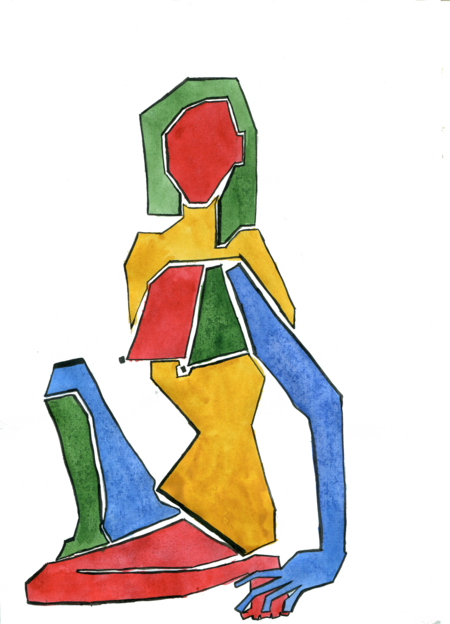
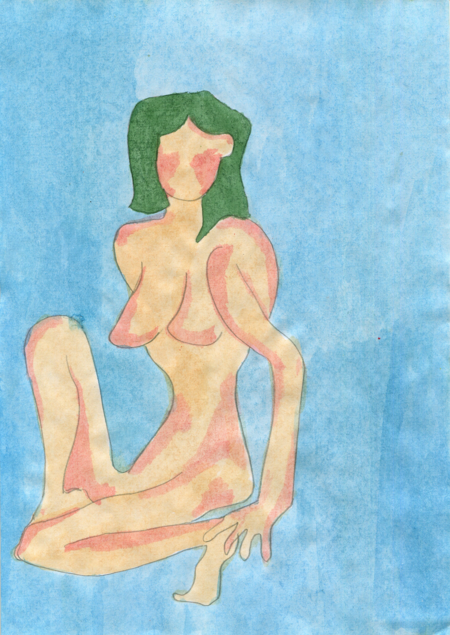
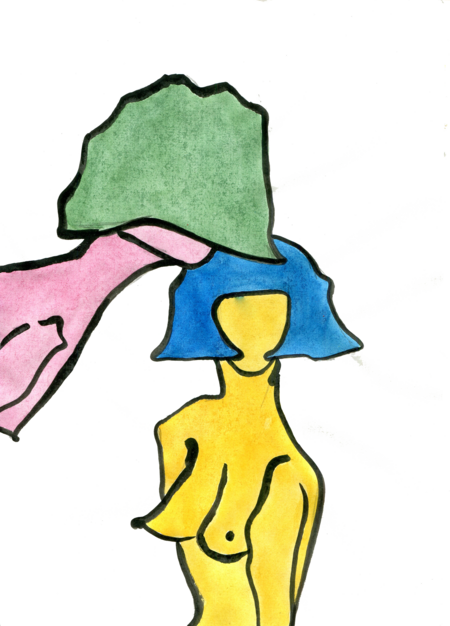
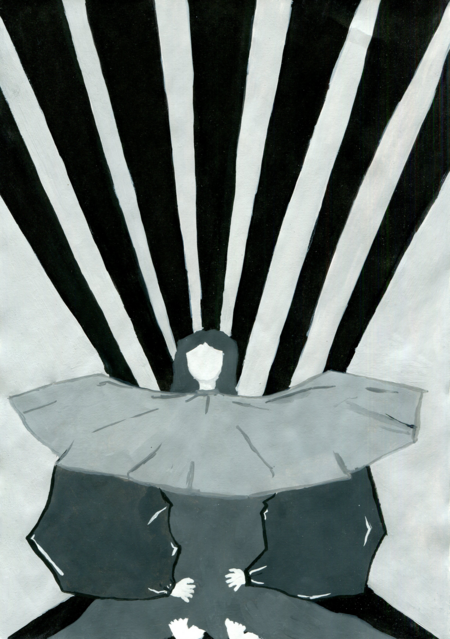
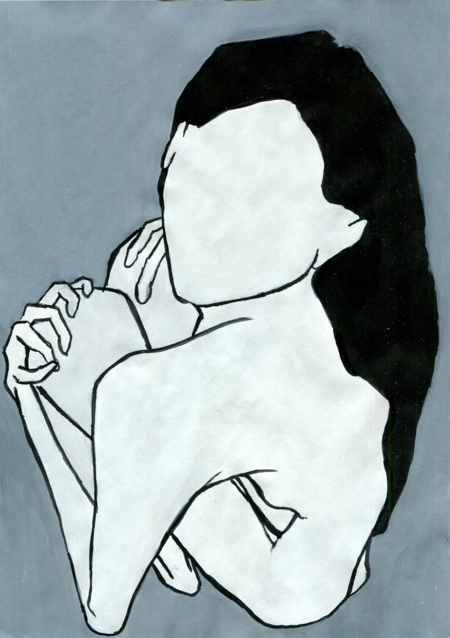
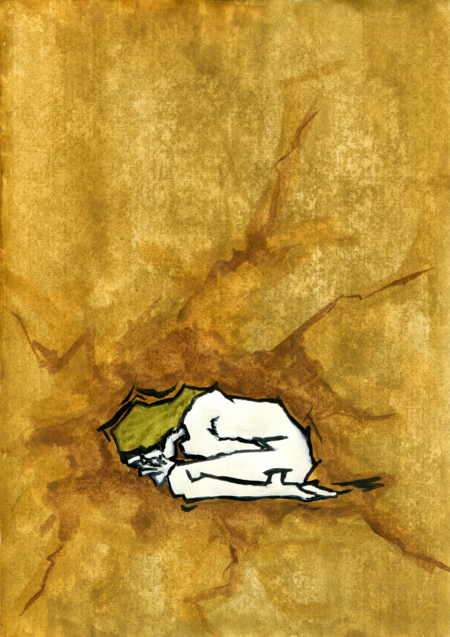
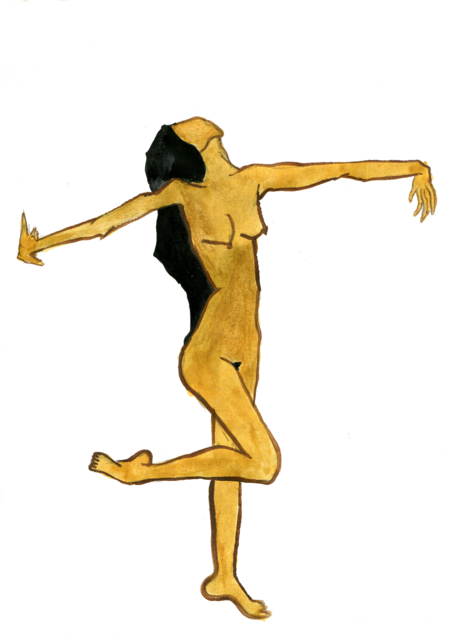
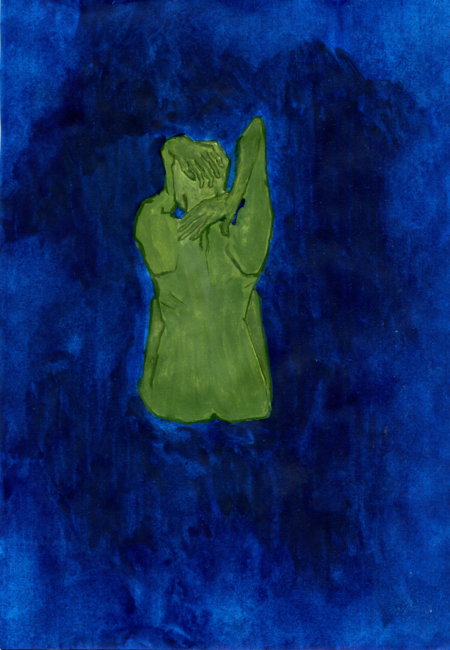
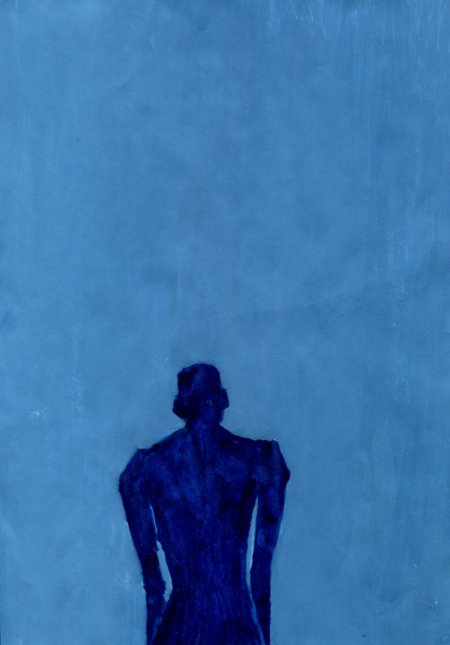
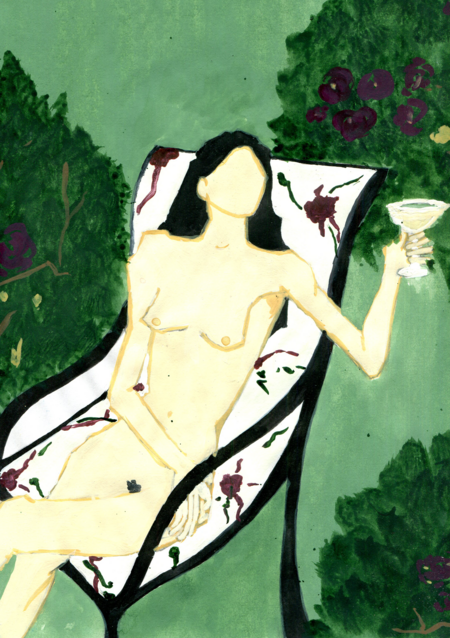
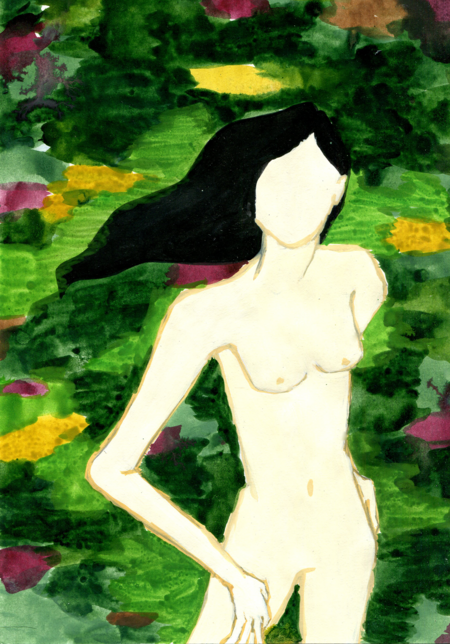
«Бедные-несчастные» рассказывает о природной силе женщины, о праве на собственное тело, о любопытстве, о том, как важно прислушиваться к своим желаниям и не разрешать ни одному мужчине их подавить.
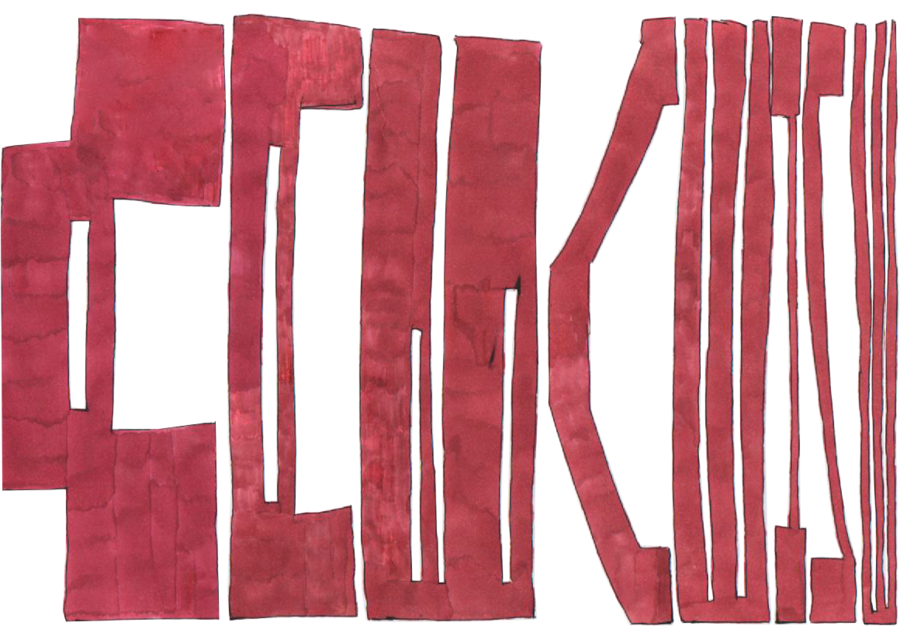
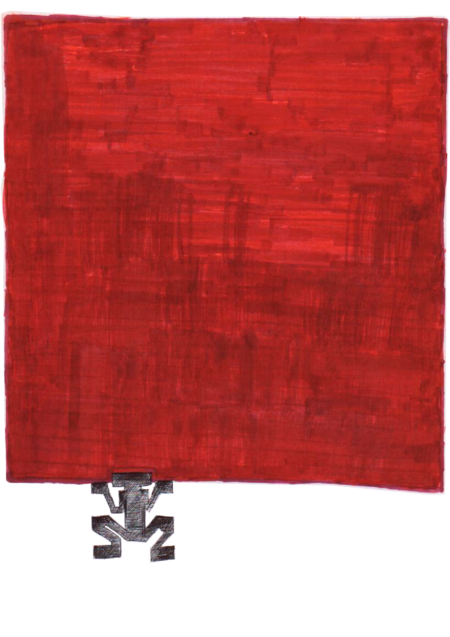
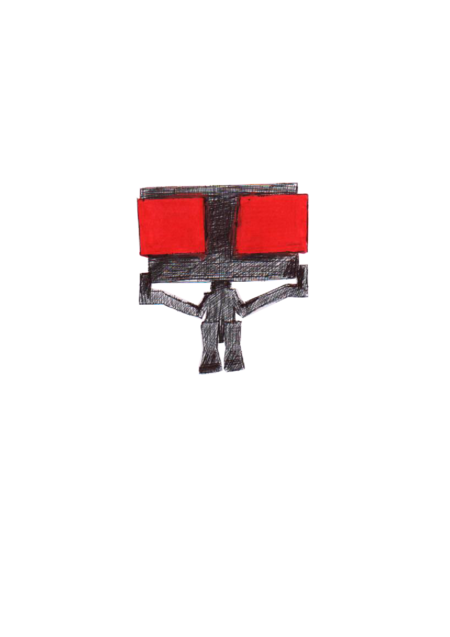
Далия Зайнутдинова подготовила исследование о цвете и его воздействии на восприятие и эмоции. Проект включает анализ цветовой выразительности, контрастов и гармонии в сочетаниях.
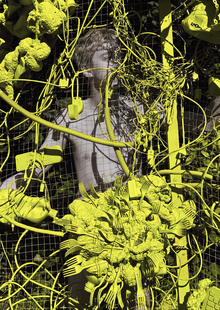
Елена Лапина и Антон Хаев создали фотопроект «МУЛЬТИЛИНГВАЛИЗМ», исследующий визуальные языки и методы работы с фотоизображением в диалоге со зрителем. Проект включает серию работ, включая «ЧЕЛОВЕК», «ЛЕС», «САД», представленных в экспозиции ММОМА.
Никита Каратайский написал эссе о музеях звука, рассматривающих их роль в сохранении и популяризации звукового наследия. Проект включает анализ уникальных музеев, таких как Музей Звука в Санкт-Петербурге и Haus Der Musik в Вене, с акцентом на их различающиеся подходы к звуку и музыке.
Николай Фоменко и Милана Лупашку создали текст для проекта «Райский сад edem». Проект описывает искусственный интеллект, создающий «райский сад» из бытовых отходов людей.
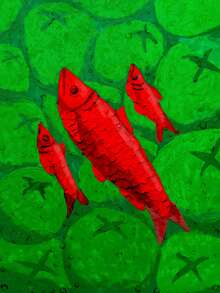
Тимур Чернявский создал проект «Рыба», в котором исследует символику живого искусства в противопоставлении товару и потреблению. Проект выполнен в формате цифрового перевода тактильной скульптуры из пластилина, созданной в естественной среде обитания рыбы — воде.
We use cookies to improve the operation of the HSE website and to enhance its usability. More detailed information on the use of cookies can be fou...
Show more
Press space bar to start a drag.
When dragging you can use the arrow keys to move the item around and escape to cancel.
Some screen readers may require you to be in focus mode or to use your pass through key
Press space bar to start a drag.
When dragging you can use the arrow keys to move the item around and escape to cancel.
Some screen readers may require you to be in focus mode or to use your pass through key
Press space bar to start a drag.
When dragging you can use the arrow keys to move the item around and escape to cancel.
Some screen readers may require you to be in focus mode or to use your pass through key
Press space bar to start a drag.
When dragging you can use the arrow keys to move the item around and escape to cancel.
Some screen readers may require you to be in focus mode or to use your pass through key
Press space bar to start a drag.
When dragging you can use the arrow keys to move the item around and escape to cancel.
Some screen readers may require you to be in focus mode or to use your pass through key
Press space bar to start a drag.
When dragging you can use the arrow keys to move the item around and escape to cancel.
Some screen readers may require you to be in focus mode or to use your pass through key
Press space bar to start a drag.
When dragging you can use the arrow keys to move the item around and escape to cancel.
Some screen readers may require you to be in focus mode or to use your pass through key
Press space bar to start a drag.
When dragging you can use the arrow keys to move the item around and escape to cancel.
Some screen readers may require you to be in focus mode or to use your pass through key
Press space bar to start a drag.
When dragging you can use the arrow keys to move the item around and escape to cancel.
Some screen readers may require you to be in focus mode or to use your pass through key
Press space bar to start a drag.
When dragging you can use the arrow keys to move the item around and escape to cancel.
Some screen readers may require you to be in focus mode or to use your pass through key
Press space bar to start a drag.
When dragging you can use the arrow keys to move the item around and escape to cancel.
Some screen readers may require you to be in focus mode or to use your pass through key
Press space bar to start a drag.
When dragging you can use the arrow keys to move the item around and escape to cancel.
Some screen readers may require you to be in focus mode or to use your pass through key
Press space bar to start a drag.
When dragging you can use the arrow keys to move the item around and escape to cancel.
Some screen readers may require you to be in focus mode or to use your pass through key
Press space bar to start a drag.
When dragging you can use the arrow keys to move the item around and escape to cancel.
Some screen readers may require you to be in focus mode or to use your pass through key
Press space bar to start a drag.
When dragging you can use the arrow keys to move the item around and escape to cancel.
Some screen readers may require you to be in focus mode or to use your pass through key
Press space bar to start a drag.
When dragging you can use the arrow keys to move the item around and escape to cancel.
Some screen readers may require you to be in focus mode or to use your pass through key
Press space bar to start a drag.
When dragging you can use the arrow keys to move the item around and escape to cancel.
Some screen readers may require you to be in focus mode or to use your pass through key
Press space bar to start a drag.
When dragging you can use the arrow keys to move the item around and escape to cancel.
Some screen readers may require you to be in focus mode or to use your pass through key