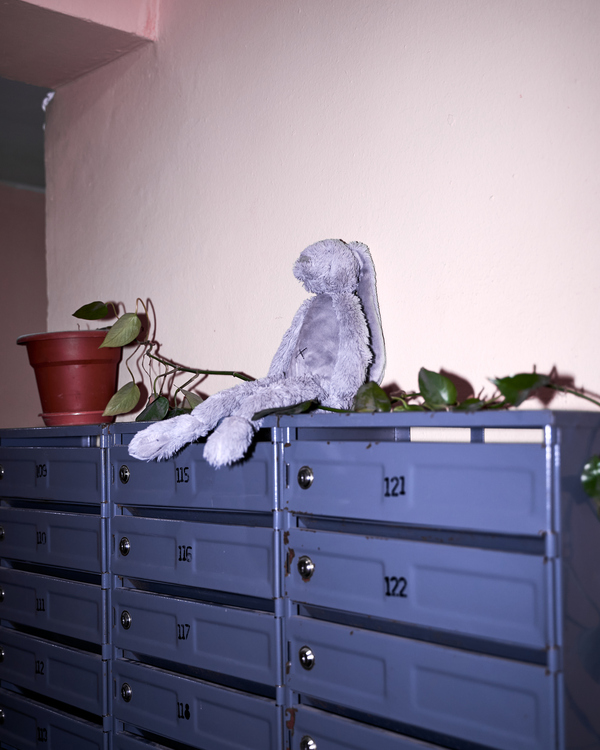
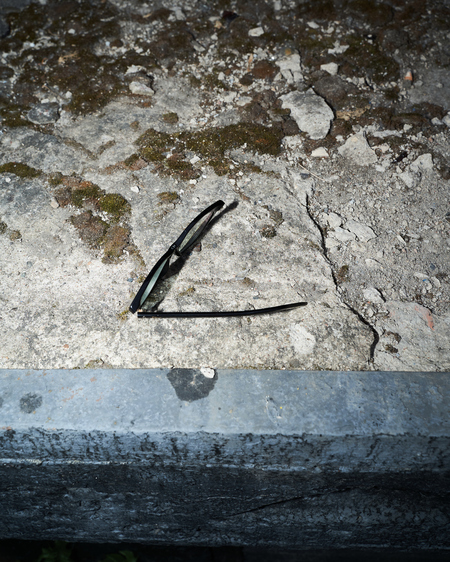
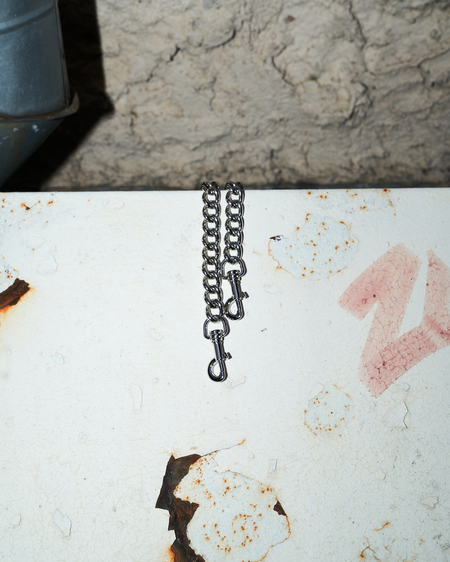
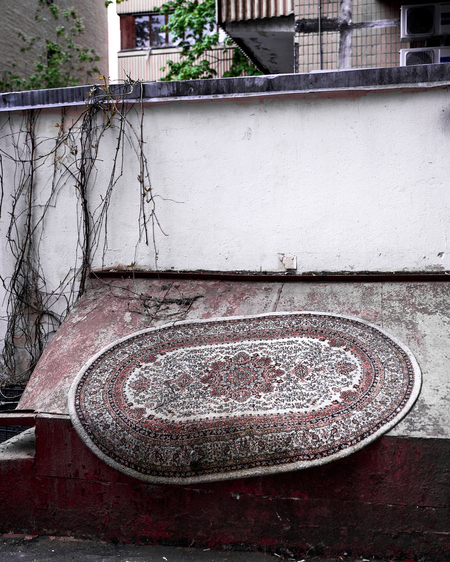
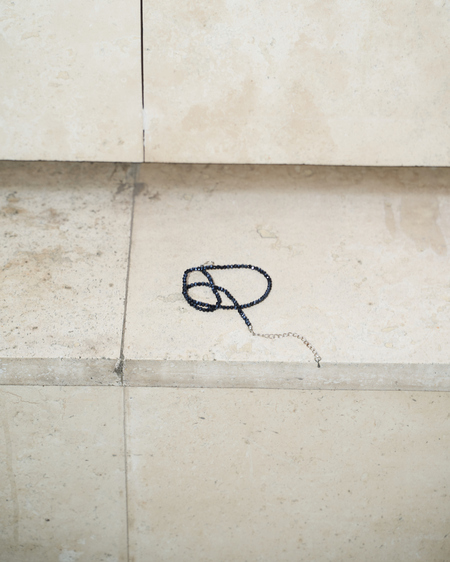
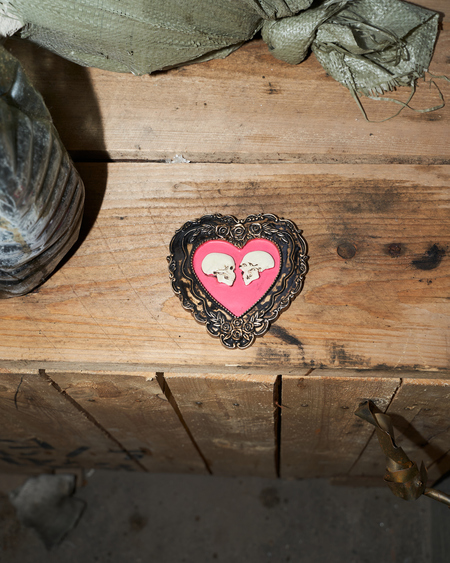
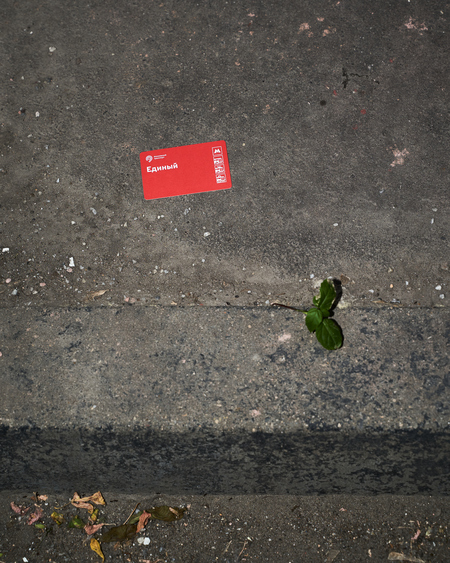
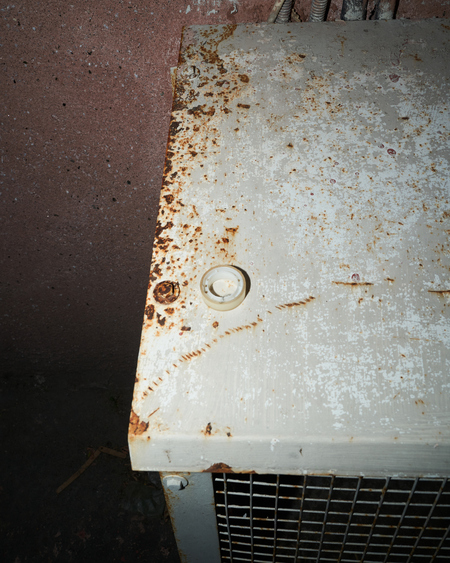
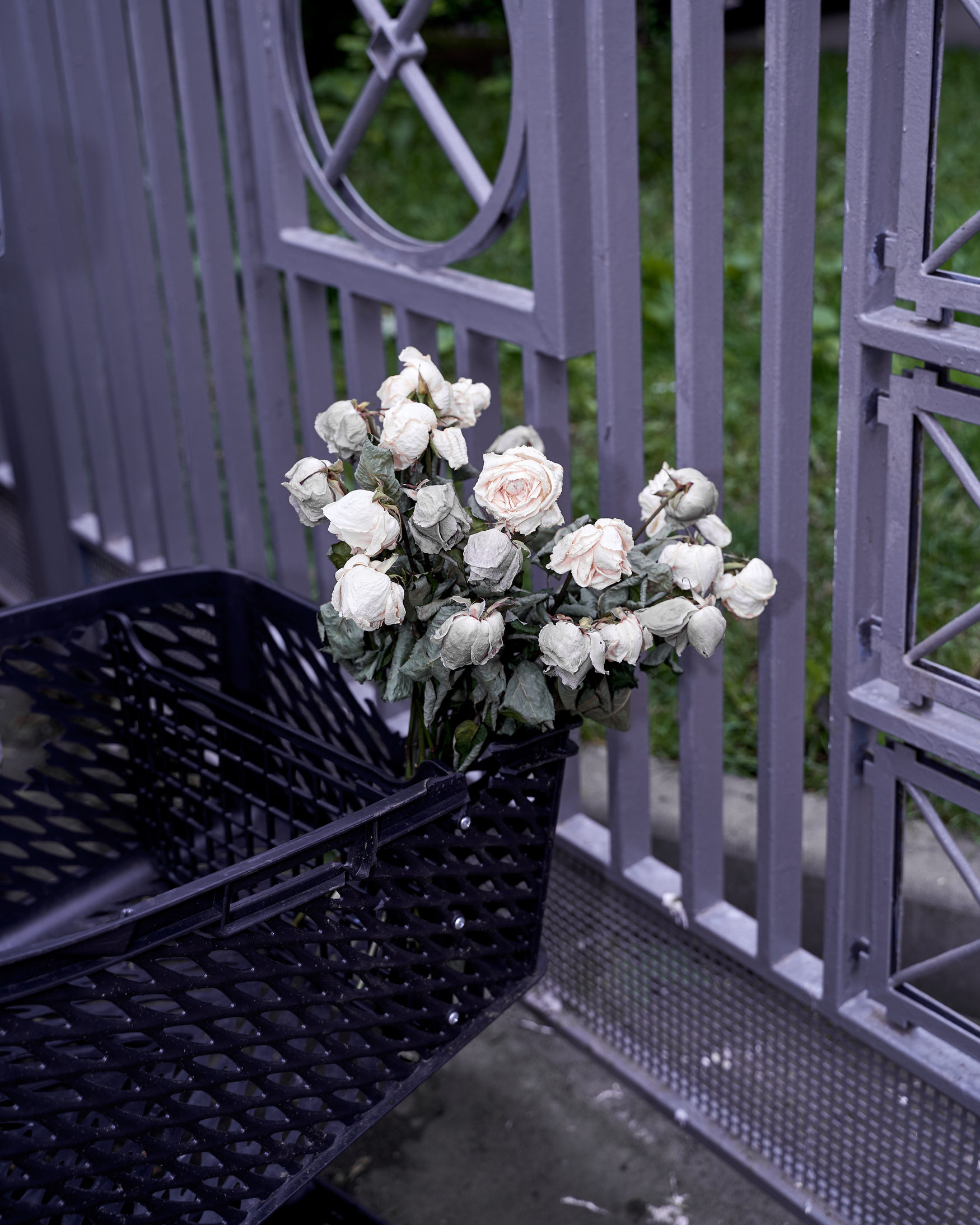
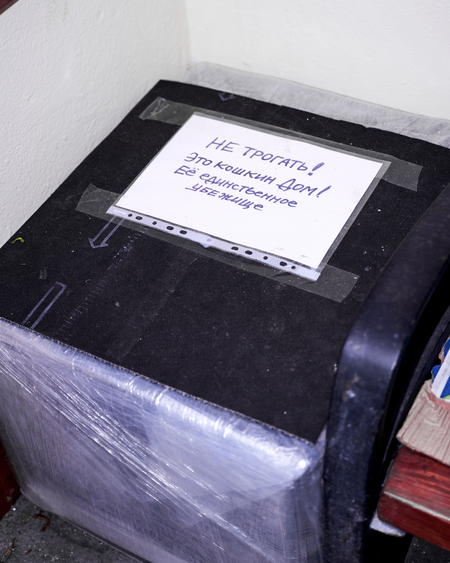
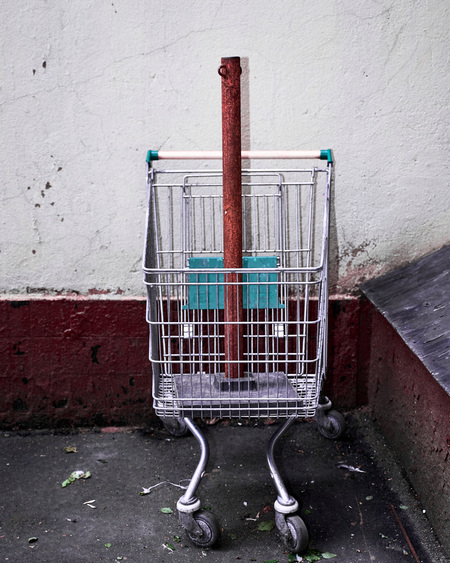
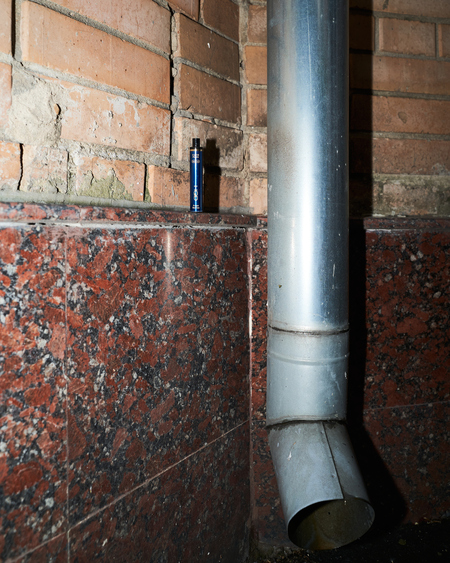
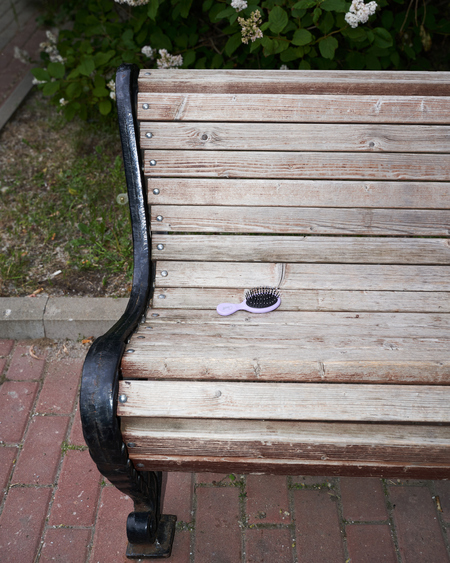
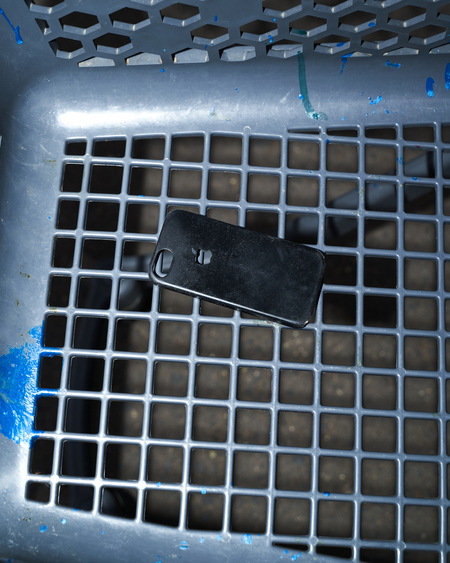
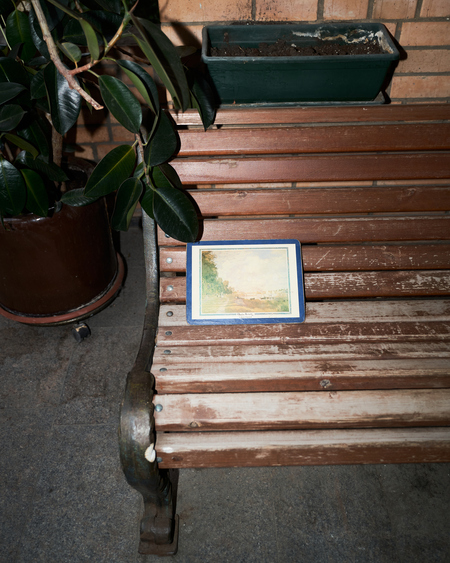
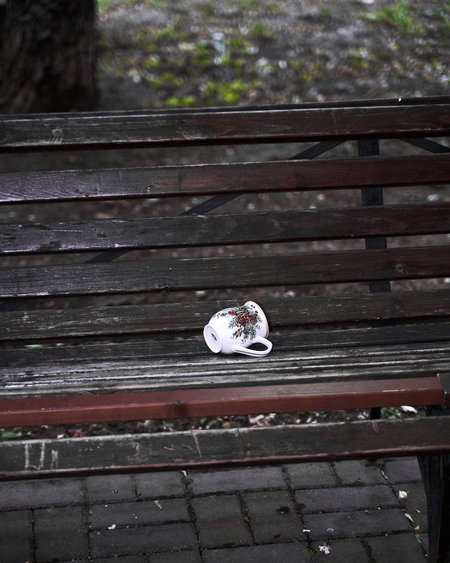
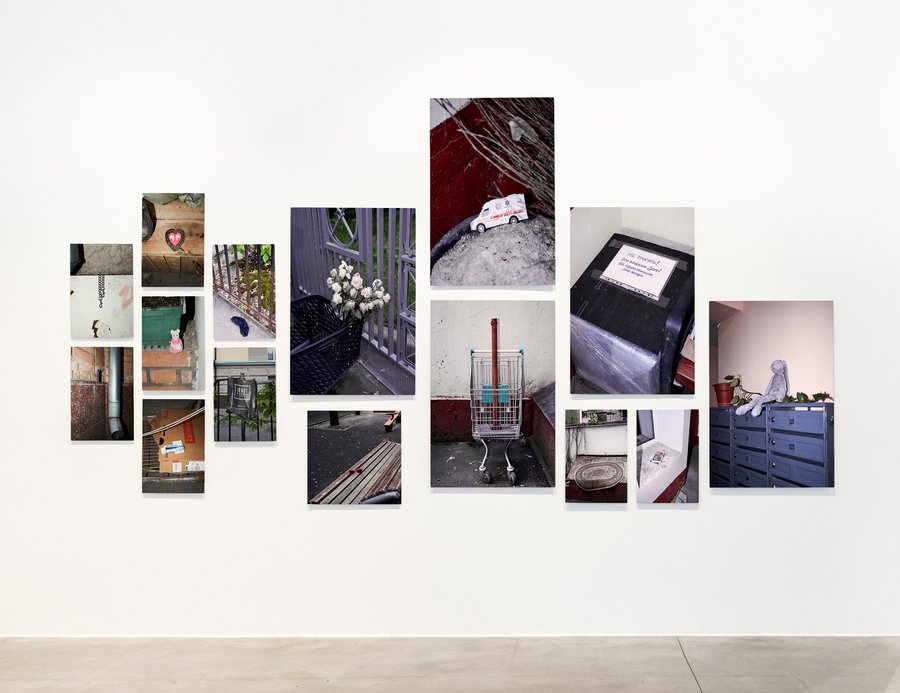
Мой проект обращает внимание на жизнь, которая находится прямо у нас под носом. Ведь очень часто мы живём неосознанно, машинально, смотря в телефон.
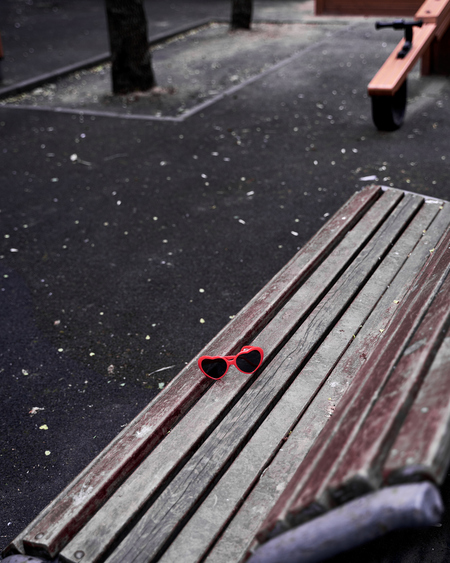
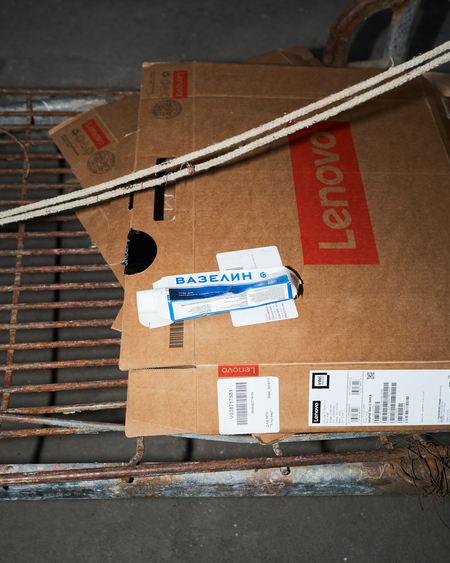
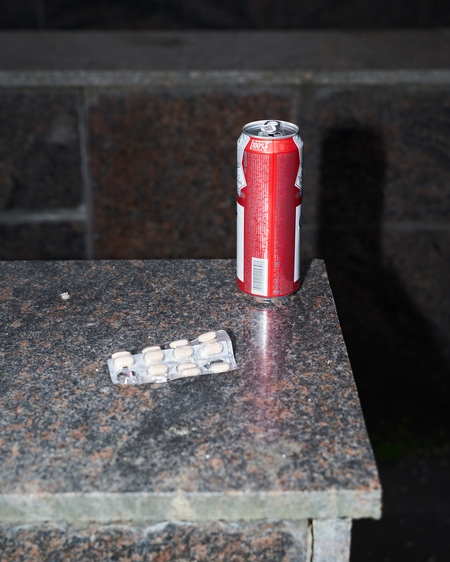
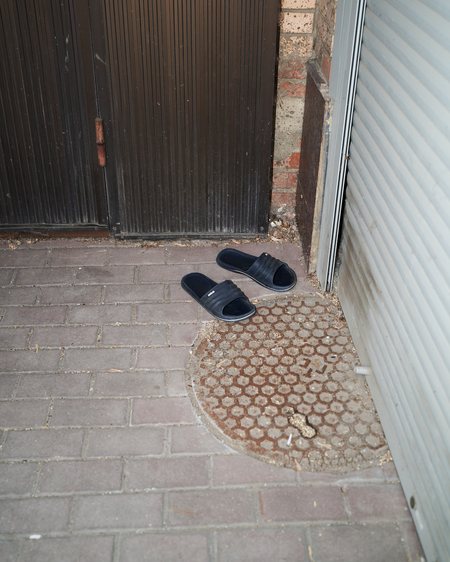
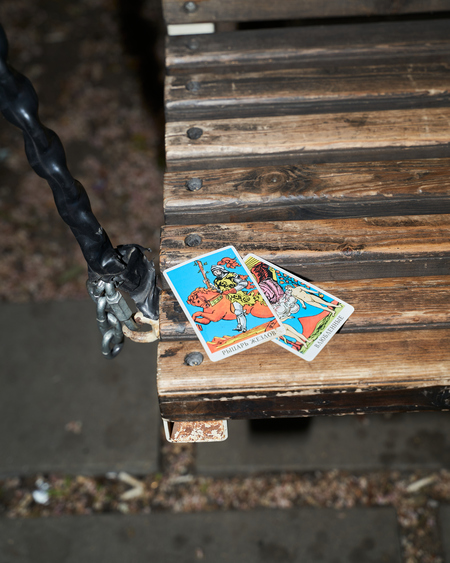
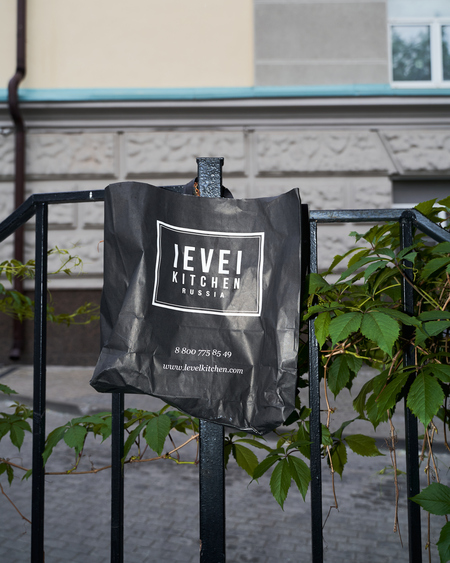
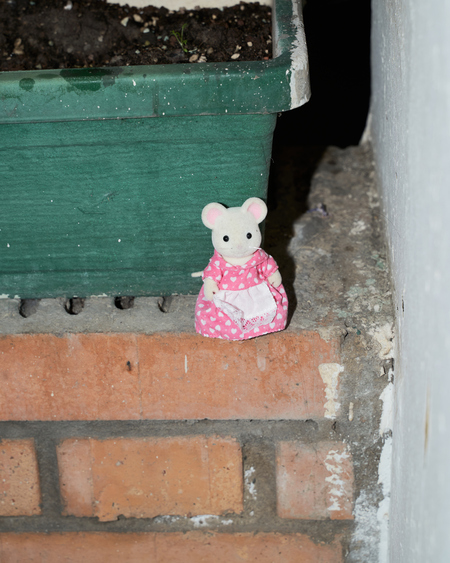
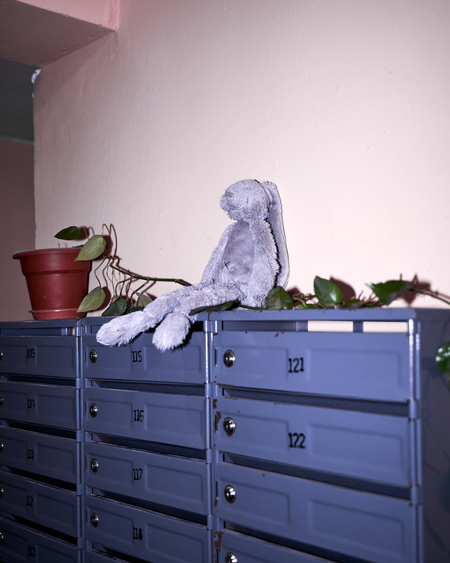
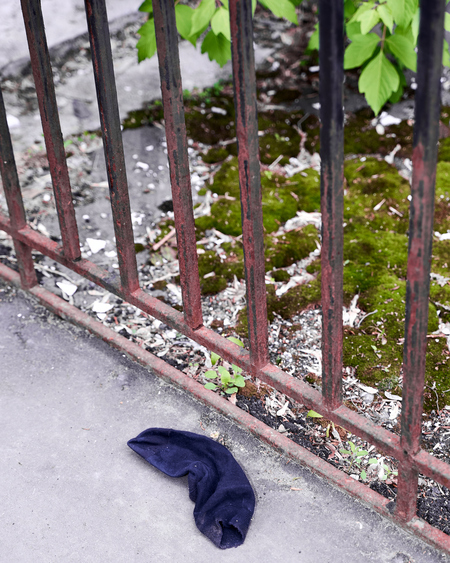
Я решила проанализировать жизнь в своём дворе, где живу уже три года. Когда я сказала маме, что хочу поснимать забытые вещи или что-то красивое и необычное, чего раньше не замечала во дворе, она ответила, что там не может быть ничего интересного.
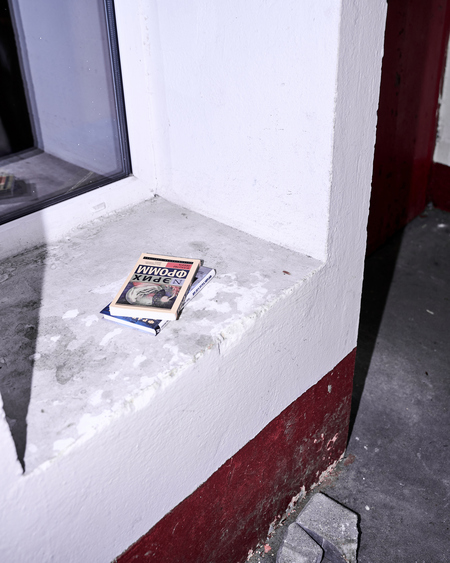
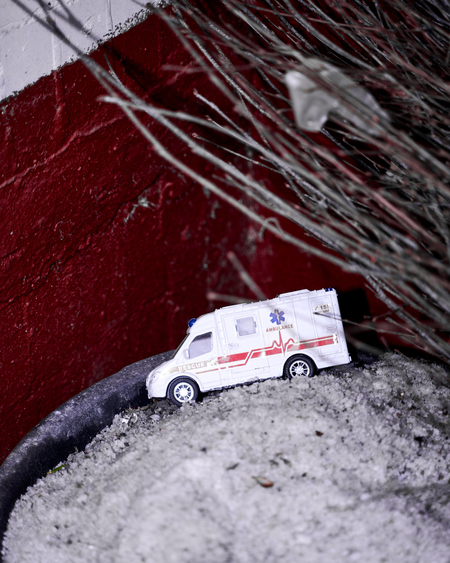
Однако, выйдя снимать, я обнаружила множество предметов и деталей, которые раньше не замечала.
В своём проекте я хочу показать зрителям, что, когда мы постоянно заняты своими делами и мыслями, вся жизнь, важные детали и целый мир вокруг нас могут остаться незамеченными.
А что, если книга, оставленная кем-то у вашего подъезда, изменит вас или подскажет ответ на волнующий вопрос? Или кот, живущий в соседнем подъезде, станет вам верным другом и любимым домашним питомцем? А может, оставленная кем-то машинка или плюшевая игрушка порадует вашего младшего брата?
Автор создала текст о жизни в своём дворе, показывая, как часто мы упускаем из виду важные детали вокруг себя. Проект основан на личном опыте наблюдения за предметами и событиями, которые ранее оставались незамеченными.
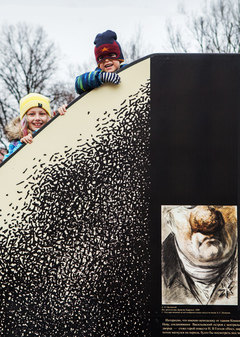
Андрей Пунин подготовил проект «Quarengi. Nose.», посвящённый архитектору Гiacомо Кваренги и его влиянию на Петербург. Проект включает в себя описание его зданий и легенды о его знаменитом носе, основанной на воспоминаниях Филиппа Вигеля.
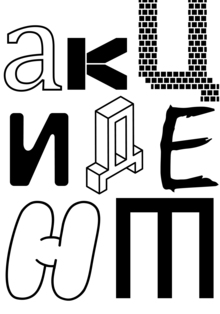
Рустам Шерифзянов создал серию арт-объектов из случайно найденных предметов, превращая их в новые художественные формы. Каждый объект в проекте «Акцидент» включает элементы, собранные в разных локациях и обработанные вручную с использованием простых инструментов.
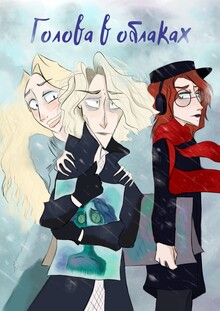
Елизавета Чурекова создала короткометражный фильм "Голова в облаках" о внутреннем конфликте юного художника с ОКР. Проект включает анимационные вставки и цветокоррекцию, создающую мрачную атмосферу с символикой синего оттенка.
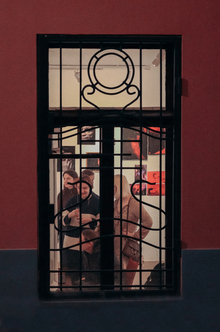
Елена Гузеева создала проект «Опасная безопасность», исследующий тему наблюдения и вторжения в частную жизнь через визуальное искусство и интерактивную игру. Проект включает выставку, виртуальную игру и события, где художники анализируют современные проблемы приватности и слежки с помощью различных форм творчества.
We use cookies to improve the operation of the HSE website and to enhance its usability. More detailed information on the use of cookies can be fou...
Show more
Press space bar to start a drag.
When dragging you can use the arrow keys to move the item around and escape to cancel.
Some screen readers may require you to be in focus mode or to use your pass through key
Press space bar to start a drag.
When dragging you can use the arrow keys to move the item around and escape to cancel.
Some screen readers may require you to be in focus mode or to use your pass through key
Press space bar to start a drag.
When dragging you can use the arrow keys to move the item around and escape to cancel.
Some screen readers may require you to be in focus mode or to use your pass through key
Press space bar to start a drag.
When dragging you can use the arrow keys to move the item around and escape to cancel.
Some screen readers may require you to be in focus mode or to use your pass through key
Press space bar to start a drag.
When dragging you can use the arrow keys to move the item around and escape to cancel.
Some screen readers may require you to be in focus mode or to use your pass through key
Press space bar to start a drag.
When dragging you can use the arrow keys to move the item around and escape to cancel.
Some screen readers may require you to be in focus mode or to use your pass through key
Press space bar to start a drag.
When dragging you can use the arrow keys to move the item around and escape to cancel.
Some screen readers may require you to be in focus mode or to use your pass through key
Press space bar to start a drag.
When dragging you can use the arrow keys to move the item around and escape to cancel.
Some screen readers may require you to be in focus mode or to use your pass through key
Press space bar to start a drag.
When dragging you can use the arrow keys to move the item around and escape to cancel.
Some screen readers may require you to be in focus mode or to use your pass through key
Press space bar to start a drag.
When dragging you can use the arrow keys to move the item around and escape to cancel.
Some screen readers may require you to be in focus mode or to use your pass through key
Press space bar to start a drag.
When dragging you can use the arrow keys to move the item around and escape to cancel.
Some screen readers may require you to be in focus mode or to use your pass through key
Press space bar to start a drag.
When dragging you can use the arrow keys to move the item around and escape to cancel.
Some screen readers may require you to be in focus mode or to use your pass through key
Press space bar to start a drag.
When dragging you can use the arrow keys to move the item around and escape to cancel.
Some screen readers may require you to be in focus mode or to use your pass through key