About the Project (Old Version)
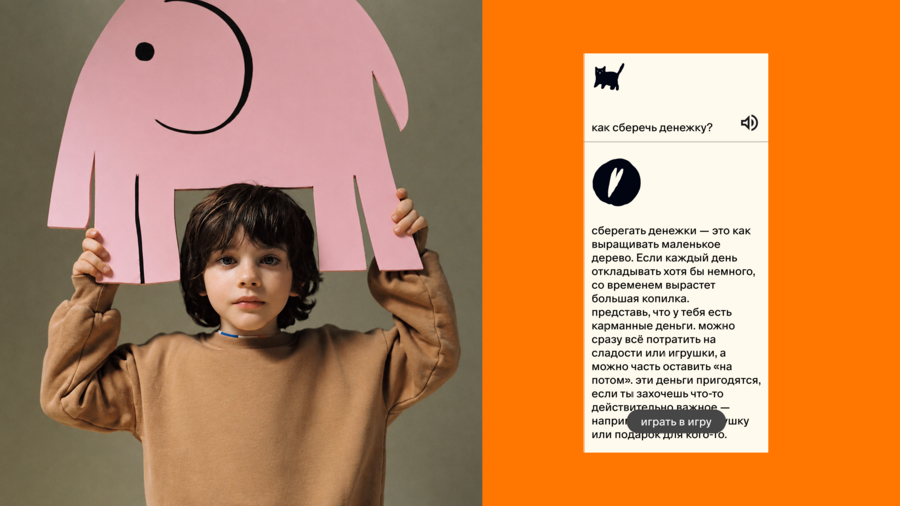
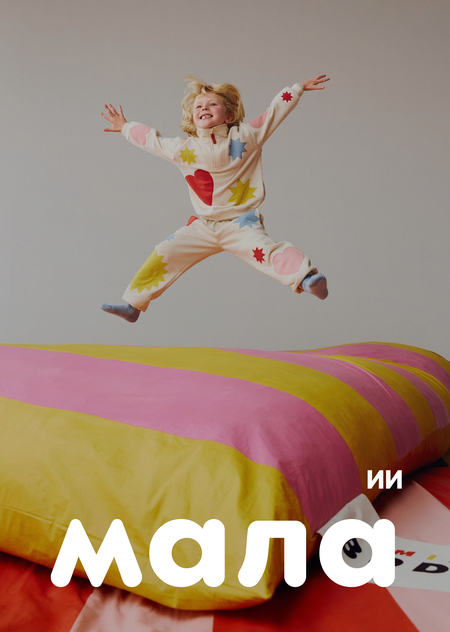
Mala is an educational app for kids 7+ that teaches money management through play: saving, planning purchases, and setting goals. A guiding cat leads the lessons, and in addition to the app, you can sign up for offline groups.
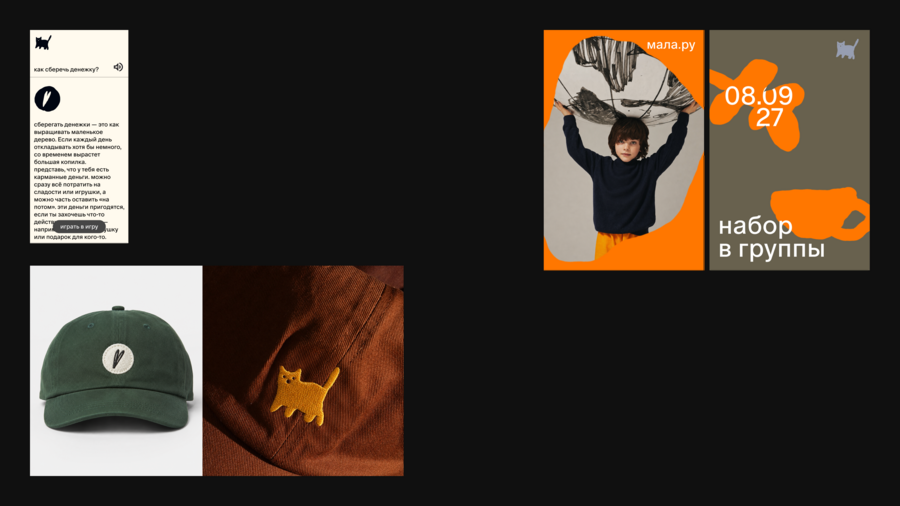
The first version of the identity was built on the aesthetic of children’s paper cutouts: a cut-out cat mascot, a coin symbol with a sprout, and a warm orange-olive palette.
Defining the direction and creating initial logo concepts
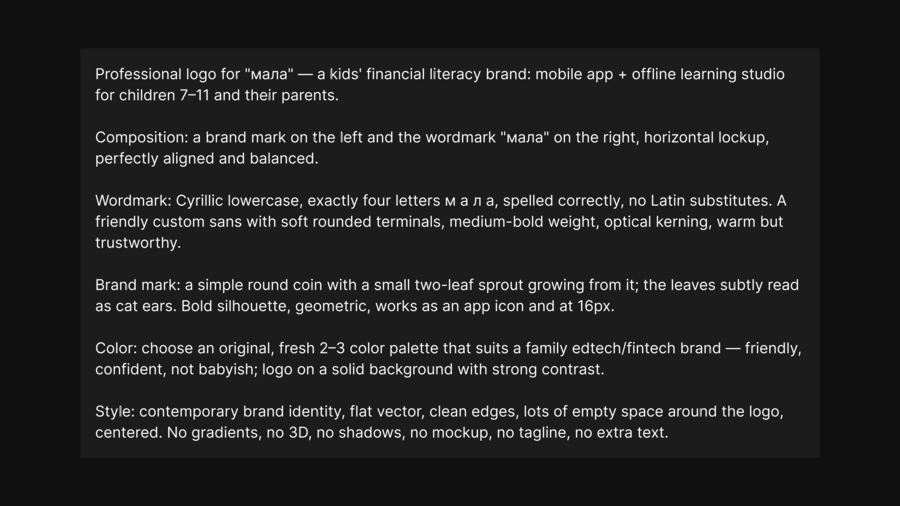
First, I will upload the visuals from the previous identity to Claude AI, ask it to determine a new stylistic direction, and then create a prompt for Nano Banana to generate 20 new logo variations.
Project Description (New Version)
«Mala» evolved from a simple educational app concept into a full-fledged startup. It is now an ecosystem comprising a mobile application and an offline studio: children aged 7–11 learn about money management both through the in-game experience and in live group sessions. The project generates revenue through family subscriptions, offline courses, and merchandise. Instead of a paper application, the brand identity received plump, rounded shapes, a vibrant combination of red and blue, and a new logo—a coin with a sprout.
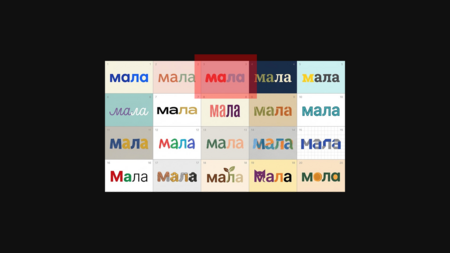
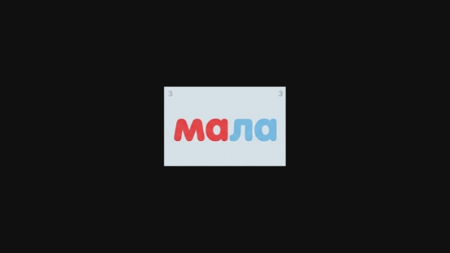
I selected the priority logo option and used WhatTheFont to find a similar typeface—Core Sans G Rounded. This is a rounded geometric grotesque inspired by Futura and Avenir, with Cyrillic support.
I establish the primary color palette using Adobe Color and fine-tune the shades.
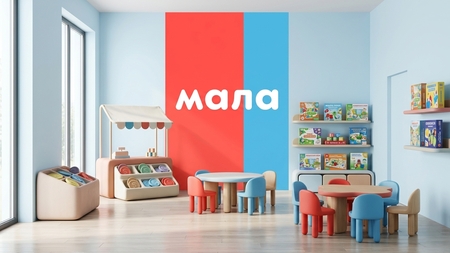
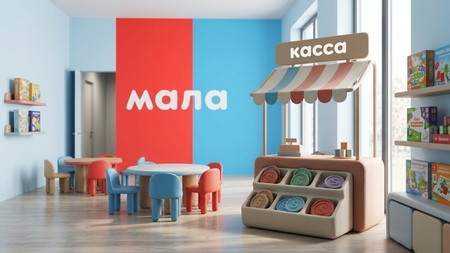
Generating the space based on the established identity and correcting individual visual flaws in the integrated editor.
Claude AI (Claude Opus 5.5) — brief analysis and old project review, startup concept, generation prompts, converting the brand mark to SVG. claude.ai
Gemini (Nano Banana) — logo and brand mark variation generation, mark refinement based on instructions, case visuals, merchandise, and applications. gemini.google.com
What the Font — identifying the font of the generated logo (Geometa Rounded Bold) and selecting Cyrillic equivalents. myfonts.com/WhatTheFont
Adobe Color — extracting the brand palette from the logo, building color harmony, and checking contrast. color.adobe.com