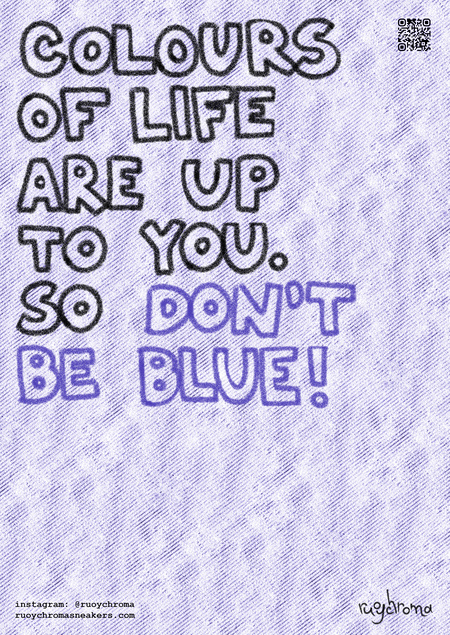
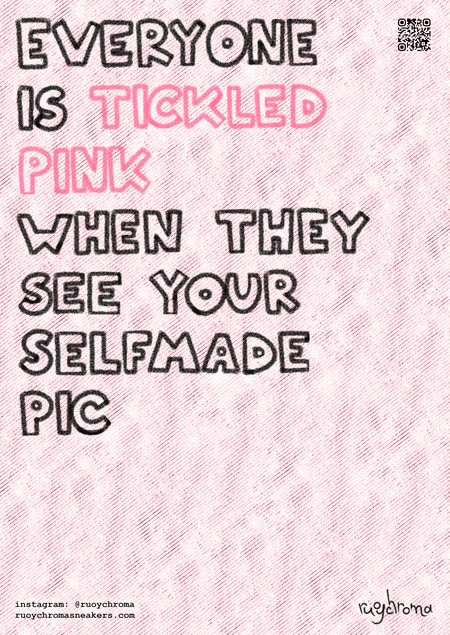
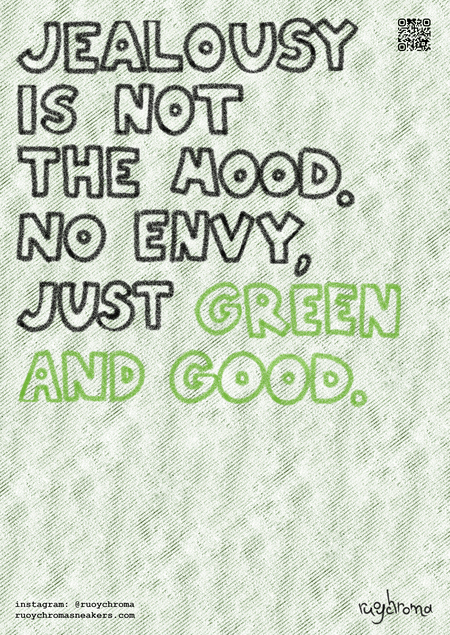
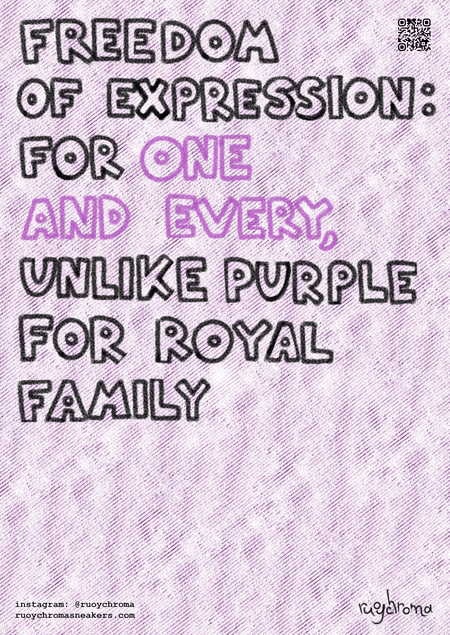
это собрание плакатов, которые я успела сделать для проектов в вышку, с краткими описаниями что к чему. почему «плакаты из класса 101»? 101 — класс, с которого всё начинается, это твои первые шаги, вырастающие в опыт и умения.
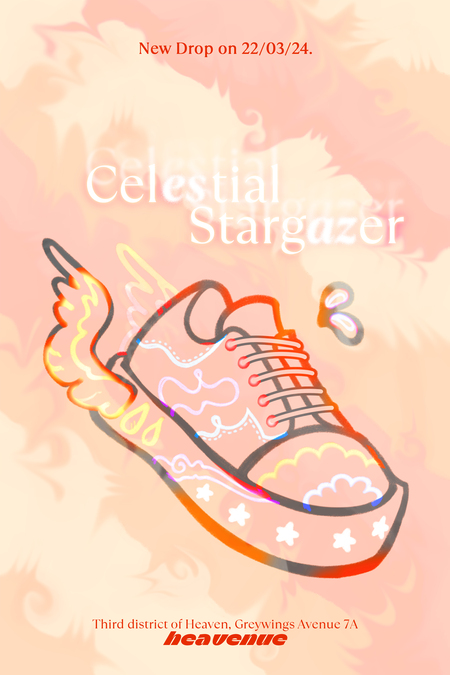
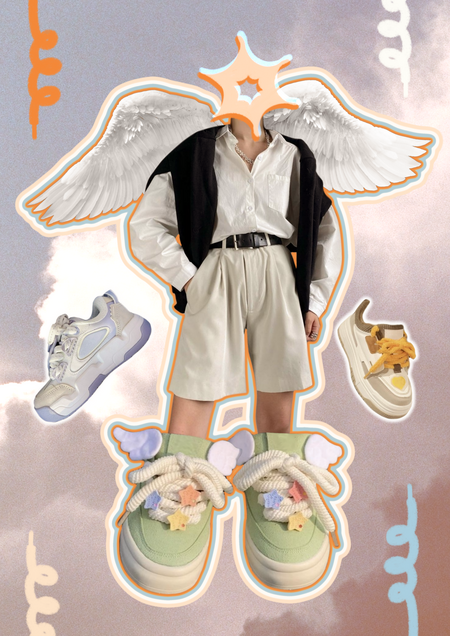
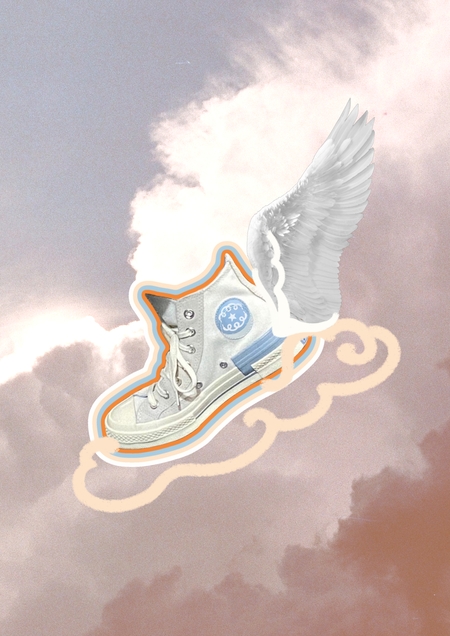
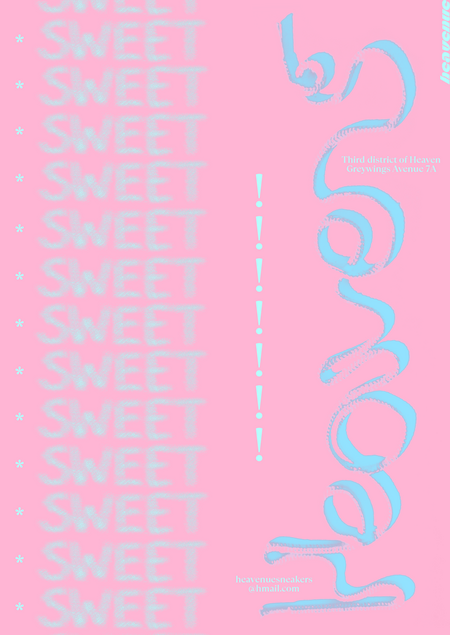
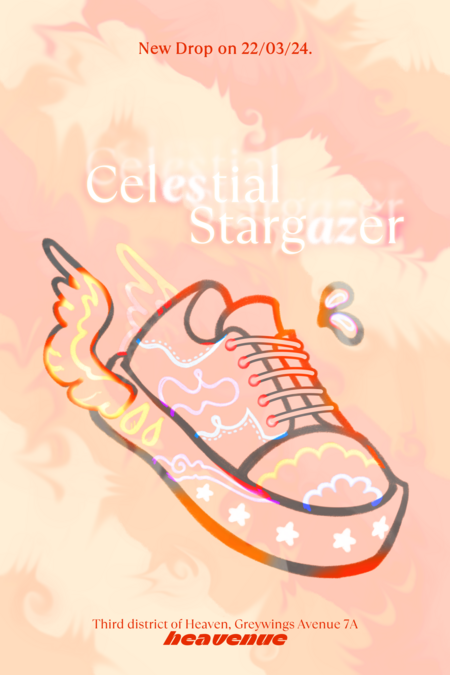
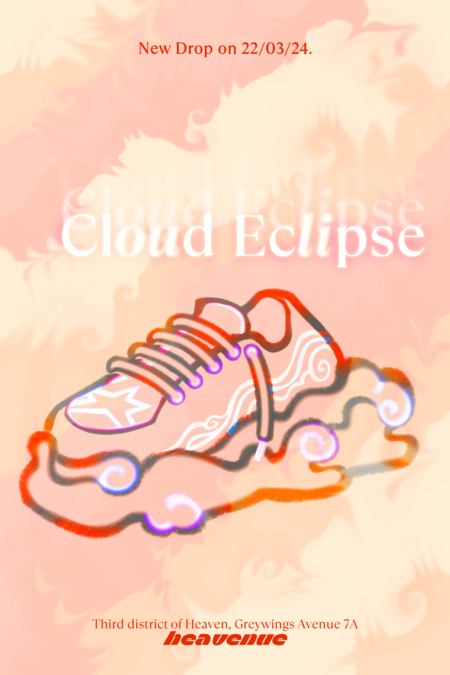
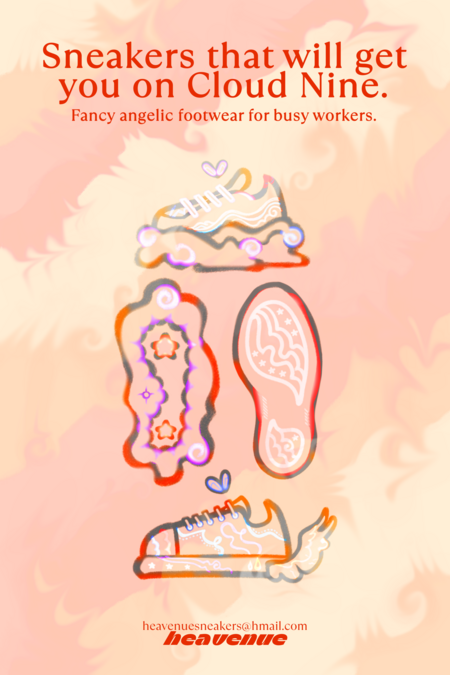
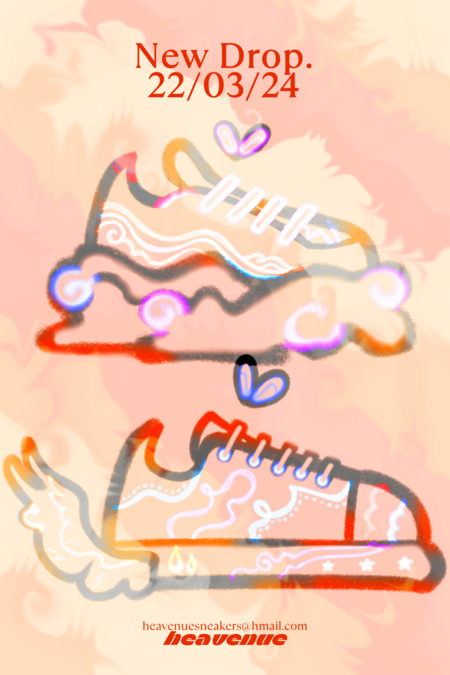
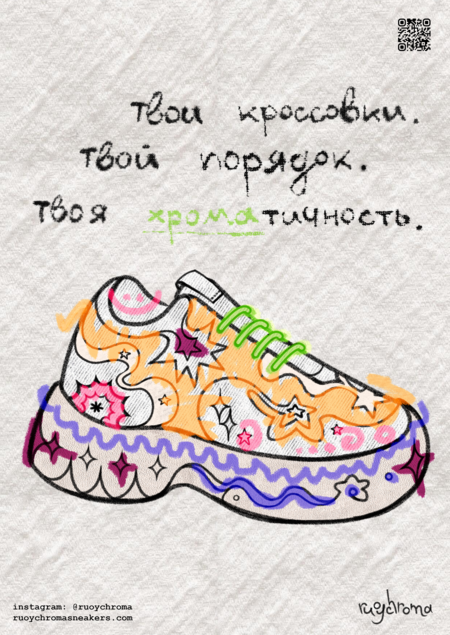
несколько серий плакатов для вымышленного бренда кроссовок для ангелов. коллажи, иллюстрации, разные техники, всё здесь.
графический образ и обложка
образы покупателей
Исходный размер 2480x3500
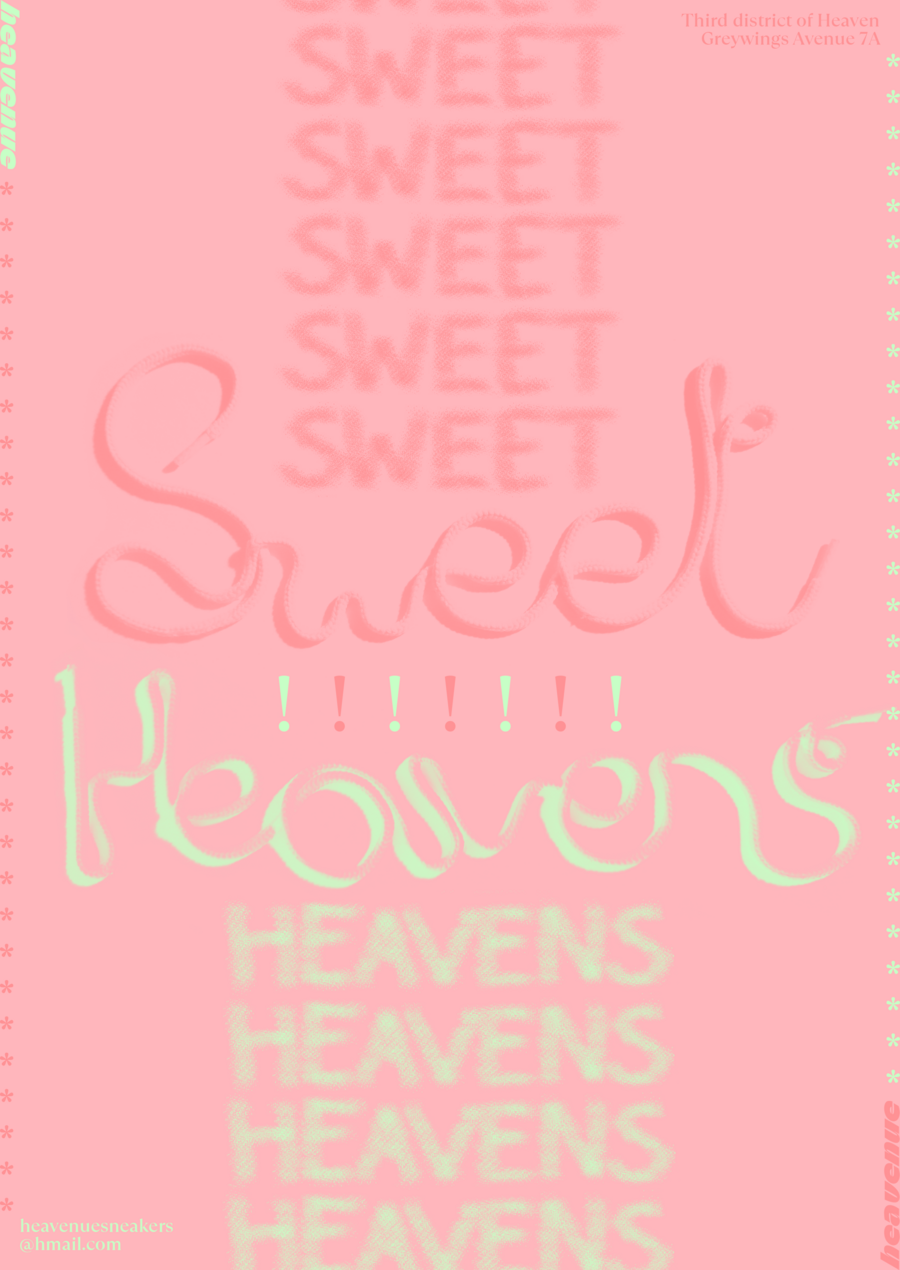
слова в этой серии плакатов выведены реальным шнурком
Исходный размер 3335x5000
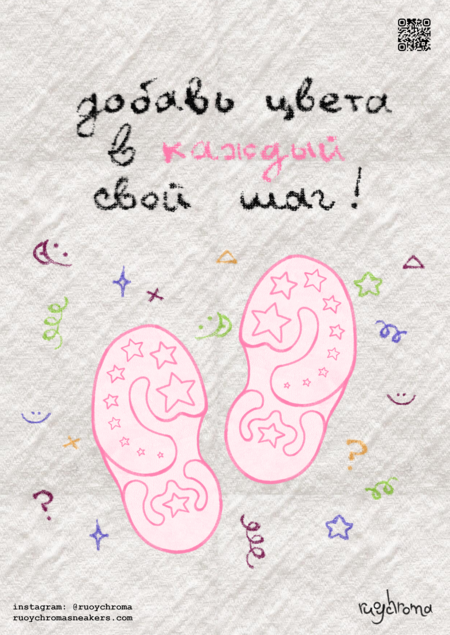
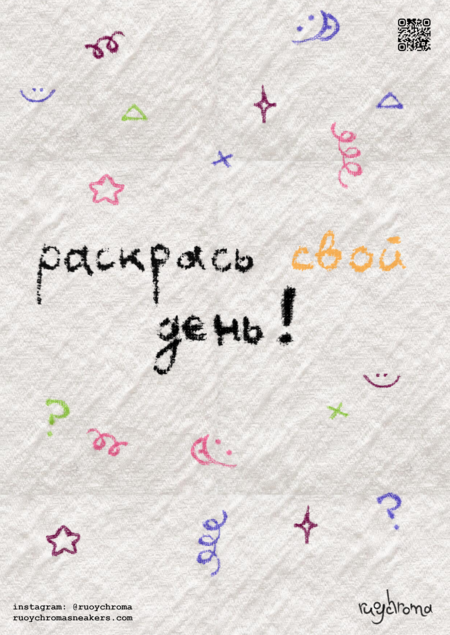
затем бренд кроссовок стал не для ангелов, а для кастомизации, всеми, кто захочет.
надписи сделаны по ткани вручную
Исходный размер 2480x3500
Исходный размер 4896x3264
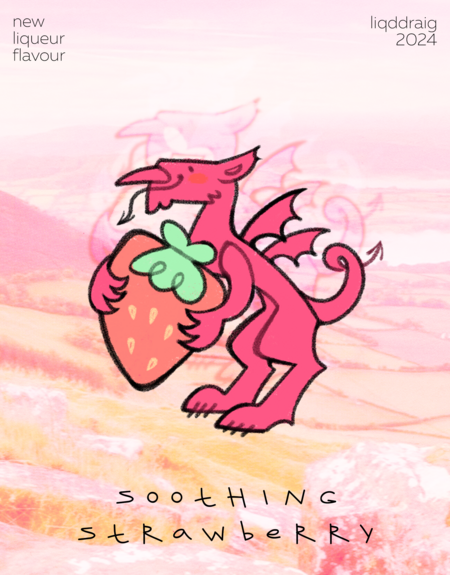
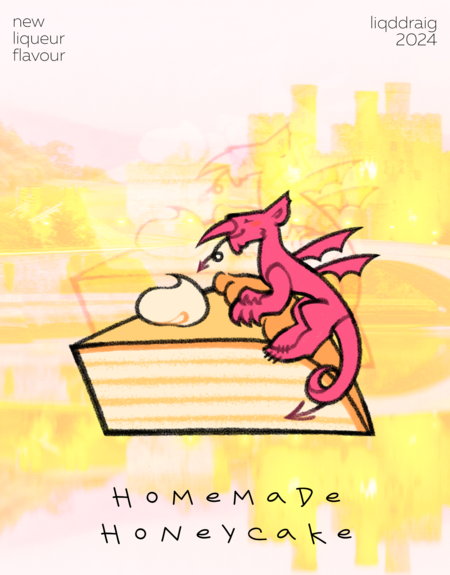
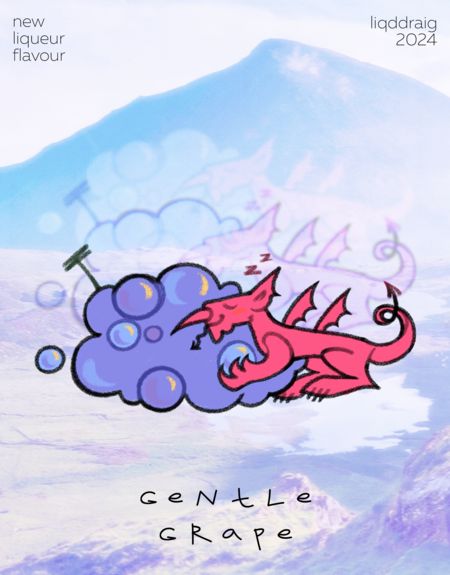
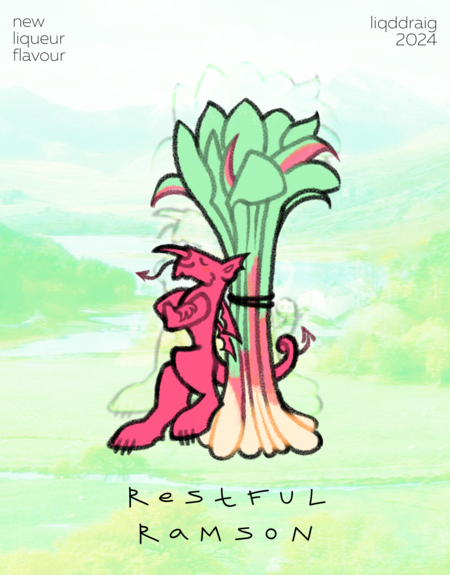
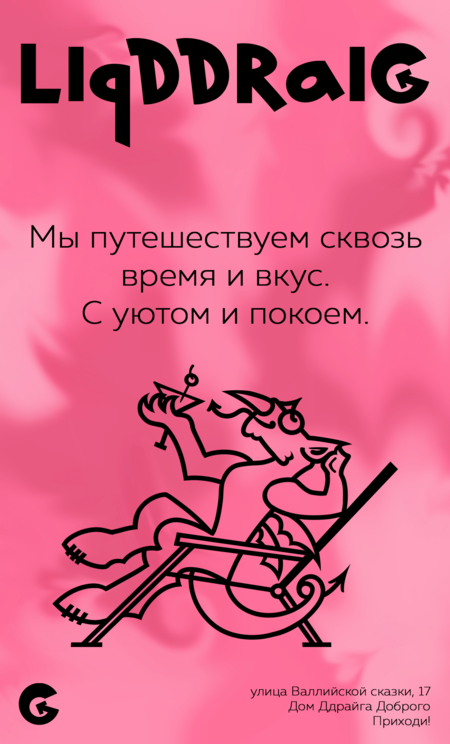
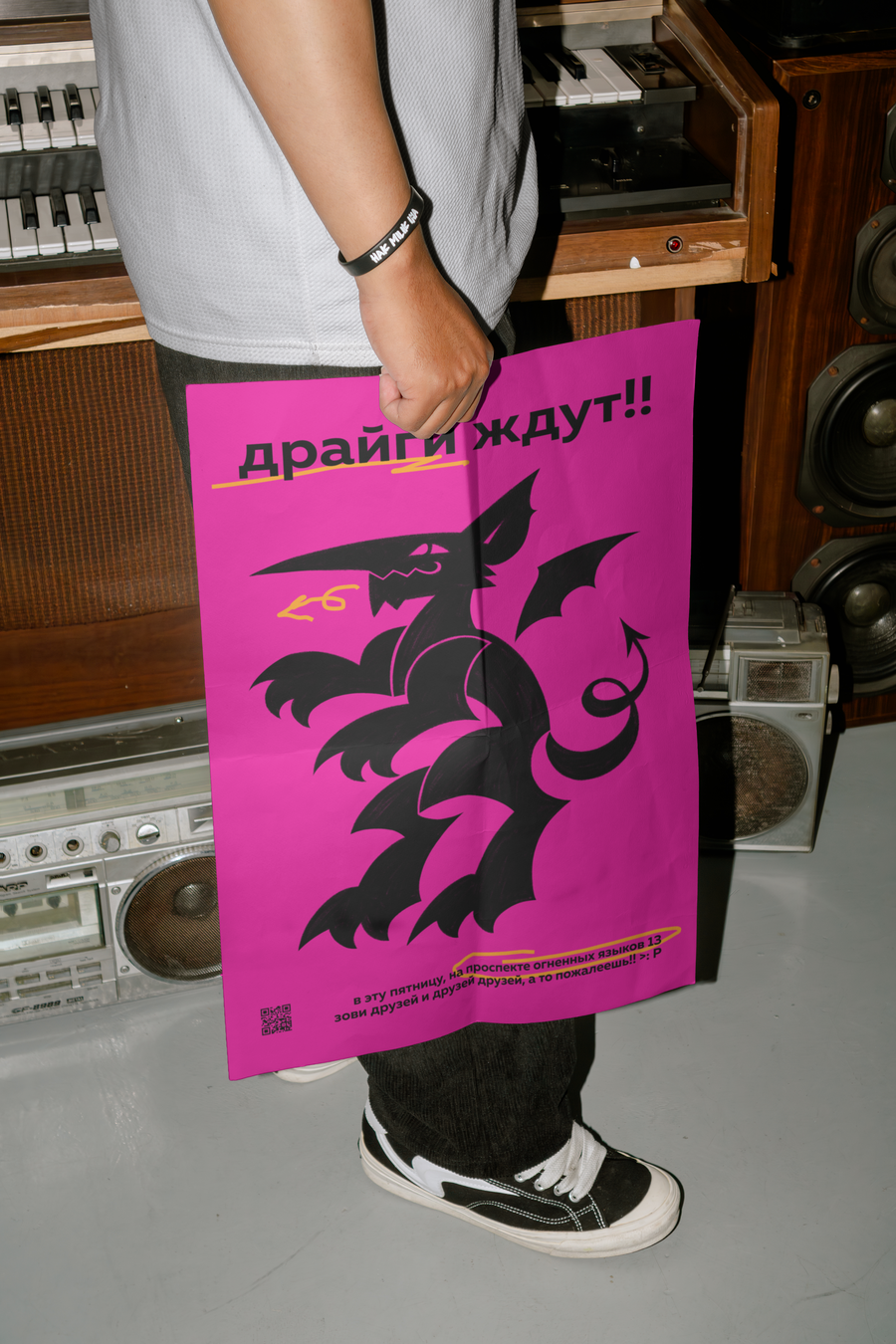
ликёрный бренд из уэльса, где маскот — валлийский дракон. яркие цвета уходят от строгости тех же классических виски с содовой, создавая более игривый и расслабленный образ.
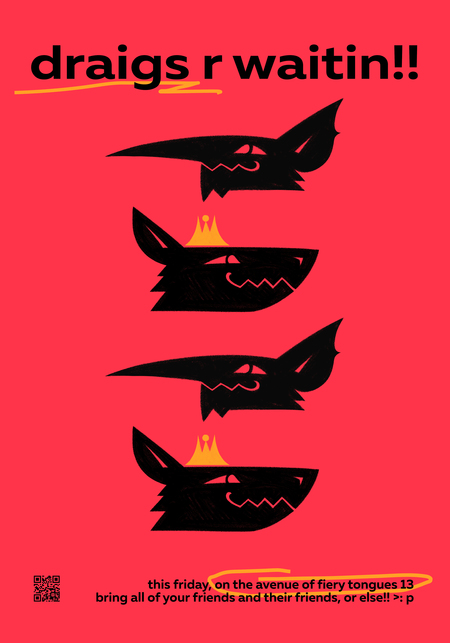
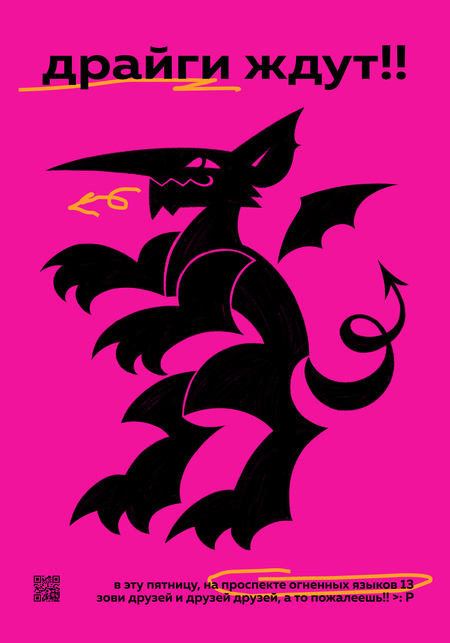
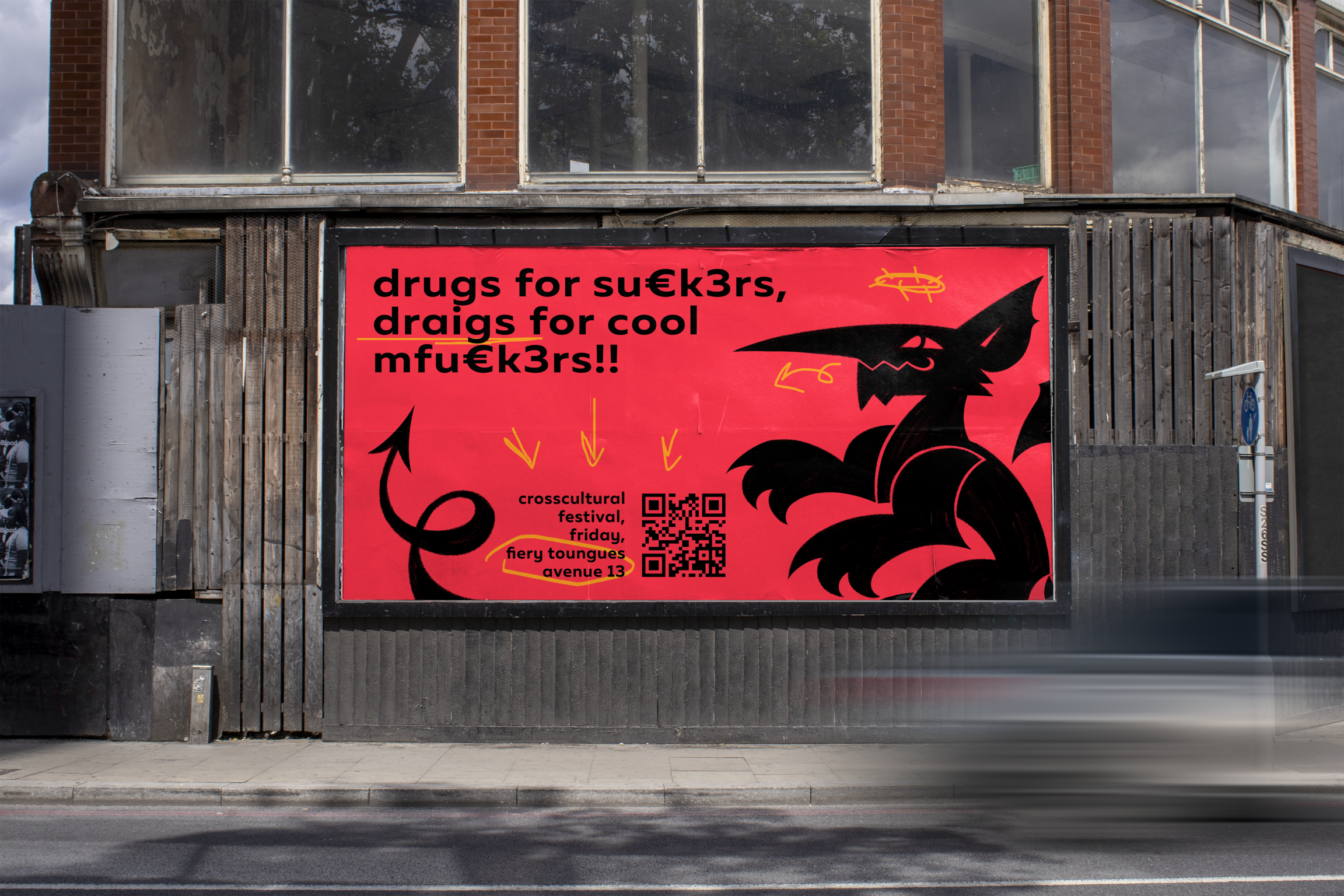
а затем бренд превратился в дерзкий и задорный кросскультурный фестиваль казани и уэльса. он бы понравился всем, кто обожает драконов и хочет узнать больше о казанском зиланте и валлийском и-драйг гохе!!
Проект посвящён разработке серии цифровых ливрей (тематических оформлений/визуальных skins) к 200‑летнему юбилею Российского государственного художественно‑промышленного университета им. С. Г. Строганова, отмечаемому в 2025 году. Ливреи опираются на официальную айдентику юбилея (брендбук, систему знаков и логотип 200‑летия) и визуальные коды Строгановской школы, обеспечивая узнаваемость праздника в цифровой среде.
Мы используем файлы cookies для улучшения работы сайта НИУ ВШЭ и большего удобства его использования. Более подробную...
Показать больше
Press space bar to start a drag.
When dragging you can use the arrow keys to move the item around and escape to cancel.
Some screen readers may require you to be in focus mode or to use your pass through key
Press space bar to start a drag.
When dragging you can use the arrow keys to move the item around and escape to cancel.
Some screen readers may require you to be in focus mode or to use your pass through key
Press space bar to start a drag.
When dragging you can use the arrow keys to move the item around and escape to cancel.
Some screen readers may require you to be in focus mode or to use your pass through key
Press space bar to start a drag.
When dragging you can use the arrow keys to move the item around and escape to cancel.
Some screen readers may require you to be in focus mode or to use your pass through key
Press space bar to start a drag.
When dragging you can use the arrow keys to move the item around and escape to cancel.
Some screen readers may require you to be in focus mode or to use your pass through key
Press space bar to start a drag.
When dragging you can use the arrow keys to move the item around and escape to cancel.
Some screen readers may require you to be in focus mode or to use your pass through key
Press space bar to start a drag.
When dragging you can use the arrow keys to move the item around and escape to cancel.
Some screen readers may require you to be in focus mode or to use your pass through key
Press space bar to start a drag.
When dragging you can use the arrow keys to move the item around and escape to cancel.
Some screen readers may require you to be in focus mode or to use your pass through key
Press space bar to start a drag.
When dragging you can use the arrow keys to move the item around and escape to cancel.
Some screen readers may require you to be in focus mode or to use your pass through key
Press space bar to start a drag.
When dragging you can use the arrow keys to move the item around and escape to cancel.
Some screen readers may require you to be in focus mode or to use your pass through key
Press space bar to start a drag.
When dragging you can use the arrow keys to move the item around and escape to cancel.
Some screen readers may require you to be in focus mode or to use your pass through key
Press space bar to start a drag.
When dragging you can use the arrow keys to move the item around and escape to cancel.
Some screen readers may require you to be in focus mode or to use your pass through key
Press space bar to start a drag.
When dragging you can use the arrow keys to move the item around and escape to cancel.
Some screen readers may require you to be in focus mode or to use your pass through key