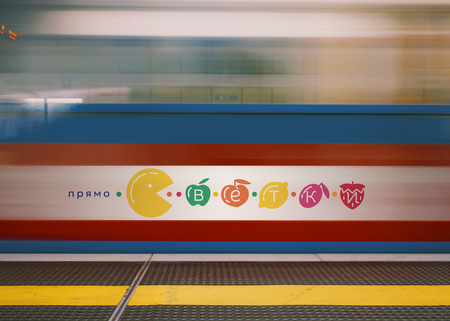
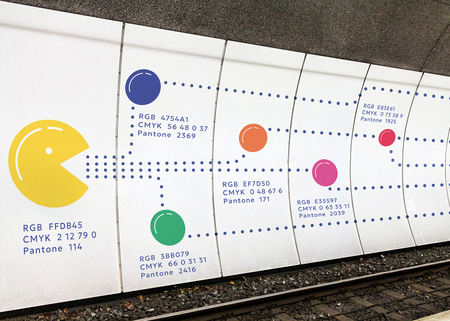
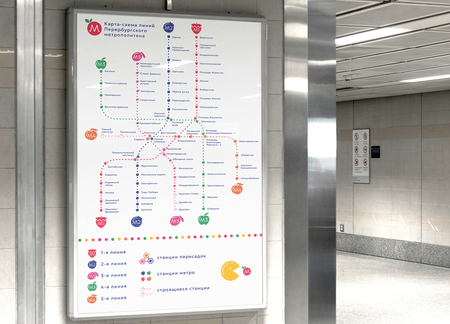
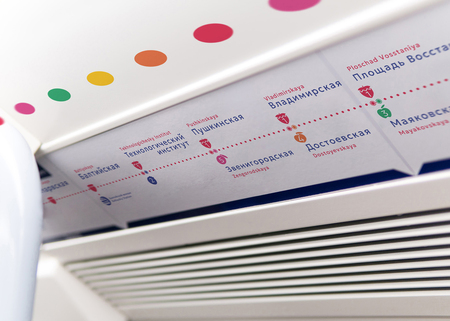
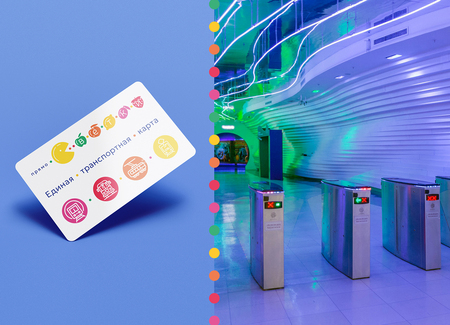
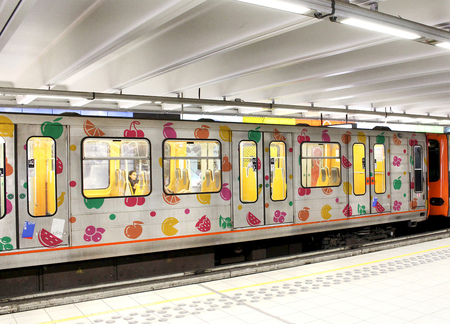
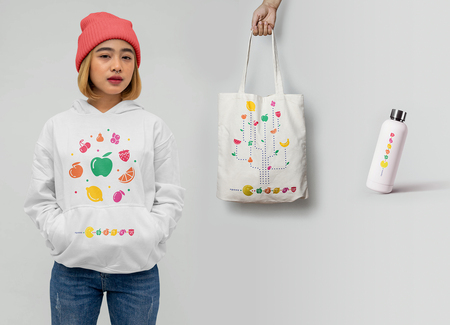
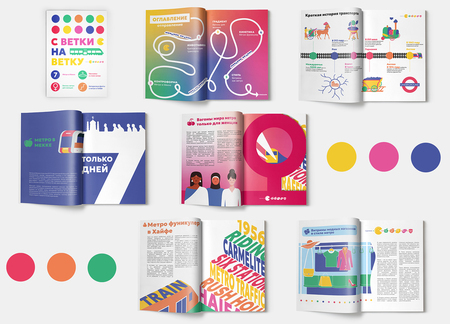
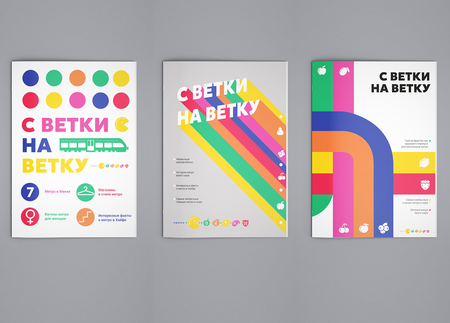
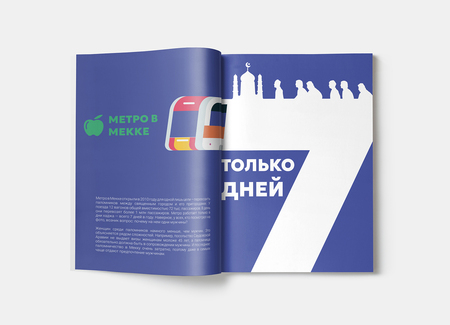
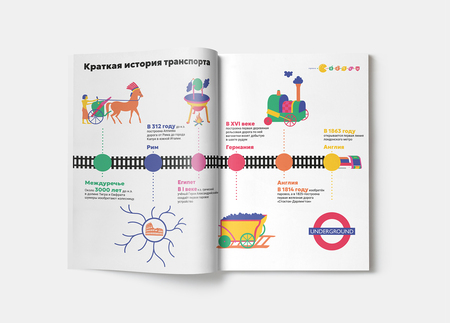
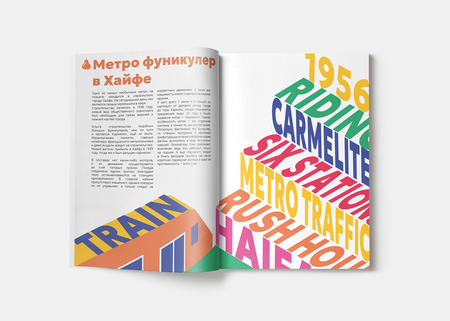
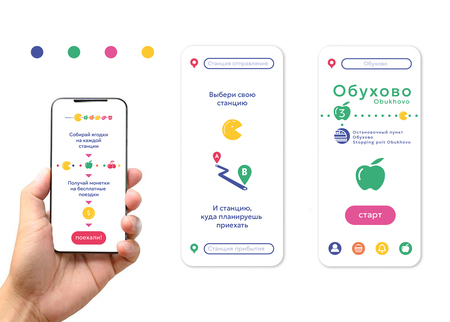
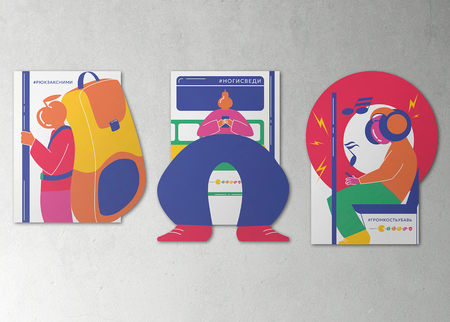
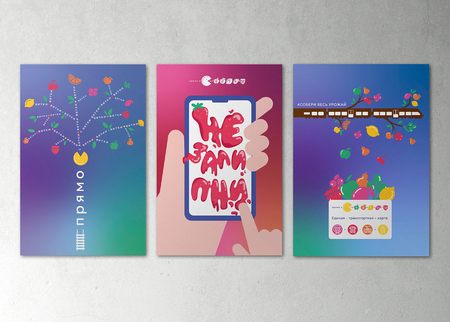
«Прямо с ветки» — это увлекательный проект, превращающий поездки в метро в захватывающую игру. Пассажир, собирает ягоды на разных станциях, чтобы затем получить бесплатные поездки. Визуально проект выполнен в ярком и радостном стиле, где ветки метро напоминают ветки деревьев, а станции — это фрукты.
«Прямо с ветки» призван добавить в поездки на метро элемент веселья и удовольствия.
Дарья Головятинская создала проект «Прямо с ветки», который превращает поездки в метро в интерактивную игру с ягодами и бесплатными поездками. Проект выполнен в ярком и радостном стиле, где ветки метро изображены как деревья, а станции — как фрукты.
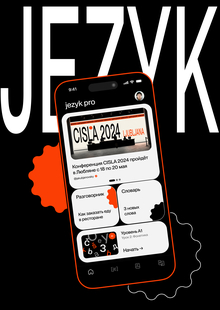
Автор создал приложение jezyk для изучения межславянского языка, объединяющее ключевые учебные материалы в одном месте. Проект включает интерактивные методы обучения, ускоряющие освоение языка без необходимости использования других ресурсов.
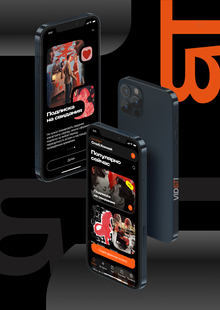
Елизавета Гусева создала приложение Videti для организации идеальных свиданий и дружеских встреч. Проект включает исследование психологии городского пространства и его роли в жизни горожанина.
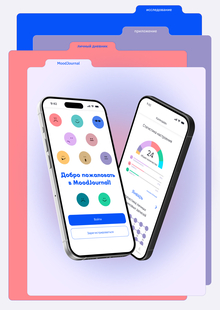
Агнесса Серобян создала приложение MoodJournal, объединяющее трекер эмоций, виртуальный дневник и сообщество для поддержки пользователей. Проект включает исследование факторов, влияющих на самовыражение через эмоциональный трекинг и личный дневник.
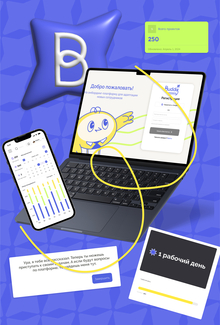
Ева Когут создала онбординг-платформу Hi Buddy для адаптации новых сотрудников в новых компаниях. Платформа использует геймификацию и интерактивные элементы для повышения вовлечённости и ускорения достижения полной производительности.
We use cookies to improve the operation of the HSE website and to enhance its usability. More detailed information on the use of cookies can be fou...
Show more
Press space bar to start a drag.
When dragging you can use the arrow keys to move the item around and escape to cancel.
Some screen readers may require you to be in focus mode or to use your pass through key
Press space bar to start a drag.
When dragging you can use the arrow keys to move the item around and escape to cancel.
Some screen readers may require you to be in focus mode or to use your pass through key
Press space bar to start a drag.
When dragging you can use the arrow keys to move the item around and escape to cancel.
Some screen readers may require you to be in focus mode or to use your pass through key
Press space bar to start a drag.
When dragging you can use the arrow keys to move the item around and escape to cancel.
Some screen readers may require you to be in focus mode or to use your pass through key
Press space bar to start a drag.
When dragging you can use the arrow keys to move the item around and escape to cancel.
Some screen readers may require you to be in focus mode or to use your pass through key
Press space bar to start a drag.
When dragging you can use the arrow keys to move the item around and escape to cancel.
Some screen readers may require you to be in focus mode or to use your pass through key
Press space bar to start a drag.
When dragging you can use the arrow keys to move the item around and escape to cancel.
Some screen readers may require you to be in focus mode or to use your pass through key
Press space bar to start a drag.
When dragging you can use the arrow keys to move the item around and escape to cancel.
Some screen readers may require you to be in focus mode or to use your pass through key