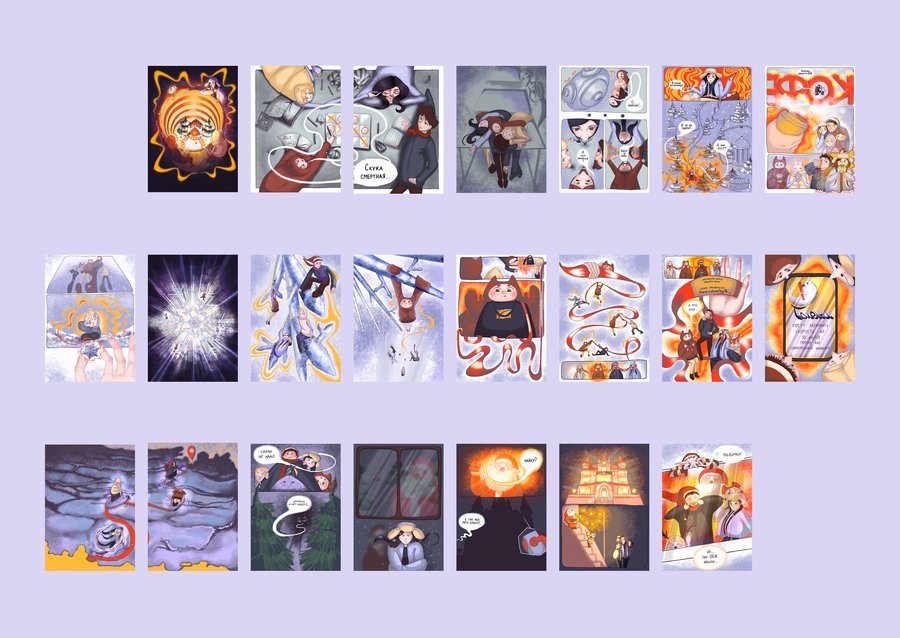
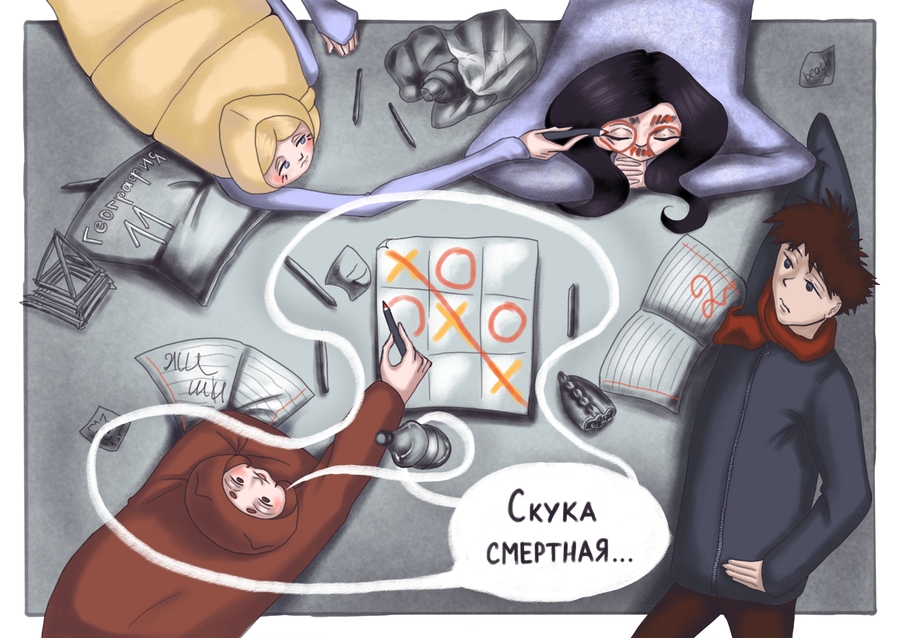
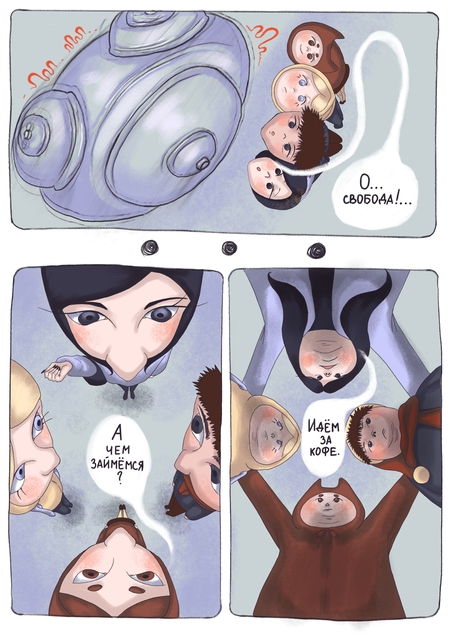
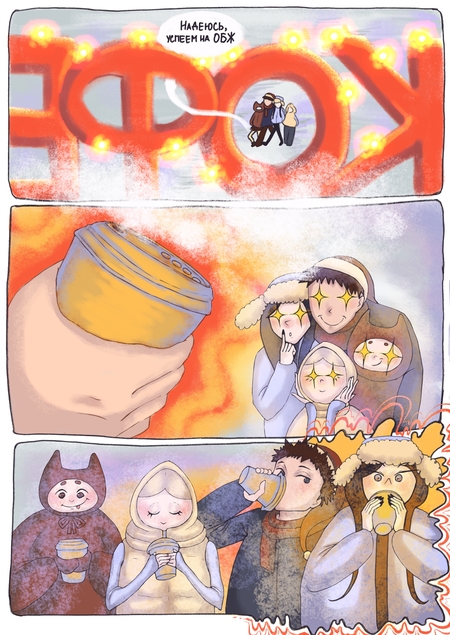
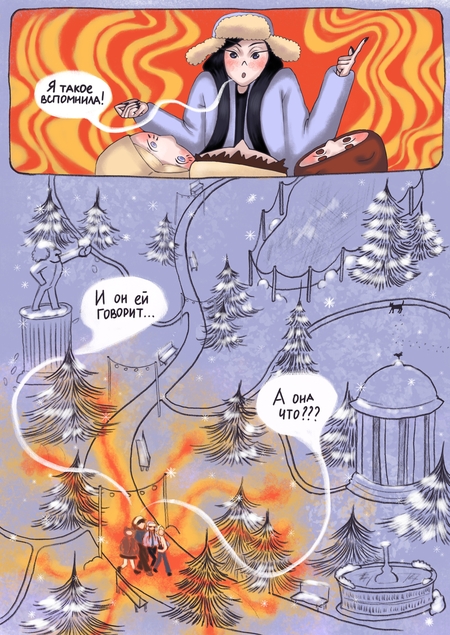
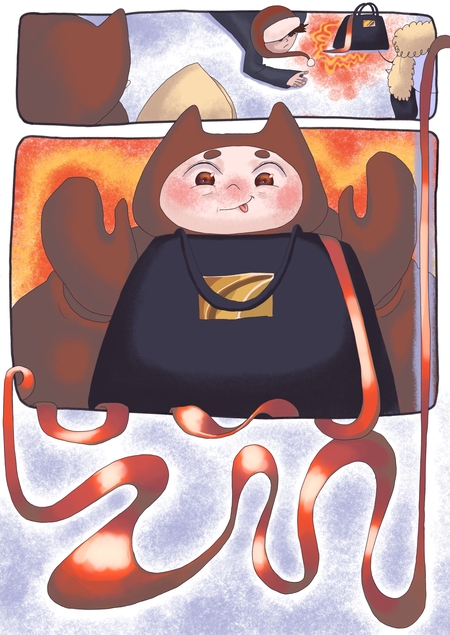
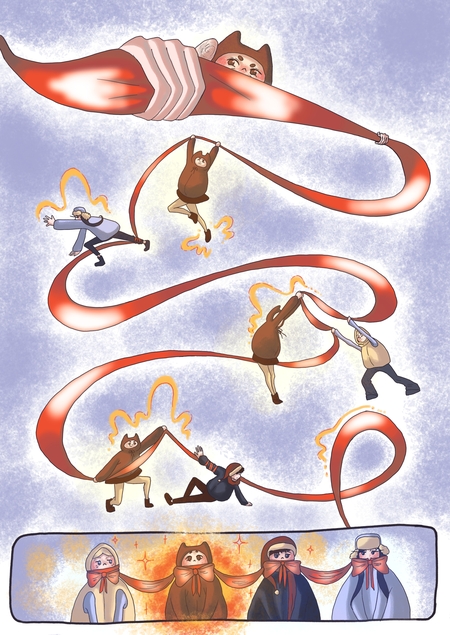
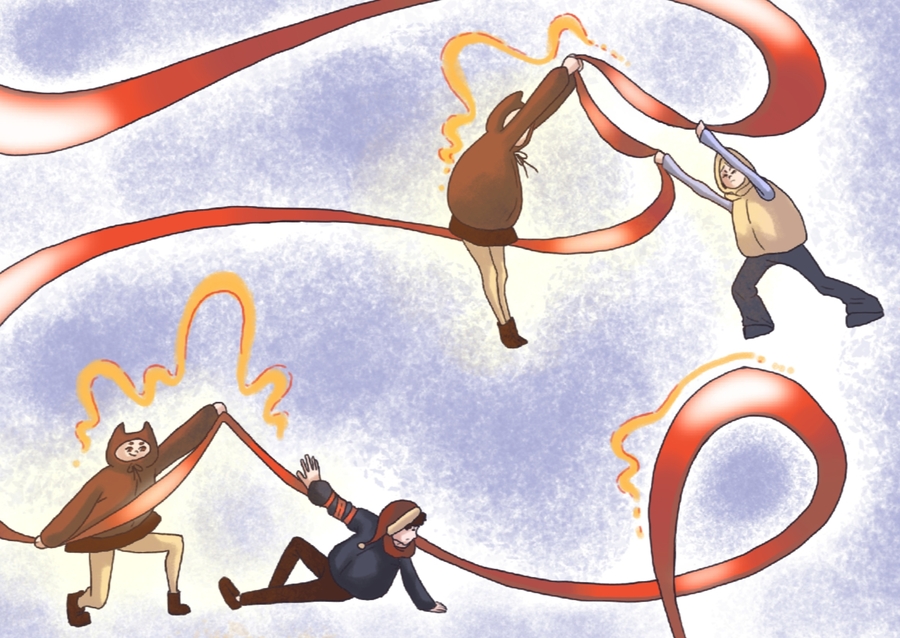
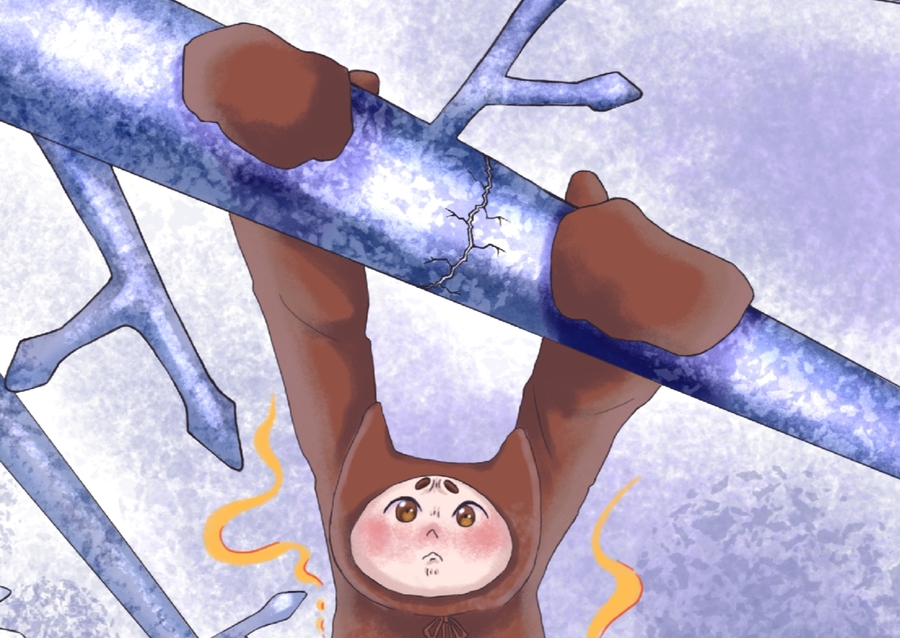
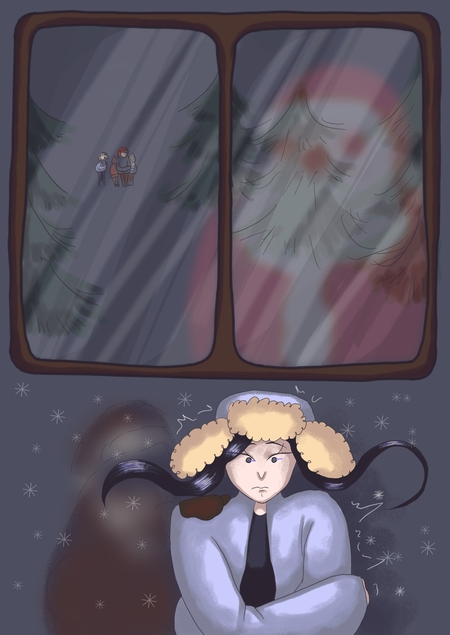
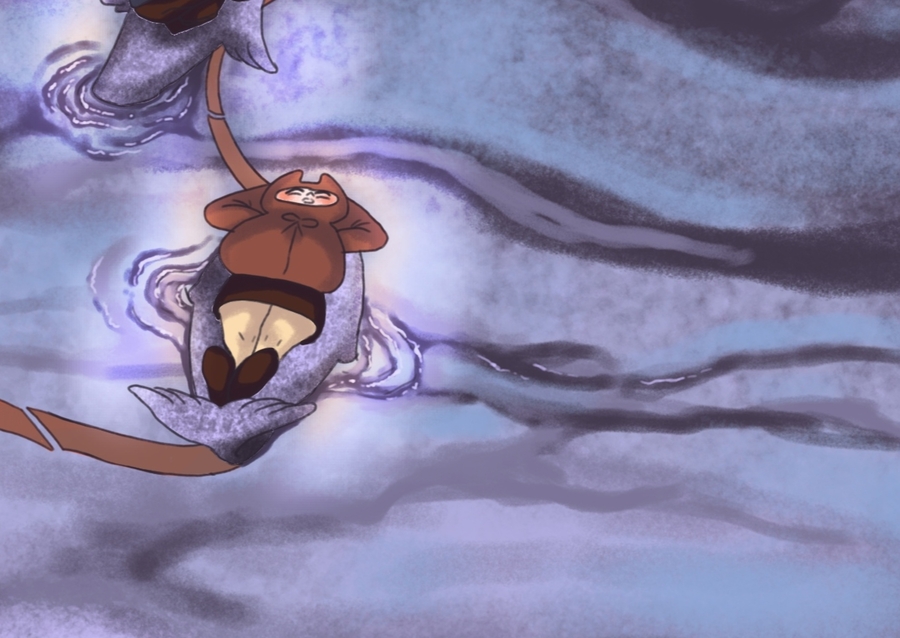
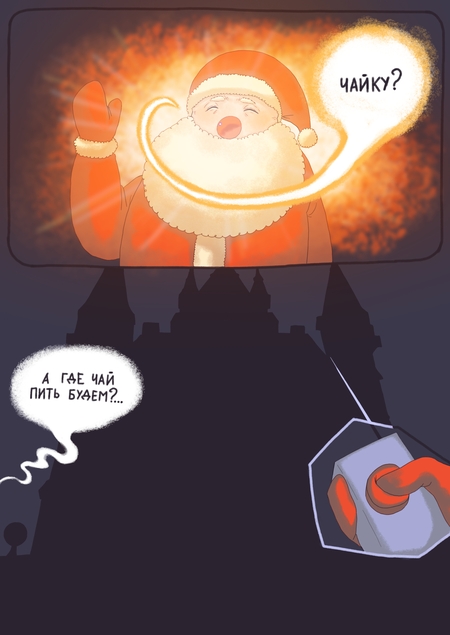
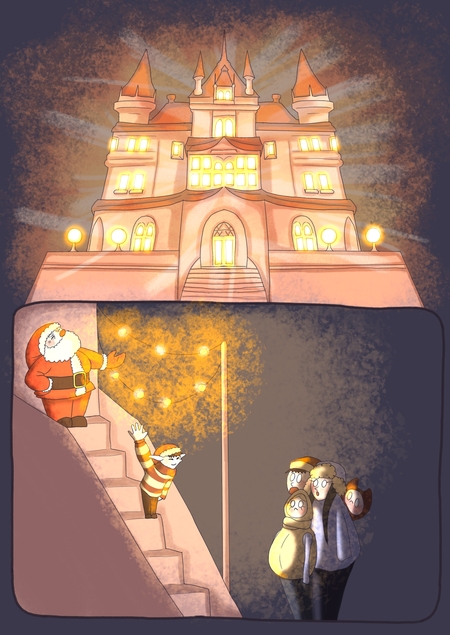
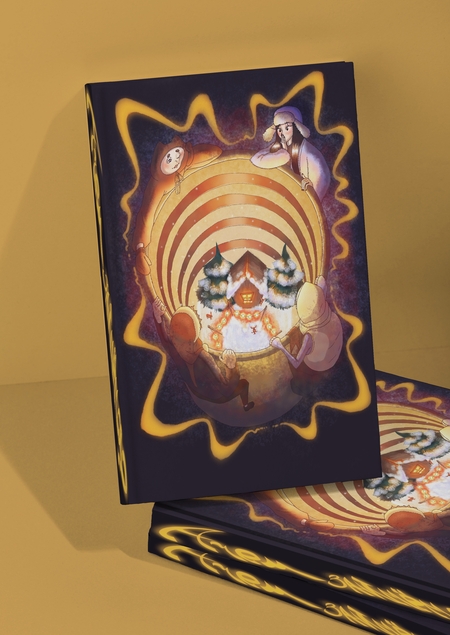
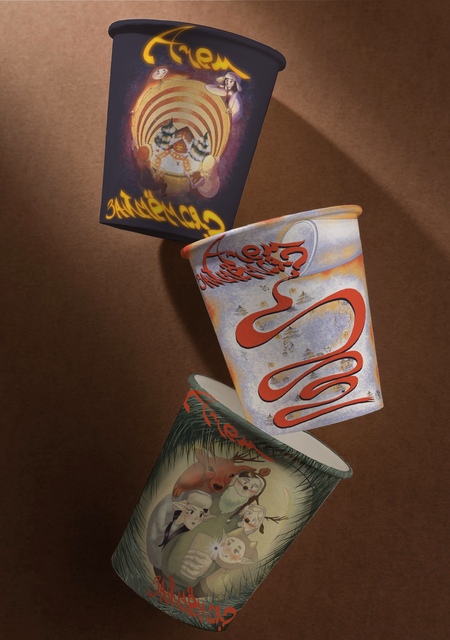
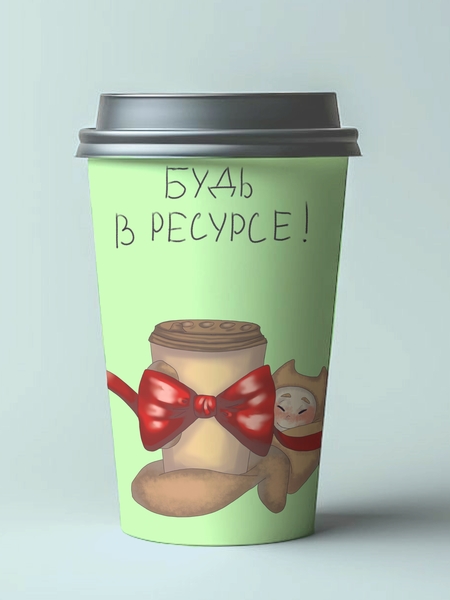
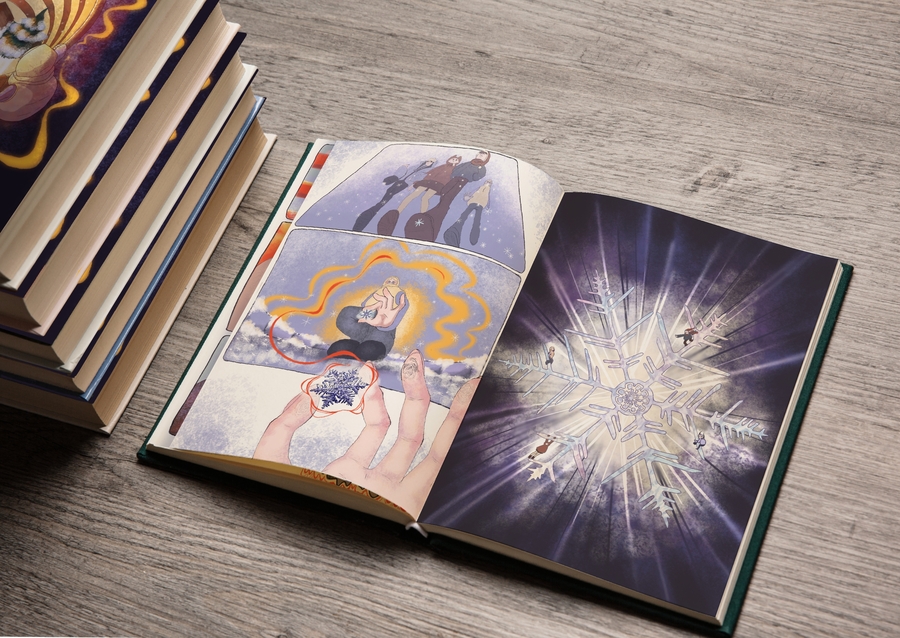
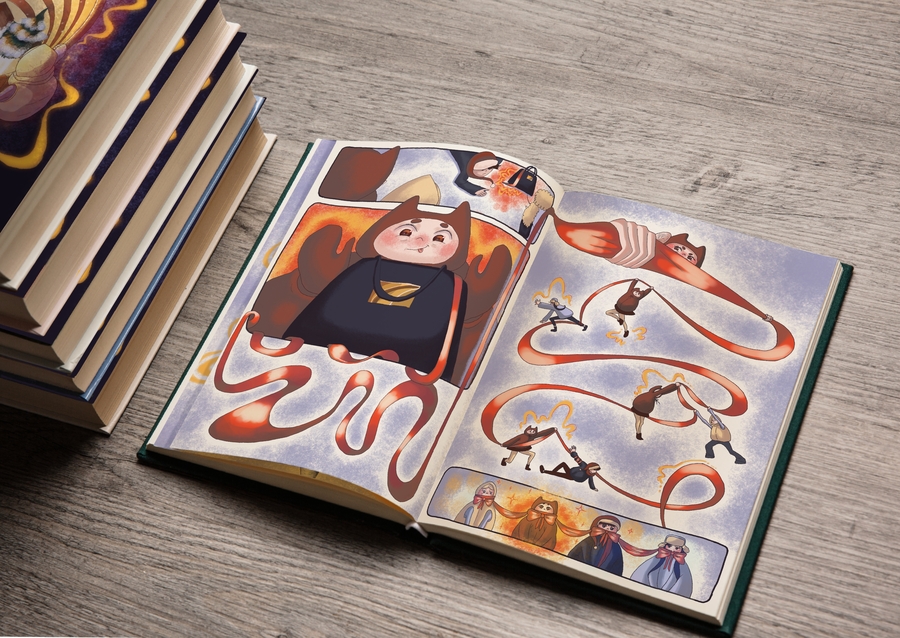
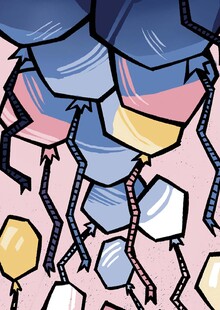
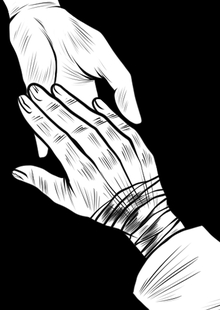
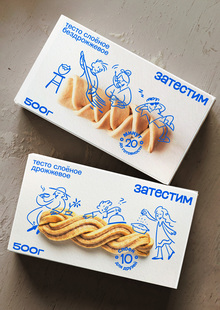
София Сиразетдинова и Фёдор Овсейчук создали веб-комикс для Курчатовского института, посвящённый применению ядерных технологий в медицине. Проект представляет собой визуальный образовательный материал, охватывающий одну из 11 тем научной деятельности института.
Полина Гегенава создала веб-комикс о направлениях исследований в Курчатовском институте. Проект включает в себя историю о лаборанте Мише, который любопытствует в отделе исследования свойств материалов.
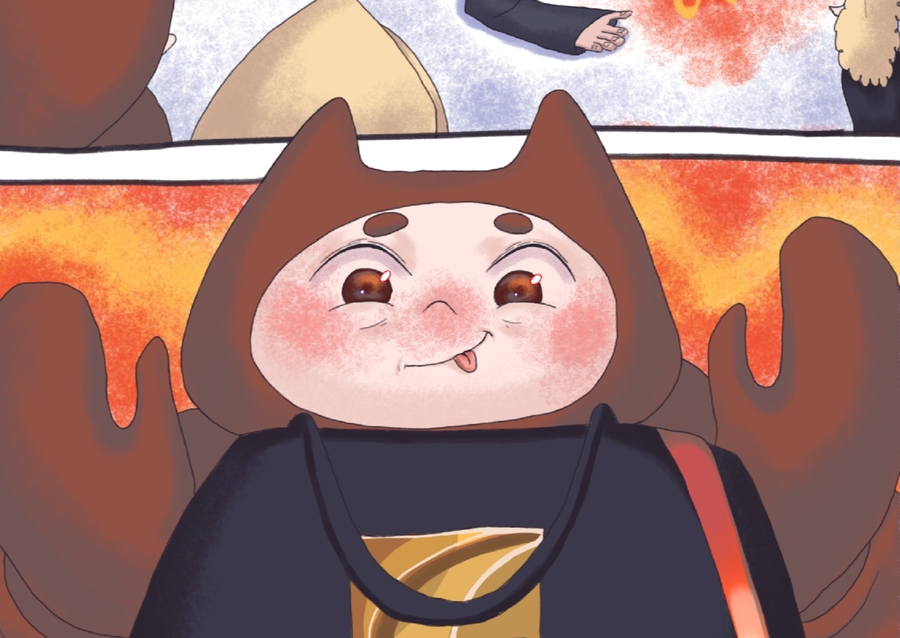
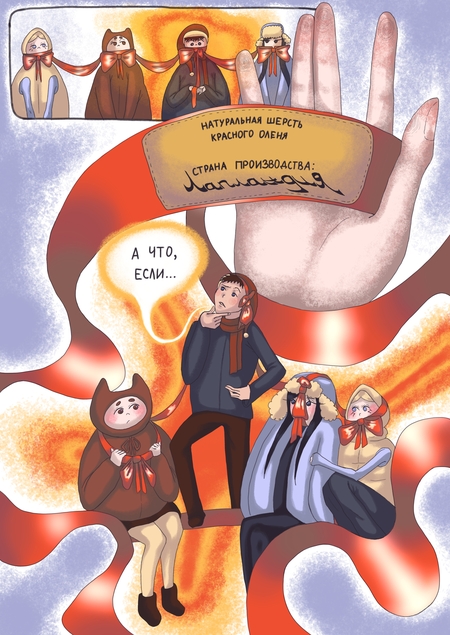
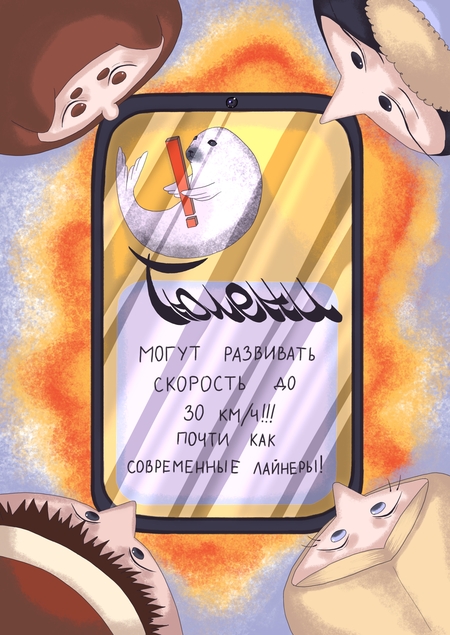
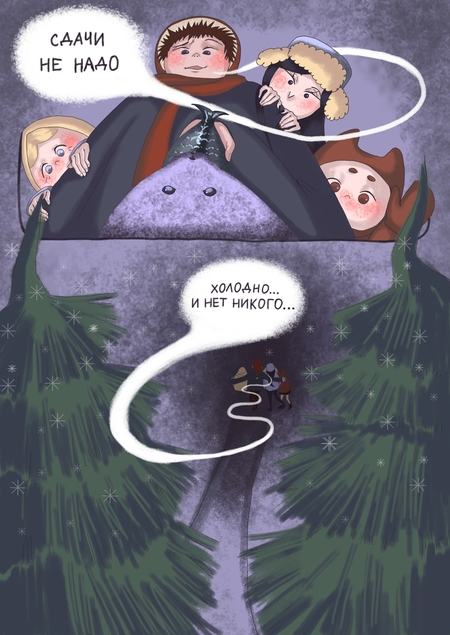
Анастасия Виганд и Самира Ибрагимова создали веб-комикс о природоподобных технологиях для Курчатовского института. Проект представляет собой междисциплинарный рассказ, вовлекающий читателя в исследования этой области.
Александра Корнилова создала комикс-репортаж «По ту сторону улиц» о жизни бездомных и тех, кто им помогает. Проект был реализован в сотрудничестве с некоммерческой организацией «Благотворительная Больница».
hse.space
Unlock new opportunities in education, career, and creativity with HSE SPACE, the digital platform from HSE University. This online hub connects students, faculty, employers, and professional communities, empowering users to build dynamic digital portfolios, showcase extracurricular achievements, participate in competitions, and launch successful careers.
We use cookies to improve the operation of the HSE website and to enhance its usability. More detailed information on the use of cookies can be fou...
Show more
Press space bar to start a drag.
When dragging you can use the arrow keys to move the item around and escape to cancel.
Some screen readers may require you to be in focus mode or to use your pass through key
Press space bar to start a drag.
When dragging you can use the arrow keys to move the item around and escape to cancel.
Some screen readers may require you to be in focus mode or to use your pass through key
Press space bar to start a drag.
When dragging you can use the arrow keys to move the item around and escape to cancel.
Some screen readers may require you to be in focus mode or to use your pass through key
Press space bar to start a drag.
When dragging you can use the arrow keys to move the item around and escape to cancel.
Some screen readers may require you to be in focus mode or to use your pass through key
Press space bar to start a drag.
When dragging you can use the arrow keys to move the item around and escape to cancel.
Some screen readers may require you to be in focus mode or to use your pass through key
Press space bar to start a drag.
When dragging you can use the arrow keys to move the item around and escape to cancel.
Some screen readers may require you to be in focus mode or to use your pass through key
Press space bar to start a drag.
When dragging you can use the arrow keys to move the item around and escape to cancel.
Some screen readers may require you to be in focus mode or to use your pass through key
Press space bar to start a drag.
When dragging you can use the arrow keys to move the item around and escape to cancel.
Some screen readers may require you to be in focus mode or to use your pass through key
Press space bar to start a drag.
When dragging you can use the arrow keys to move the item around and escape to cancel.
Some screen readers may require you to be in focus mode or to use your pass through key
Press space bar to start a drag.
When dragging you can use the arrow keys to move the item around and escape to cancel.
Some screen readers may require you to be in focus mode or to use your pass through key
Press space bar to start a drag.
When dragging you can use the arrow keys to move the item around and escape to cancel.
Some screen readers may require you to be in focus mode or to use your pass through key
Press space bar to start a drag.
When dragging you can use the arrow keys to move the item around and escape to cancel.
Some screen readers may require you to be in focus mode or to use your pass through key
Press space bar to start a drag.
When dragging you can use the arrow keys to move the item around and escape to cancel.
Some screen readers may require you to be in focus mode or to use your pass through key
Press space bar to start a drag.
When dragging you can use the arrow keys to move the item around and escape to cancel.
Some screen readers may require you to be in focus mode or to use your pass through key