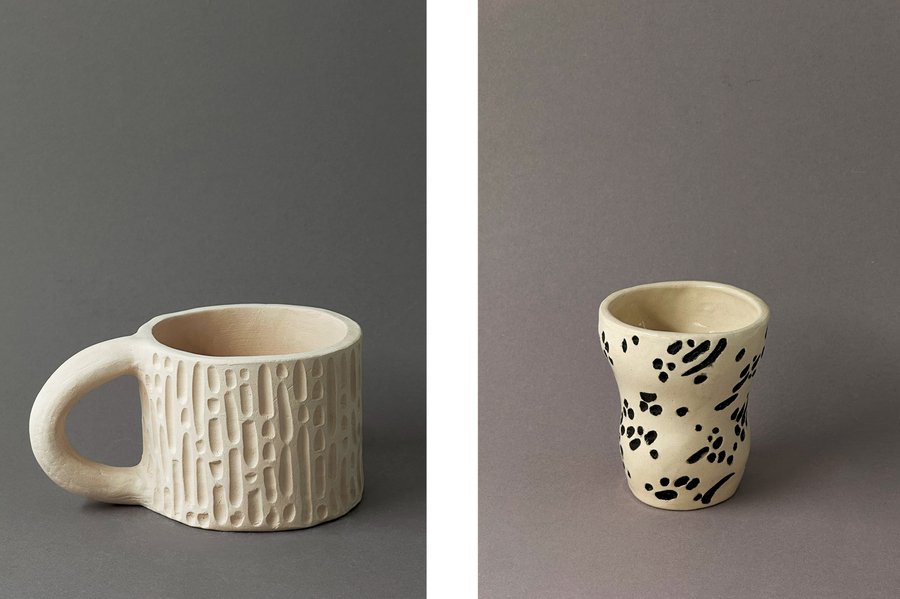
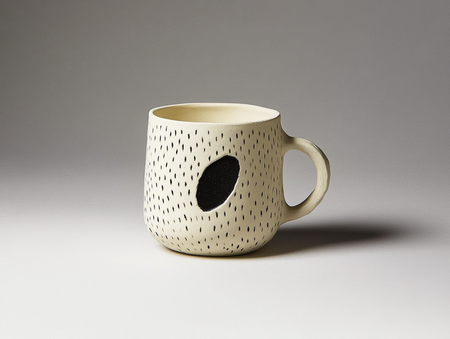
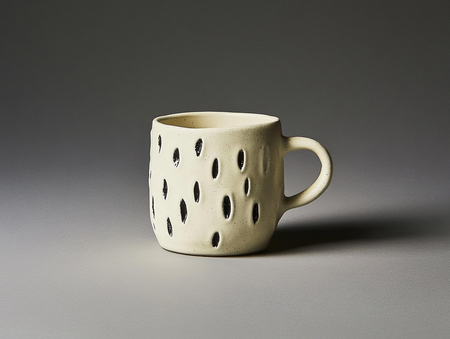
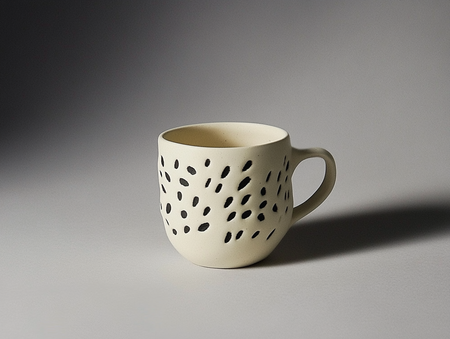
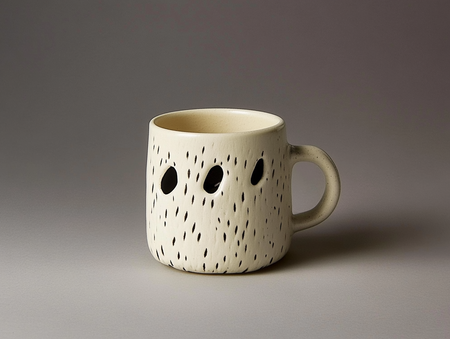
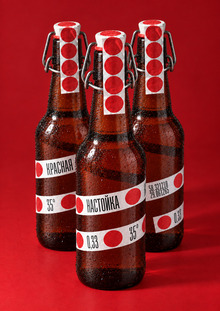
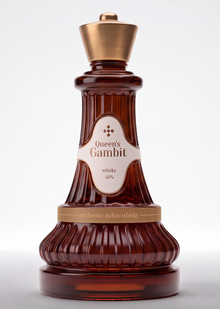
В проекте, который взят за основу, не стояло задачи концептуализировать производство. Модуль был направлен на осознанную работу с глиной, освоение разных техник лепки и поиска своего стиля.
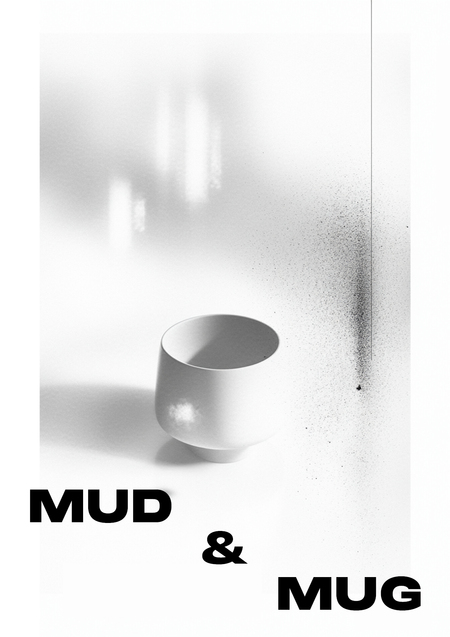
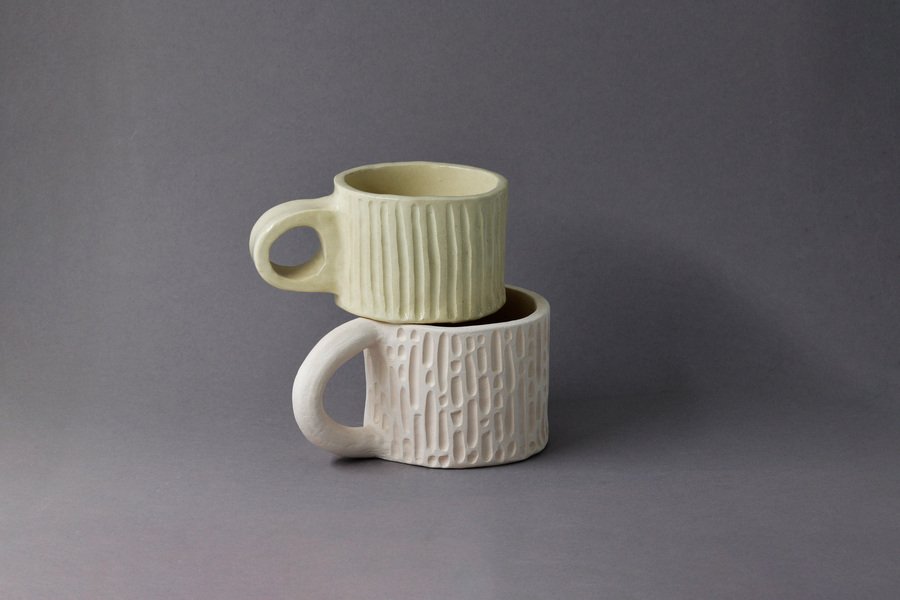
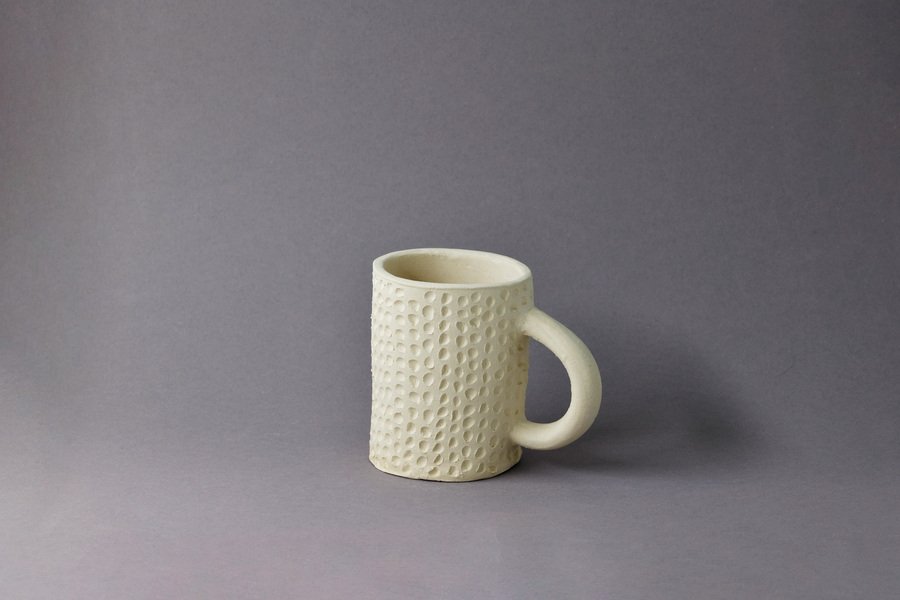
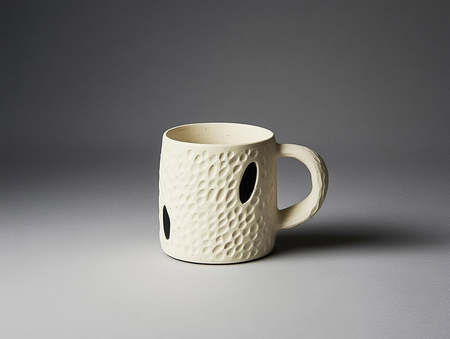
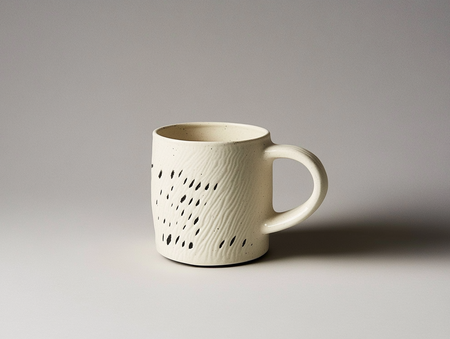
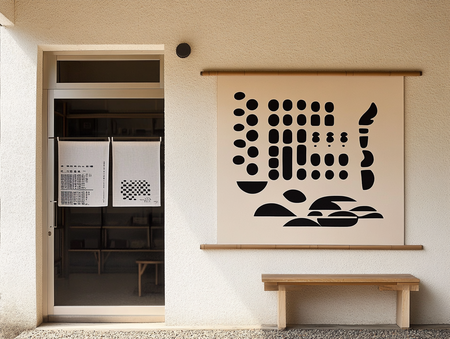
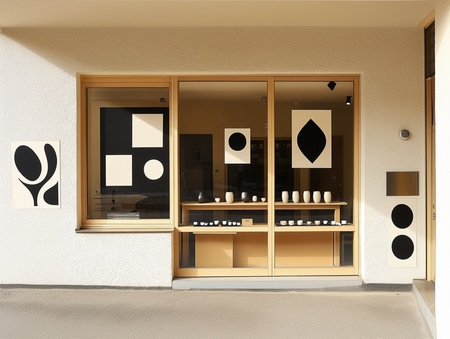
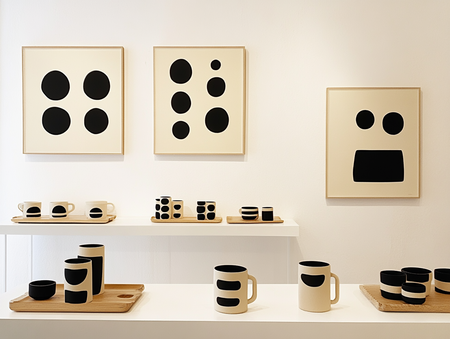
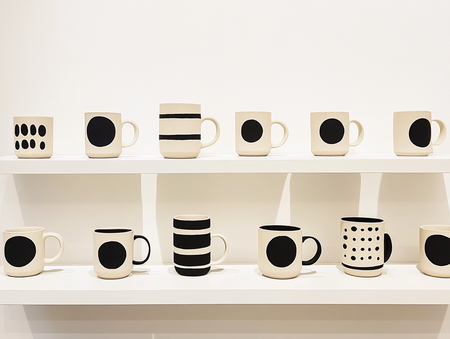
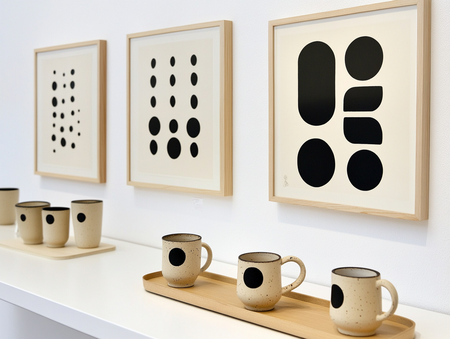
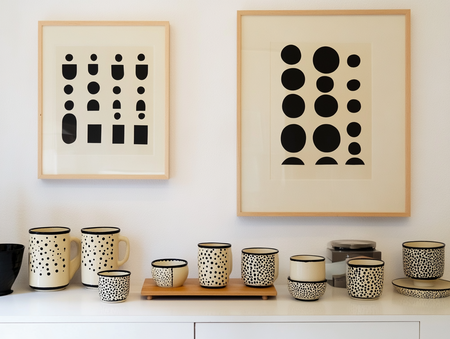
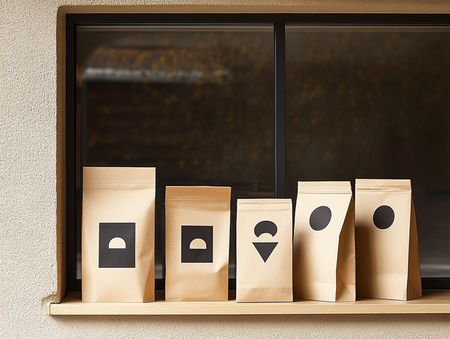
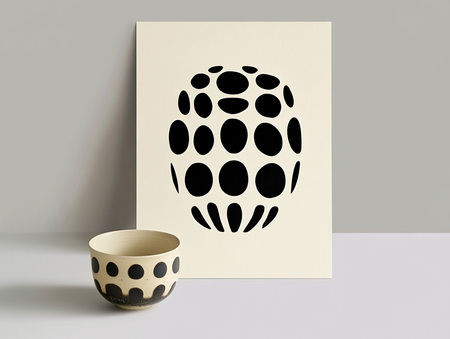
Новый проект представляет из себя локальный магазин глиняных кружек.
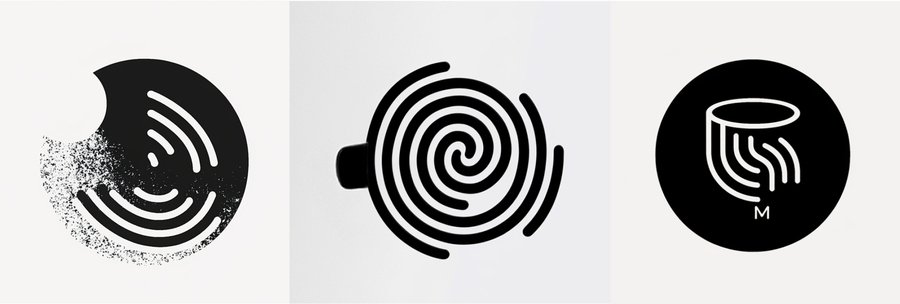
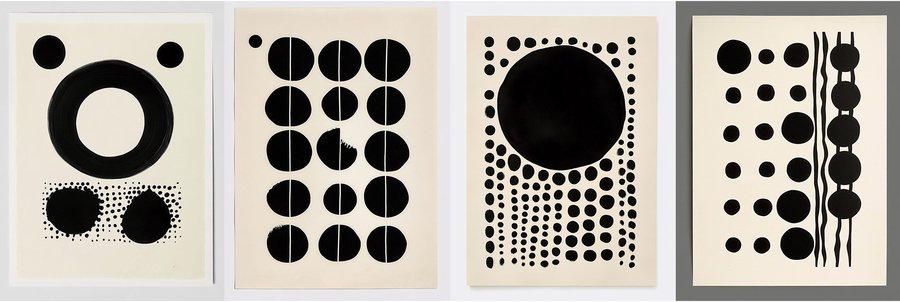
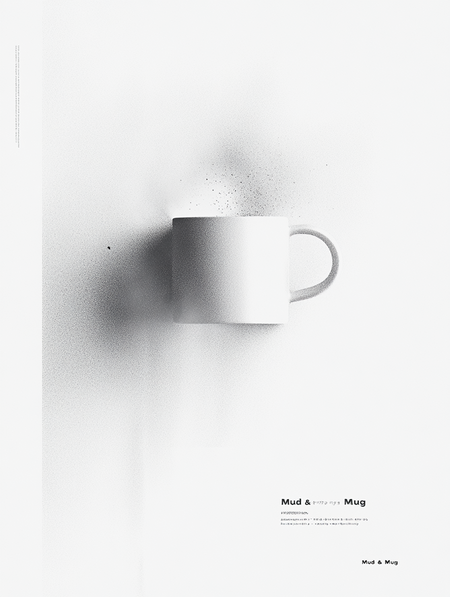
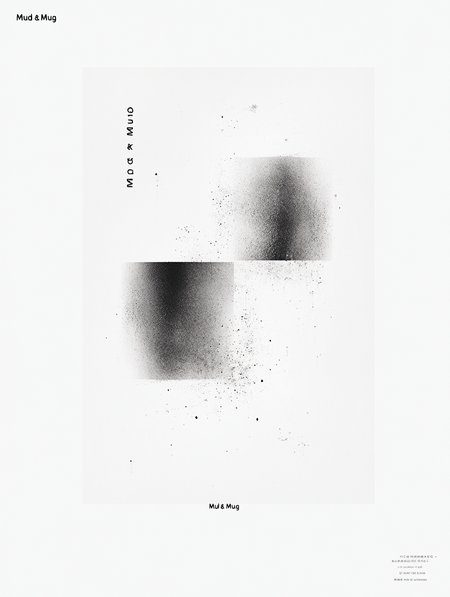
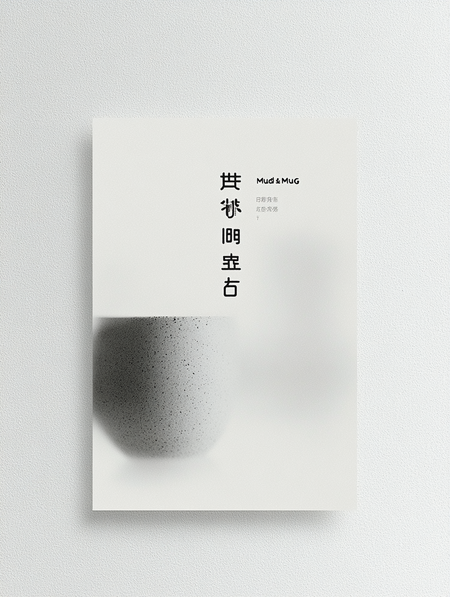
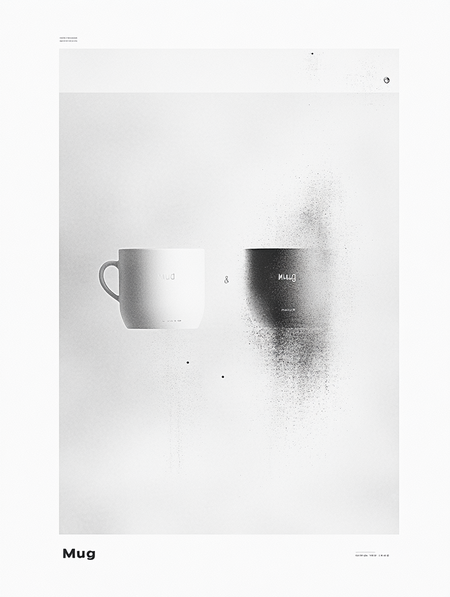
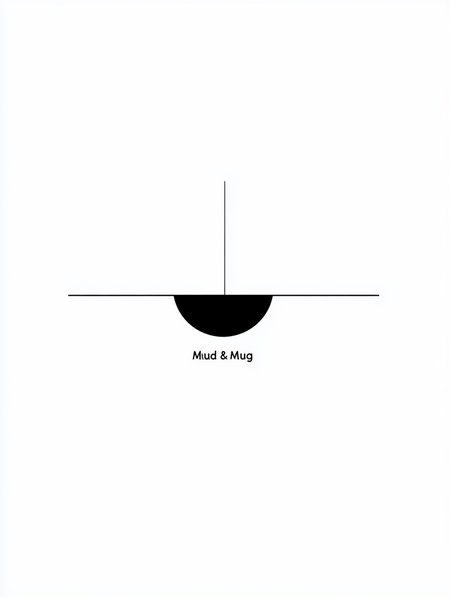
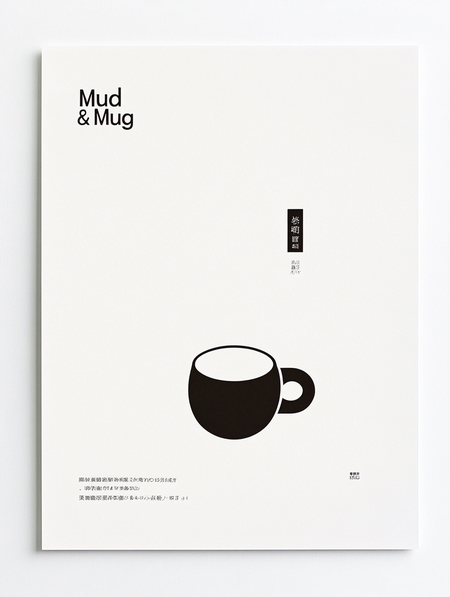
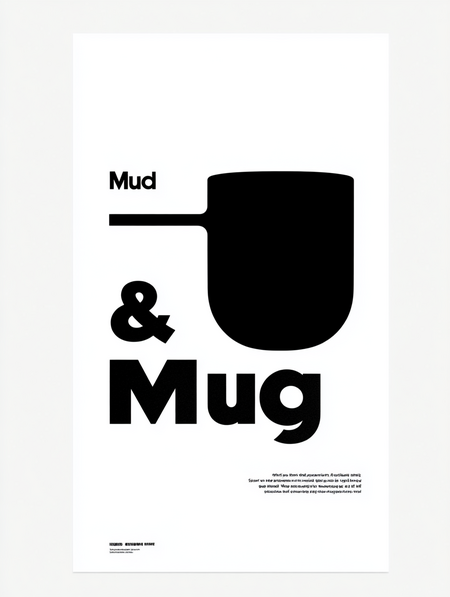
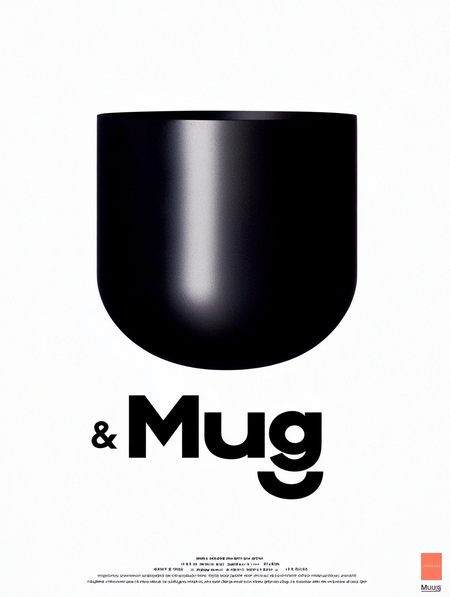
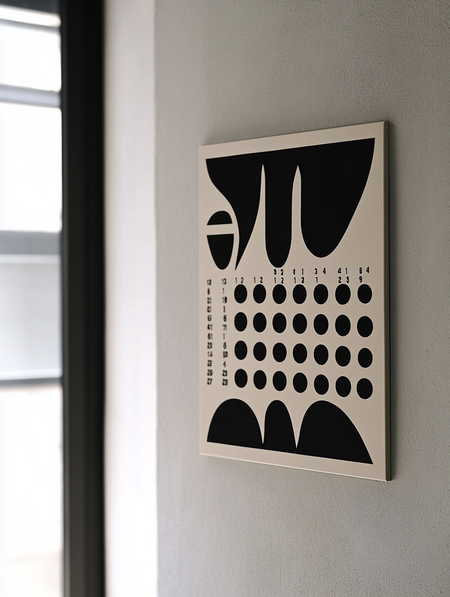
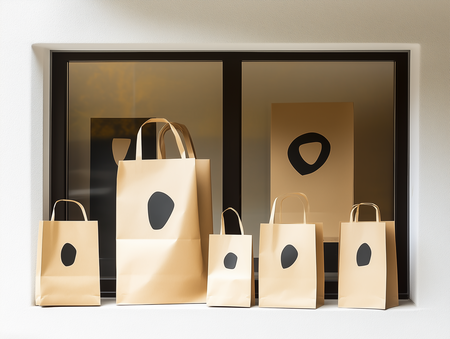
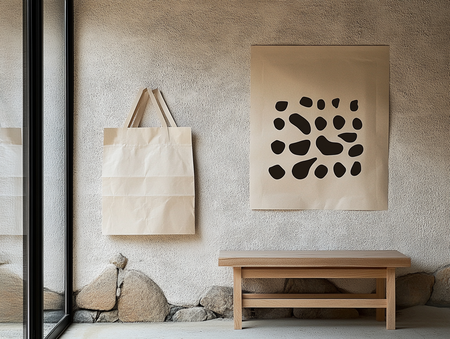
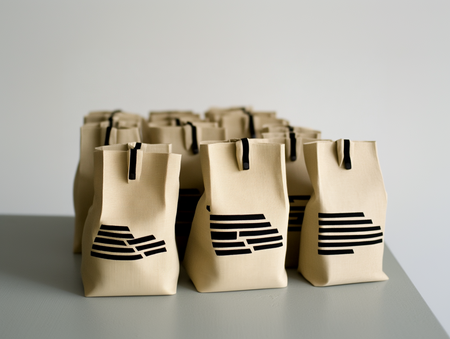
Ева Верченко создала концепцию локального магазина глиняных кружек MUD&MUG. Проект включает в себя разработку логотипа, промо-материалов и торгового пространства с использованием генеративного дизайна.
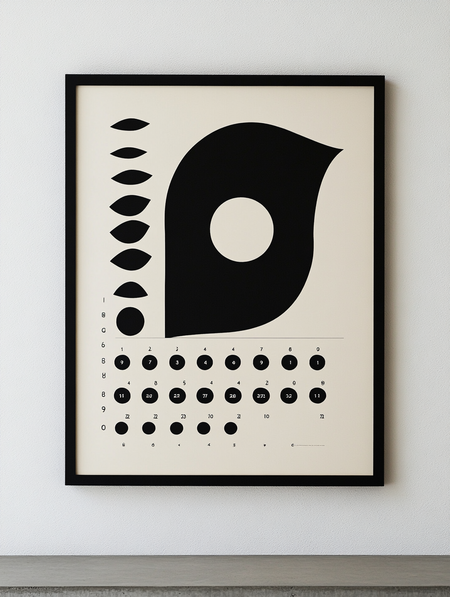
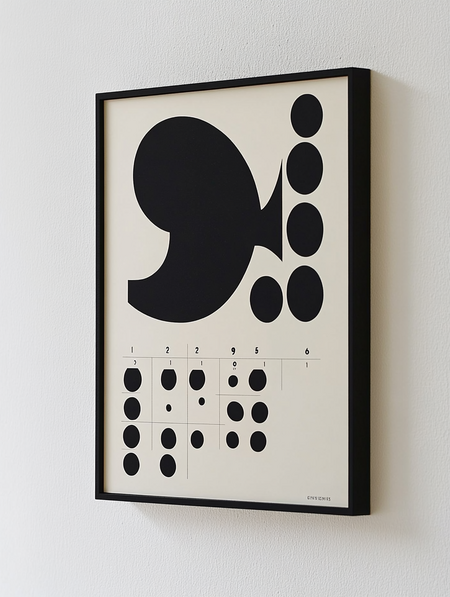
Анастасия Гришина создала брендинг фестиваля «Холи Мела» с использованием искусственного интеллекта для передачи культурного образа Индии через визуальные элементы. Проект включает 3D-рендеры, постеры и логотип, вдохновлённые индийскими марками и традиционной графикой, с цветовой палитрой, включающей синий, жёлтый, красный и зелёный.
Элина Белкина создала проект интерьера отеля «Axis», вдохновлённого современной модой и минимализмом. Проект включает в себя генерацию дизайна с использованием нейросетей, таких как ChatGPT, Midjourney и Recraft AI.
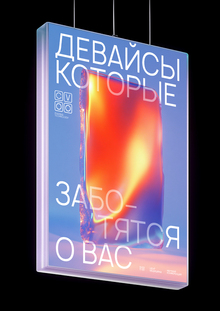
Валерия Вербицкая создала визуальный проект для медицинской организации Calm Vision, которая разрабатывает устройства для отслеживания состояния организма. Проект включает в себя использование генеративного ИИ для создания стиля, логотипа и рекламных материалов, включая слоганы и изображения в едином дизайне.
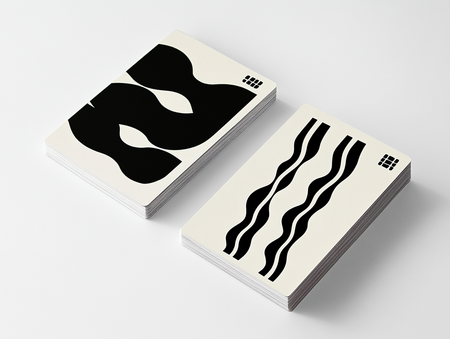
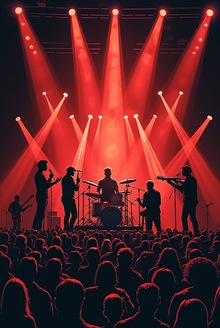
Алиса Высоцкая создала проект музыкального дома „UPBEAT“. Проект включает в себя футболки, стикеры, значки и диски в стиле красный, чёрный и белый.
hse.space
Unlock new opportunities in education, career, and creativity with HSE SPACE, the digital platform from HSE University. This online hub connects students, faculty, employers, and professional communities, empowering users to build dynamic digital portfolios, showcase extracurricular achievements, participate in competitions, and launch successful careers.
We use cookies to improve the operation of the HSE website and to enhance its usability. More detailed information on the use of cookies can be fou...
Show more
Press space bar to start a drag.
When dragging you can use the arrow keys to move the item around and escape to cancel.
Some screen readers may require you to be in focus mode or to use your pass through key
Press space bar to start a drag.
When dragging you can use the arrow keys to move the item around and escape to cancel.
Some screen readers may require you to be in focus mode or to use your pass through key
Press space bar to start a drag.
When dragging you can use the arrow keys to move the item around and escape to cancel.
Some screen readers may require you to be in focus mode or to use your pass through key
Press space bar to start a drag.
When dragging you can use the arrow keys to move the item around and escape to cancel.
Some screen readers may require you to be in focus mode or to use your pass through key
Press space bar to start a drag.
When dragging you can use the arrow keys to move the item around and escape to cancel.
Some screen readers may require you to be in focus mode or to use your pass through key
Press space bar to start a drag.
When dragging you can use the arrow keys to move the item around and escape to cancel.
Some screen readers may require you to be in focus mode or to use your pass through key
Press space bar to start a drag.
When dragging you can use the arrow keys to move the item around and escape to cancel.
Some screen readers may require you to be in focus mode or to use your pass through key
Press space bar to start a drag.
When dragging you can use the arrow keys to move the item around and escape to cancel.
Some screen readers may require you to be in focus mode or to use your pass through key
Press space bar to start a drag.
When dragging you can use the arrow keys to move the item around and escape to cancel.
Some screen readers may require you to be in focus mode or to use your pass through key
Press space bar to start a drag.
When dragging you can use the arrow keys to move the item around and escape to cancel.
Some screen readers may require you to be in focus mode or to use your pass through key
Press space bar to start a drag.
When dragging you can use the arrow keys to move the item around and escape to cancel.
Some screen readers may require you to be in focus mode or to use your pass through key
Press space bar to start a drag.
When dragging you can use the arrow keys to move the item around and escape to cancel.
Some screen readers may require you to be in focus mode or to use your pass through key
Press space bar to start a drag.
When dragging you can use the arrow keys to move the item around and escape to cancel.
Some screen readers may require you to be in focus mode or to use your pass through key
Press space bar to start a drag.
When dragging you can use the arrow keys to move the item around and escape to cancel.
Some screen readers may require you to be in focus mode or to use your pass through key
Press space bar to start a drag.
When dragging you can use the arrow keys to move the item around and escape to cancel.
Some screen readers may require you to be in focus mode or to use your pass through key