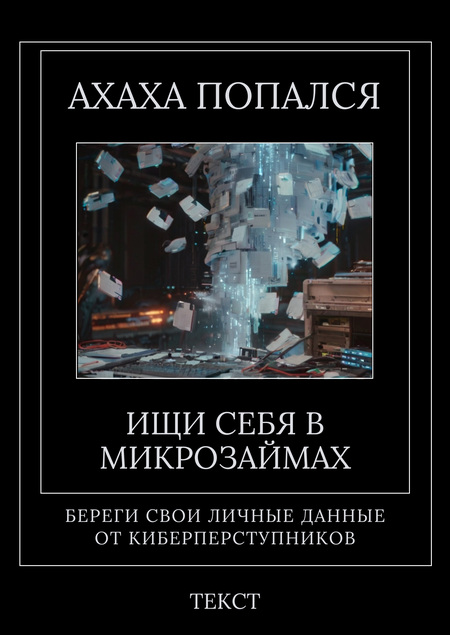
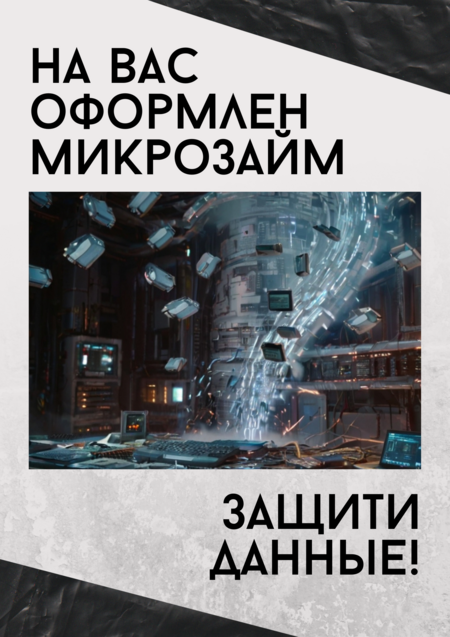
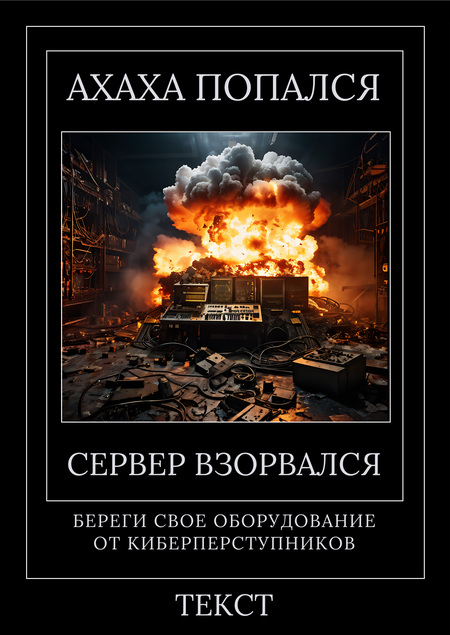
В эпоху цифровизации, с ростом мер безопасности, защиты от киберпреступности, также растет и изощрённость киберпреступников. Навыки киберпреступников часто перегоняют прогресс мер безопасности. Мы в сети как на ладони, как бы мы не пытались укрыться, скрыть свою личность и свои данные. Мы пытаемся закрыться в панцирь и спрятаться, но он все равно остается хрупким и прозрачным.
При создании изображений использовались нейросети: Playground AI, Leonardo AI, ImageFX.
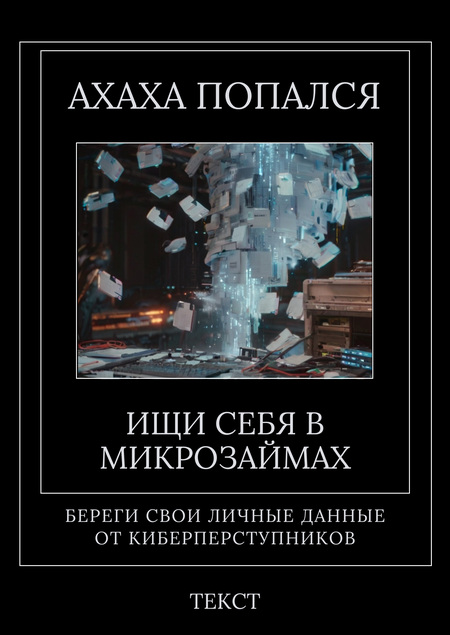
A vortex of documents that gets pulled into the computer, photoreal, detailed, detailed text documents, a lot of PC elements around, the centre of a tornado is a large PC hopper.
Blown up server equipment, half destroyed., photoreal, detailed, a lot of crashed glass, a lot of crushed wires, a lot of fire at hardware
Формат плакатов в виде презентации был выбран не случайно
Важно донести эту информацию до людей, что бы они лучше следили за безопасностью своих личных данных и оборудования.
Константин Хилинский создал цифровой плакат «GLaSS ShELL», отражающий уязвимость цифровой безопасности в эпоху киберугроз. Проект включает в себя изображения, созданные с использованием нейросетей Playground AI, Leonardo AI и ImageFX.
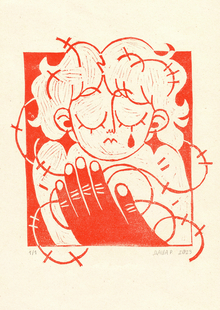
Автор создала серию работ в технике высокой печати с линогравюры «i’m ok/you’re ok». Серия включает 4 отпечатка на кремовой бумаге формата А4 в двух цветах.
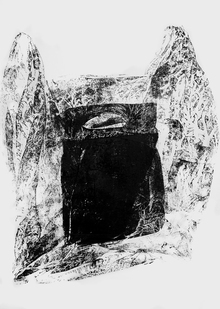
Катя Гаврикова создала серию печатной графики «Спасибо за покупку!», в которой изучает повседневные пакеты через их деформации и текстуры. Проект включает оттиски, выполненные высокой печатью, и фокусируется на визуализации скрытых деталей повседневных объектов.
hse.space
Unlock new opportunities in education, career, and creativity with HSE SPACE, the digital platform from HSE University. This online hub connects students, faculty, employers, and professional communities, empowering users to build dynamic digital portfolios, showcase extracurricular achievements, participate in competitions, and launch successful careers.
We use cookies to improve the operation of the HSE website and to enhance its usability. More detailed information on the use of cookies can be fou...
Show more
Press space bar to start a drag.
When dragging you can use the arrow keys to move the item around and escape to cancel.
Some screen readers may require you to be in focus mode or to use your pass through key
Press space bar to start a drag.
When dragging you can use the arrow keys to move the item around and escape to cancel.
Some screen readers may require you to be in focus mode or to use your pass through key
Press space bar to start a drag.
When dragging you can use the arrow keys to move the item around and escape to cancel.
Some screen readers may require you to be in focus mode or to use your pass through key
Press space bar to start a drag.
When dragging you can use the arrow keys to move the item around and escape to cancel.
Some screen readers may require you to be in focus mode or to use your pass through key
Press space bar to start a drag.
When dragging you can use the arrow keys to move the item around and escape to cancel.
Some screen readers may require you to be in focus mode or to use your pass through key
Press space bar to start a drag.
When dragging you can use the arrow keys to move the item around and escape to cancel.
Some screen readers may require you to be in focus mode or to use your pass through key
Press space bar to start a drag.
When dragging you can use the arrow keys to move the item around and escape to cancel.
Some screen readers may require you to be in focus mode or to use your pass through key
Press space bar to start a drag.
When dragging you can use the arrow keys to move the item around and escape to cancel.
Some screen readers may require you to be in focus mode or to use your pass through key
Press space bar to start a drag.
When dragging you can use the arrow keys to move the item around and escape to cancel.
Some screen readers may require you to be in focus mode or to use your pass through key
Press space bar to start a drag.
When dragging you can use the arrow keys to move the item around and escape to cancel.
Some screen readers may require you to be in focus mode or to use your pass through key
Press space bar to start a drag.
When dragging you can use the arrow keys to move the item around and escape to cancel.
Some screen readers may require you to be in focus mode or to use your pass through key