Сеть салонов текстильного декорирования интерьера «Raffinati» Санкт-Петербург
MY ACTIVITY: Дизайнер (текстиль)
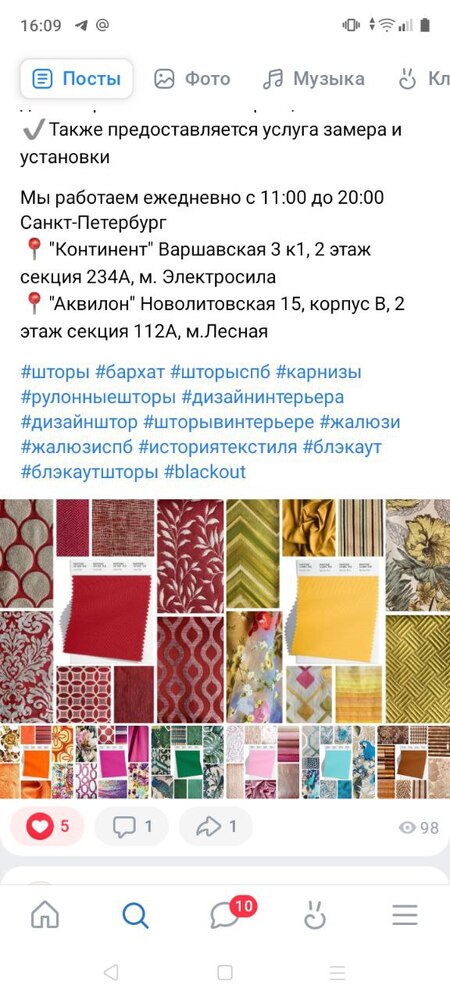
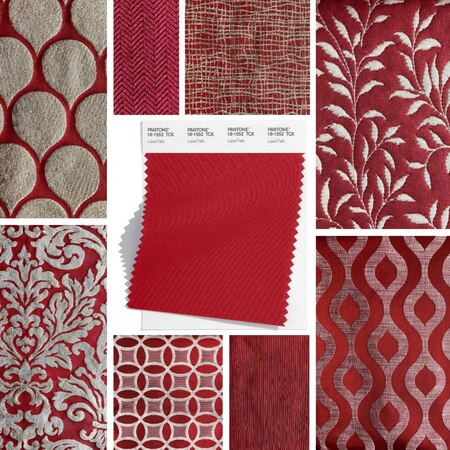
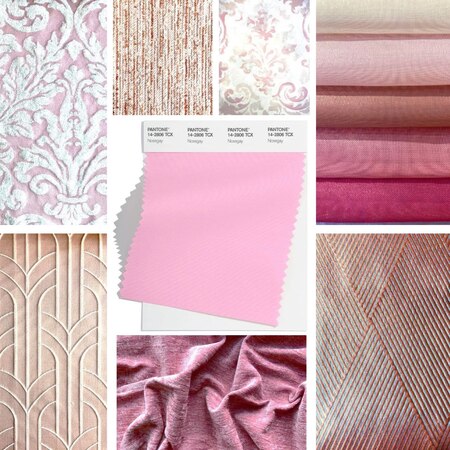
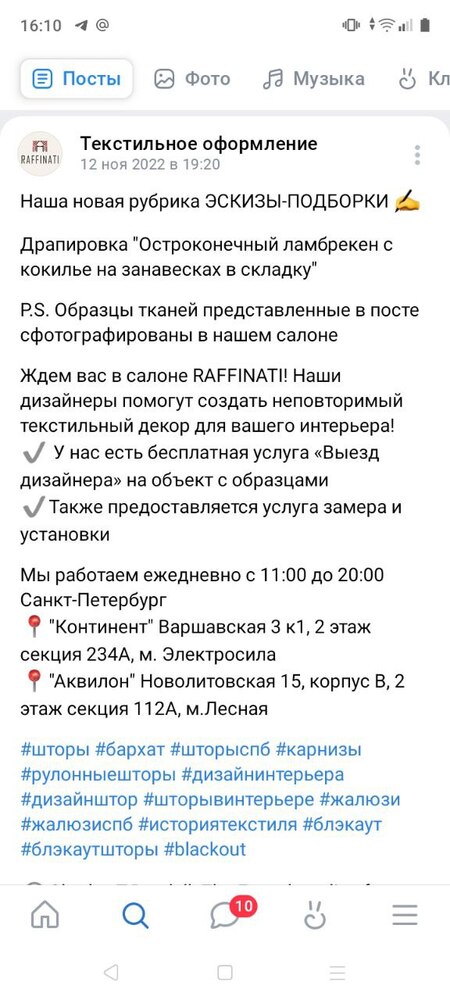
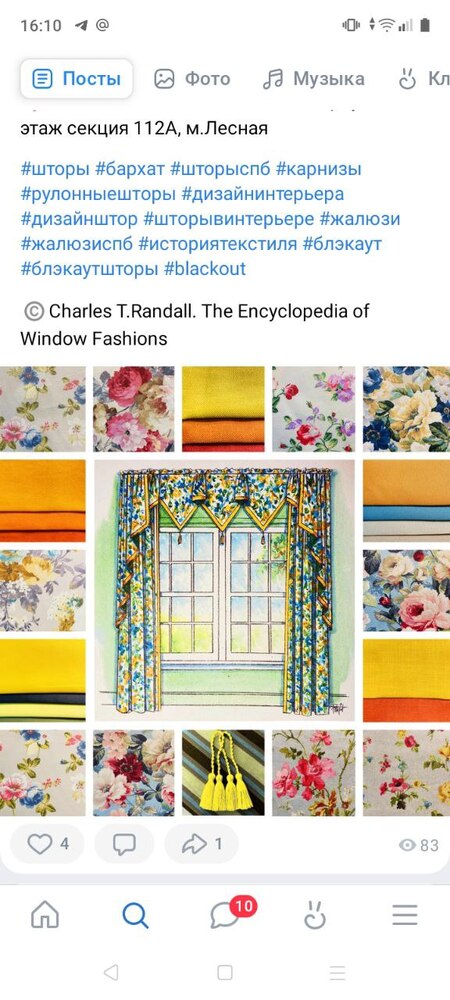
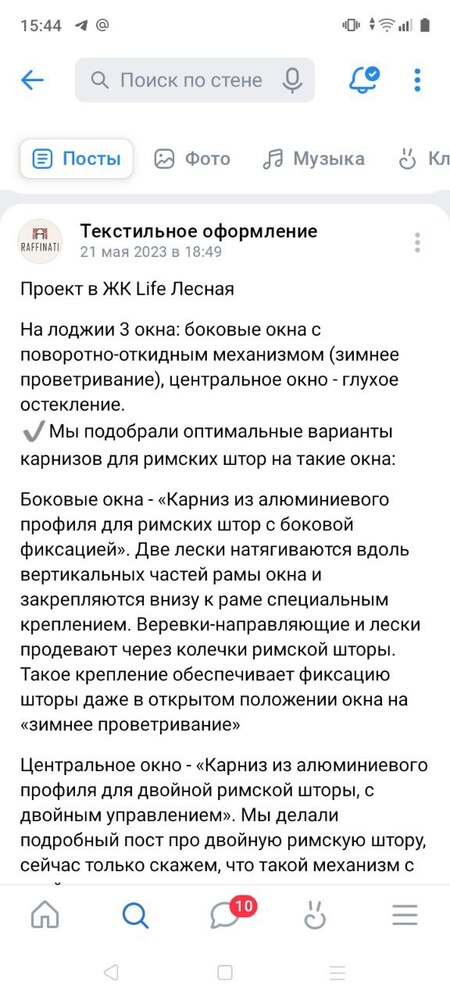
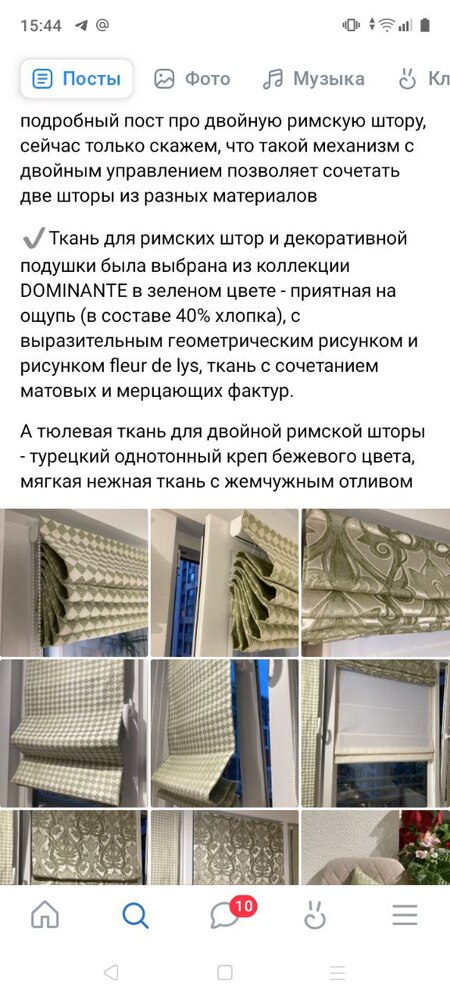
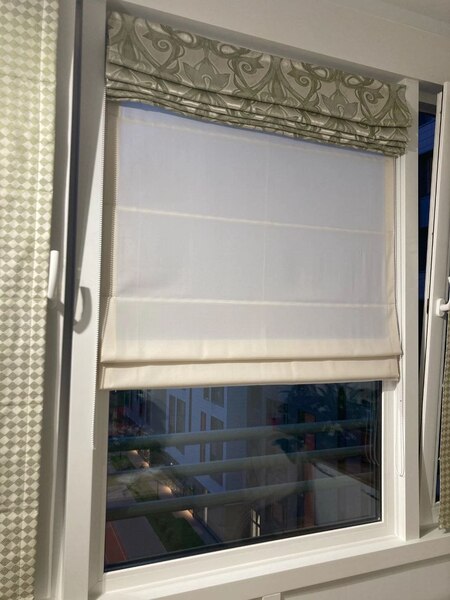
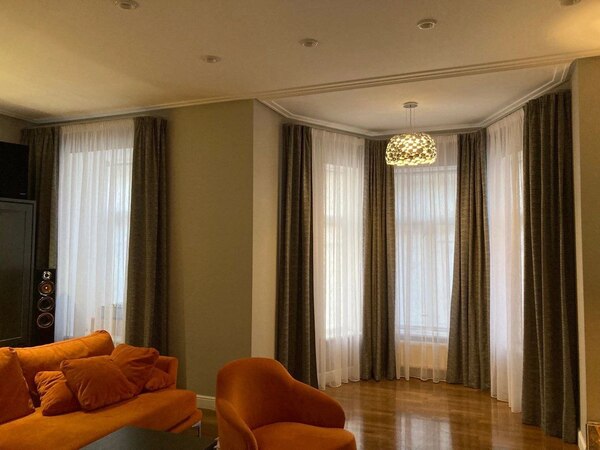
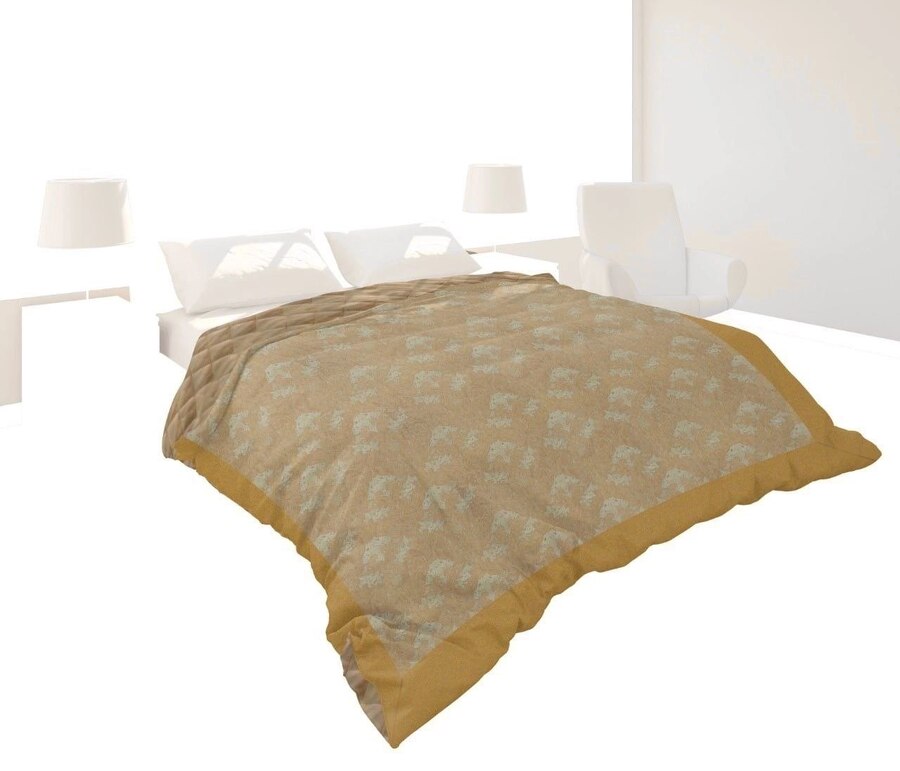
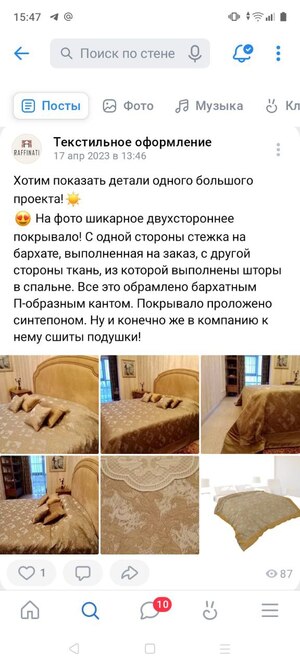
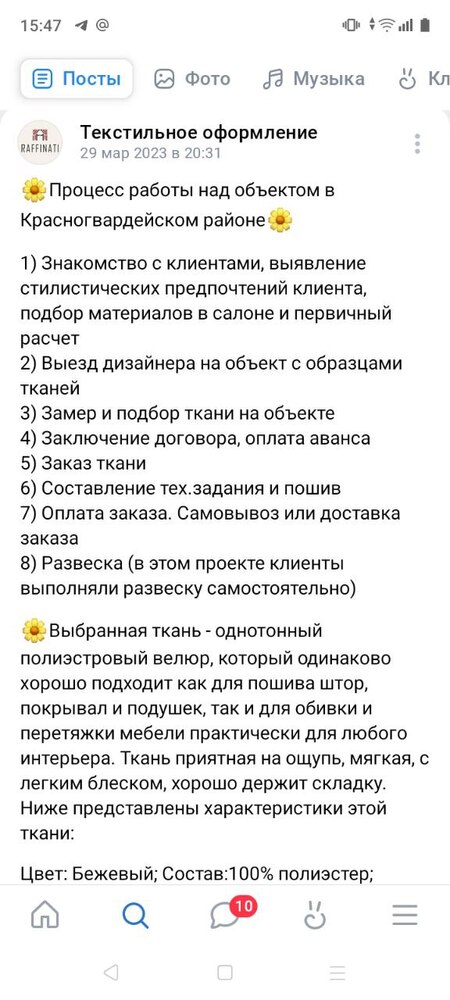
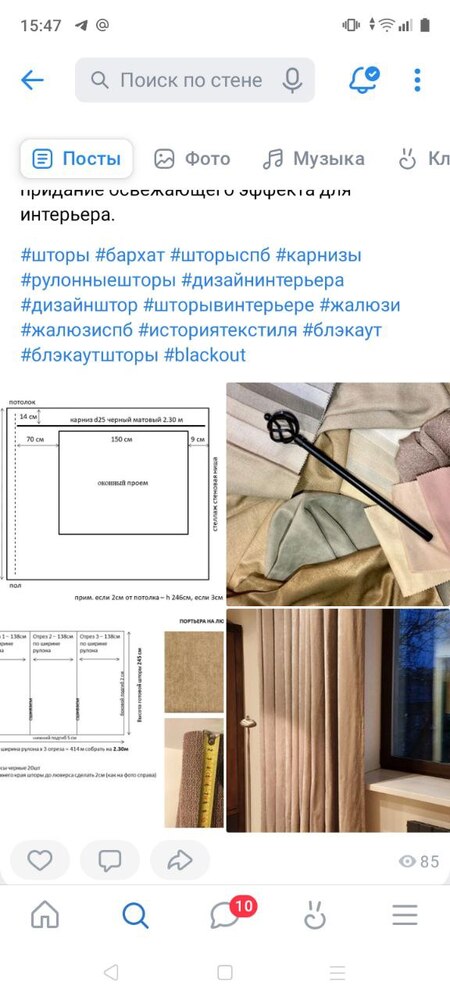
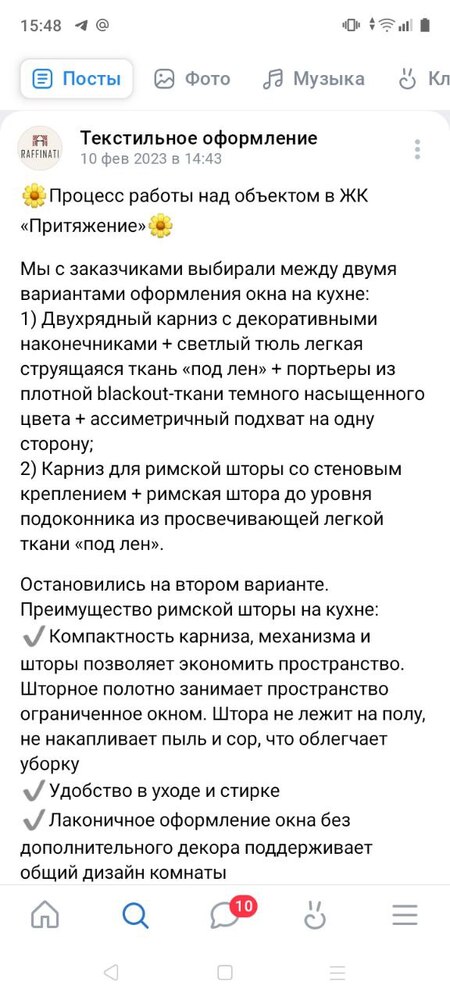
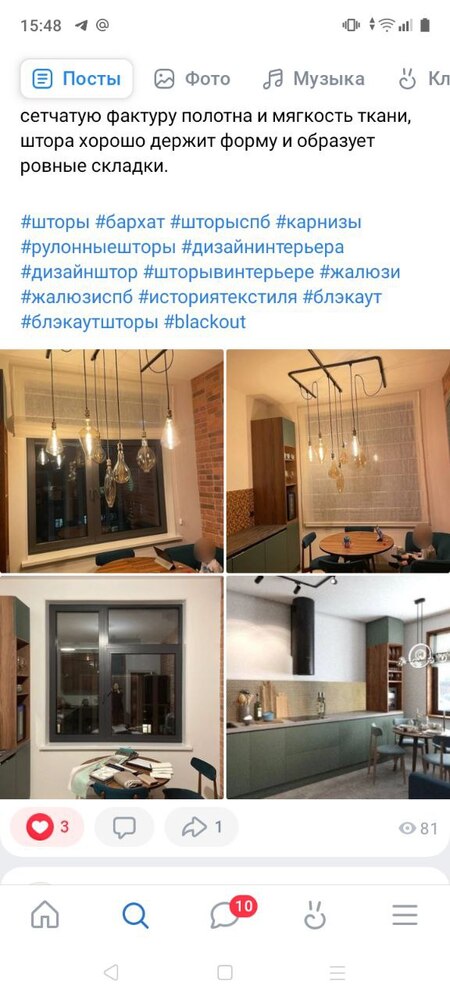
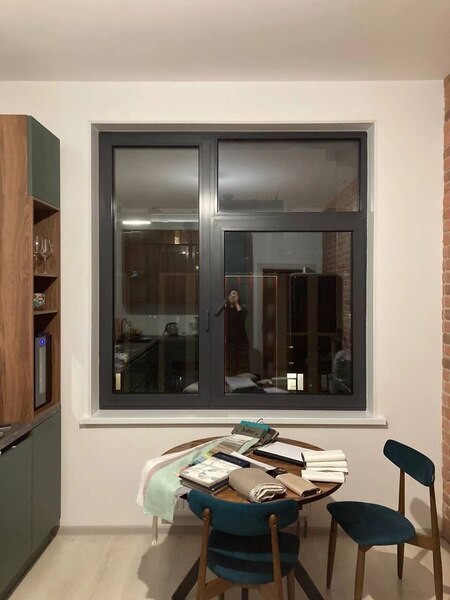
Работа с входящими клиентами, выявление основных потребностей и индивидуальных желаний заказчика; Расчет стоимости, подготовка коммерческих предложений, заключение договоров; Поиск и привлечение новых клиентов (дизайнеры, архитекторы); Активные продажи; Выезд на объект, выполнение замеров, подбор материалов, тканей и фурнитуры; разработка эскизов, дизайн-проектов; выполнение отрисовки принтов (ручное и цифровое); подготовка технического задания для производства; Ведение отчетности; Участие в презентационных выставках и отраслевых мероприятиях; прохождение обучения Компания «УЮТ» Оптовый отдел продаж Спб; Ведение социальных сетей ВК/ Instagram/ Telegram (разработка контент-плана и стратегии ведения смм; Написание текстов, подготовка картинок, баннеров и публикация постов; Организация конкурсов и публикация акций; Отчетность, оценка эффективности, план-стратегия для дальнейшего продвижения)
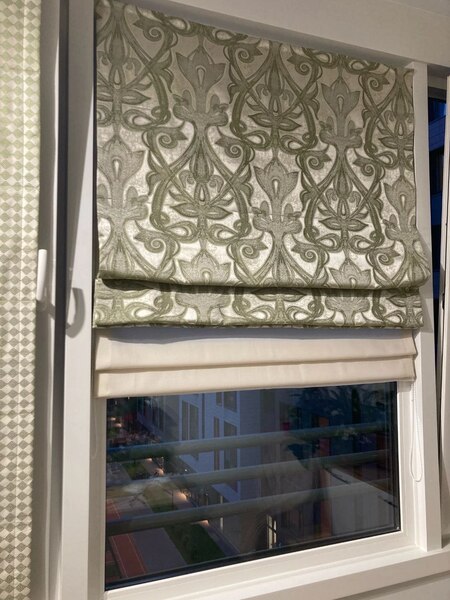
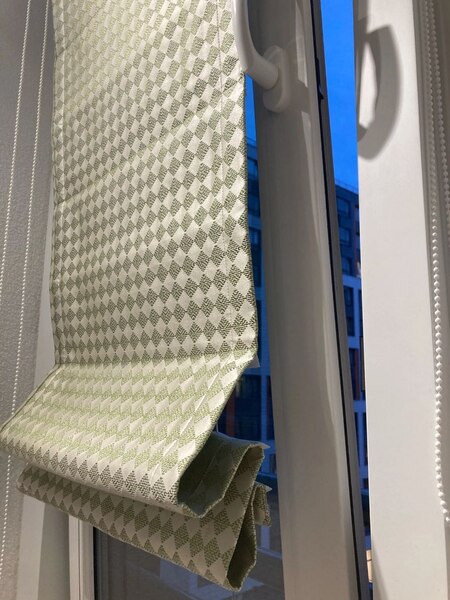
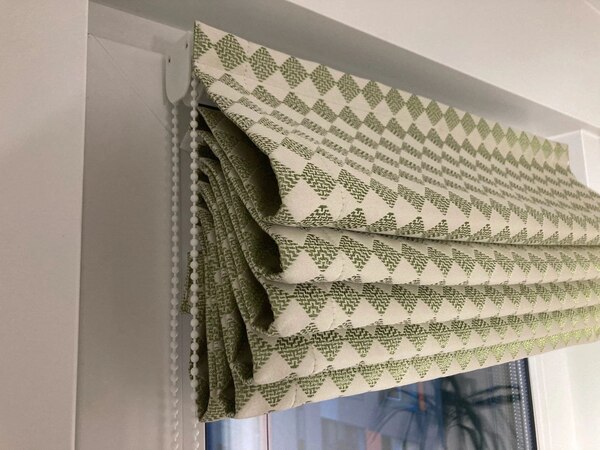
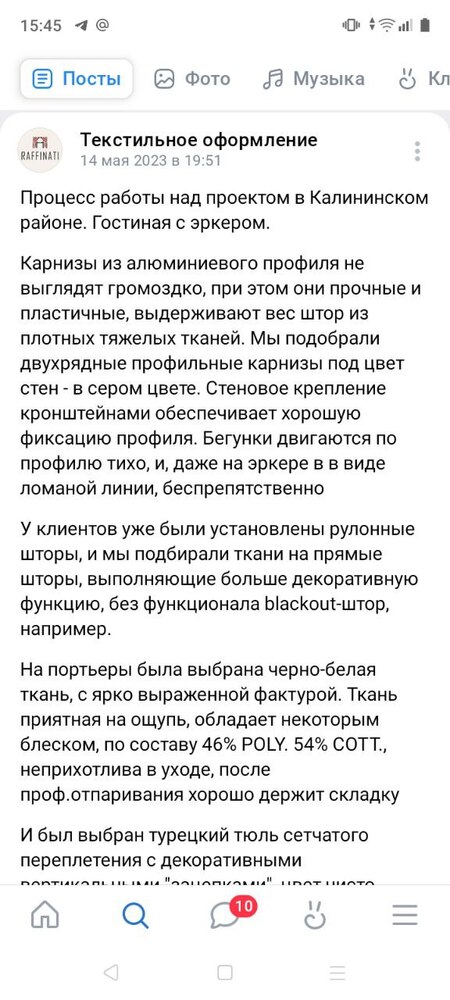
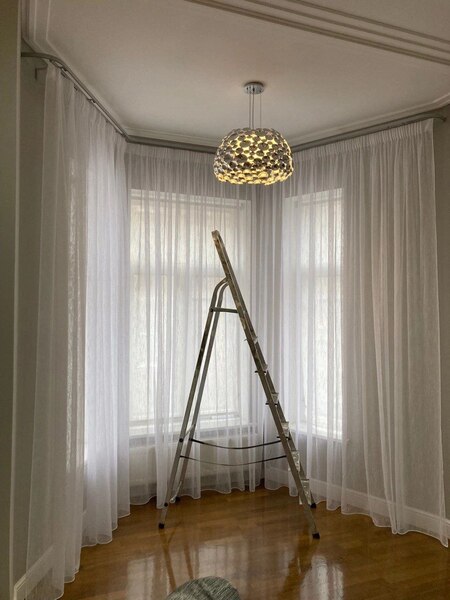
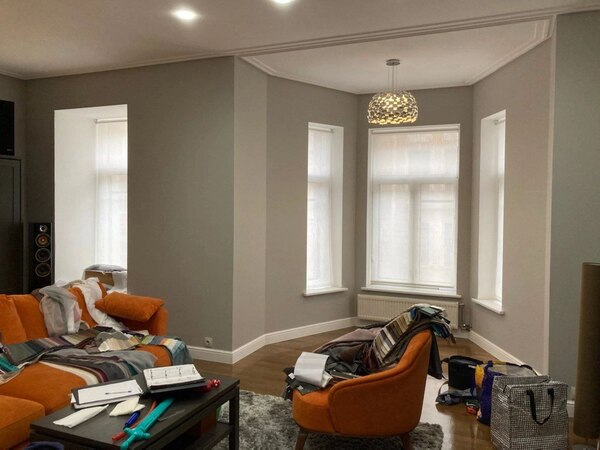
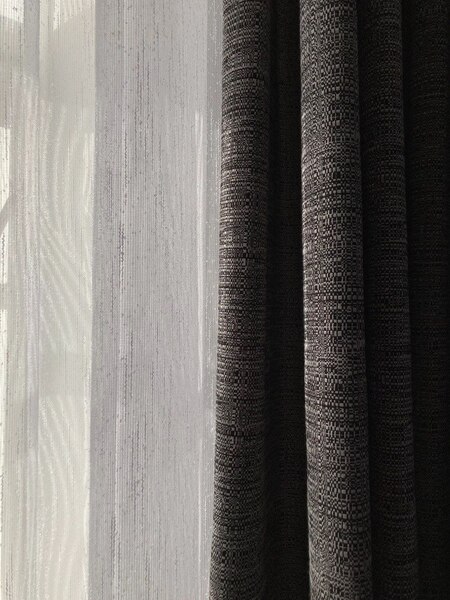
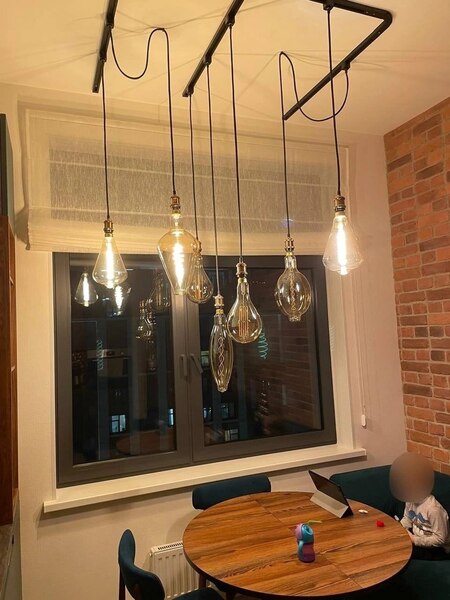
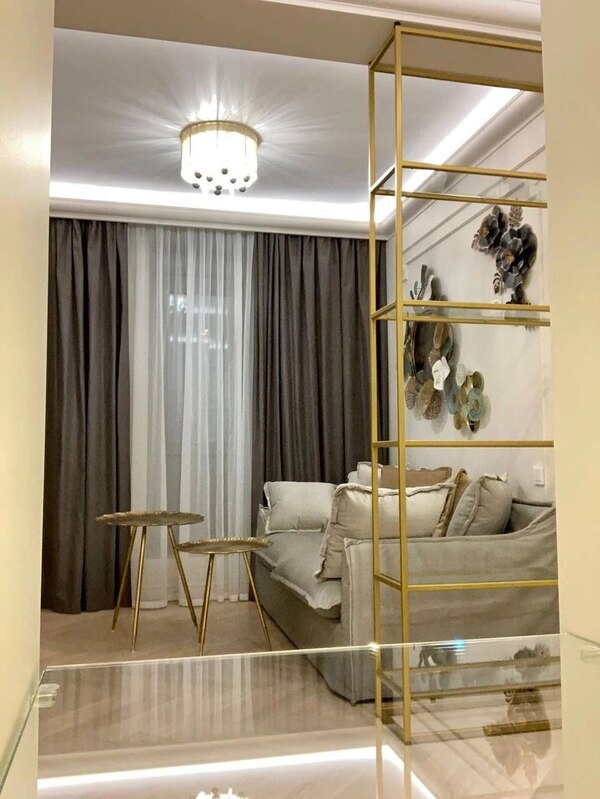
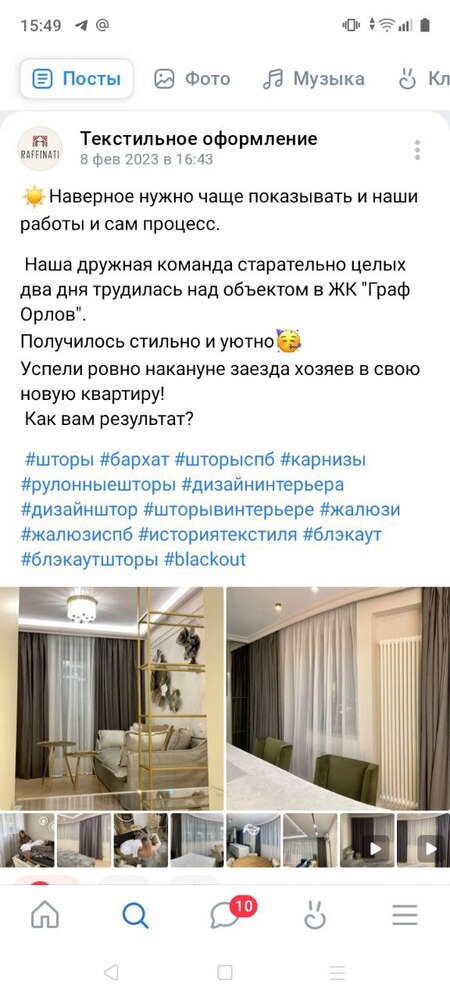
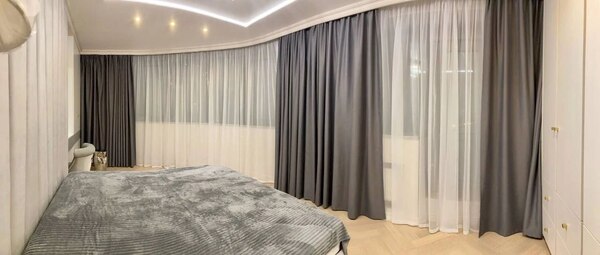
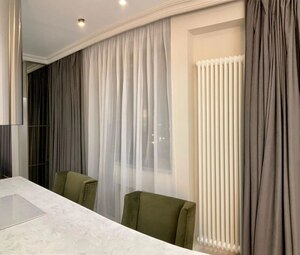
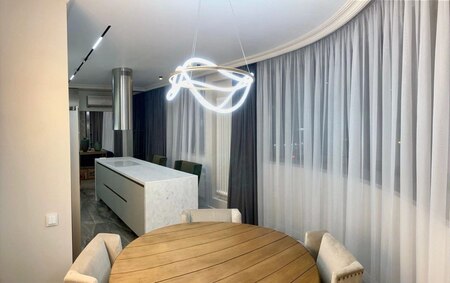
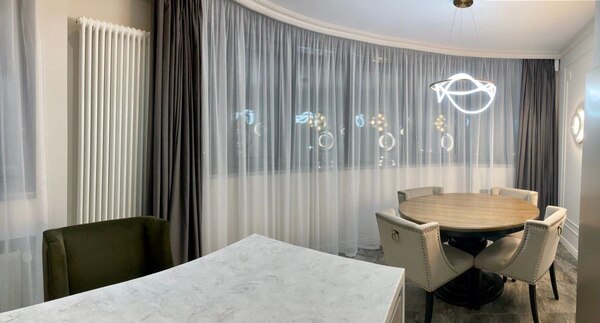
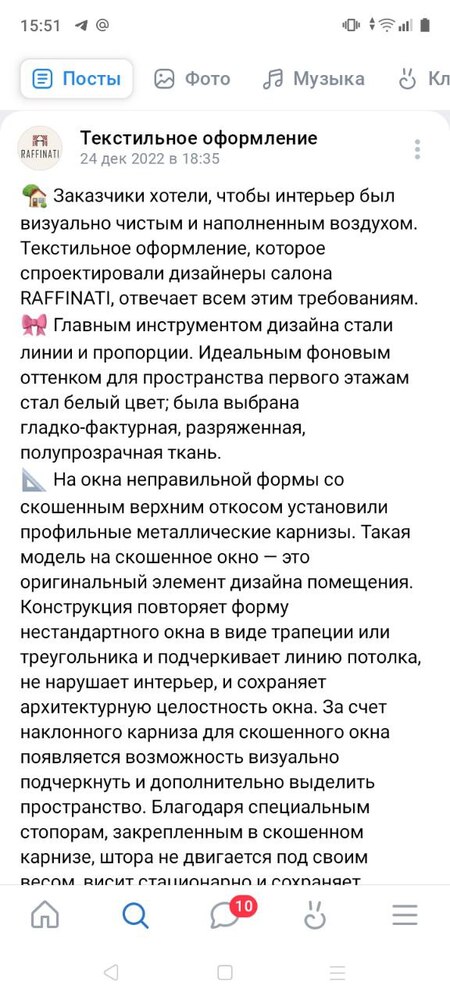
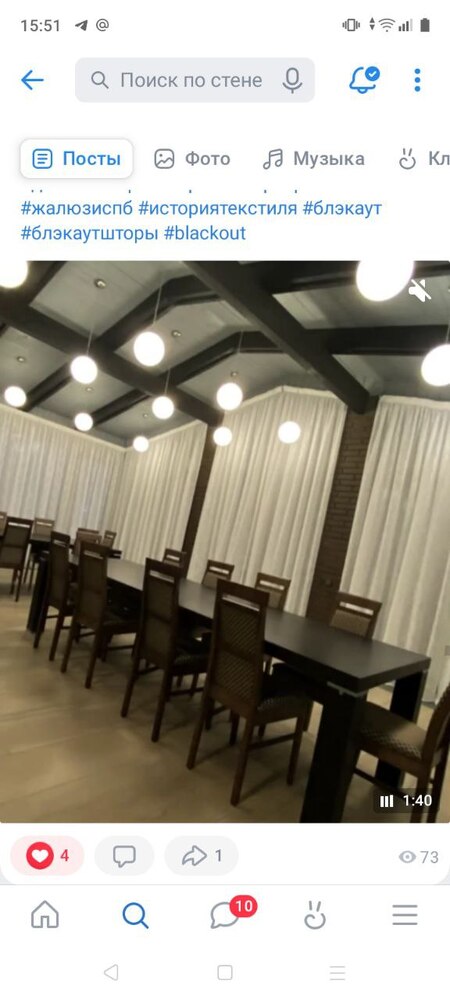
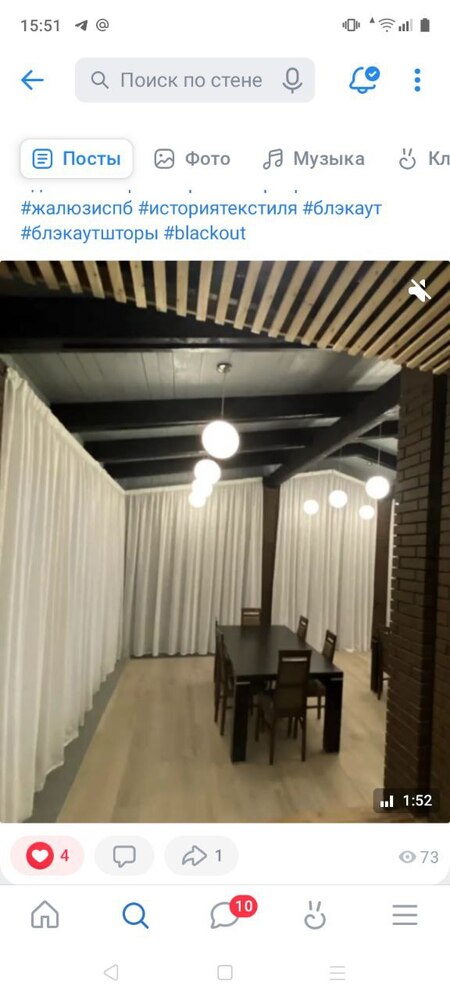
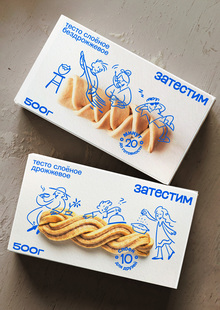
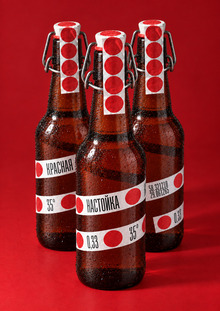
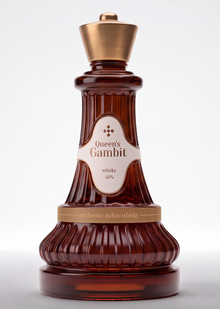
Екатерина Судакова разработала дизайн-проекты для текстильного салона "Raffinati" в Санкт-Петербурге. Проект включал в себя подбор материалов, отрисовку принтов и ведение социальных сетей с разработкой контент-плана.
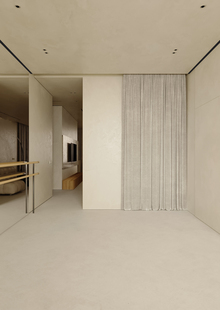
Автор создал дизайн-проект квартиры для девушки-балерины, сочетающий теплые нейтральные оттенки и натуральные материалы. Проект подчеркивает индивидуальность хозяйки и поддерживает её творческое развитие через продуманные детали интерьера.
hse.space
Unlock new opportunities in education, career, and creativity with HSE SPACE, the digital platform from HSE University. This online hub connects students, faculty, employers, and professional communities, empowering users to build dynamic digital portfolios, showcase extracurricular achievements, participate in competitions, and launch successful careers.
We use cookies to improve the operation of the HSE website and to enhance its usability. More detailed information on the use of cookies can be fou...
Show more
Press space bar to start a drag.
When dragging you can use the arrow keys to move the item around and escape to cancel.
Some screen readers may require you to be in focus mode or to use your pass through key
Press space bar to start a drag.
When dragging you can use the arrow keys to move the item around and escape to cancel.
Some screen readers may require you to be in focus mode or to use your pass through key
Press space bar to start a drag.
When dragging you can use the arrow keys to move the item around and escape to cancel.
Some screen readers may require you to be in focus mode or to use your pass through key
Press space bar to start a drag.
When dragging you can use the arrow keys to move the item around and escape to cancel.
Some screen readers may require you to be in focus mode or to use your pass through key
Press space bar to start a drag.
When dragging you can use the arrow keys to move the item around and escape to cancel.
Some screen readers may require you to be in focus mode or to use your pass through key
Press space bar to start a drag.
When dragging you can use the arrow keys to move the item around and escape to cancel.
Some screen readers may require you to be in focus mode or to use your pass through key
Press space bar to start a drag.
When dragging you can use the arrow keys to move the item around and escape to cancel.
Some screen readers may require you to be in focus mode or to use your pass through key
Press space bar to start a drag.
When dragging you can use the arrow keys to move the item around and escape to cancel.
Some screen readers may require you to be in focus mode or to use your pass through key
Press space bar to start a drag.
When dragging you can use the arrow keys to move the item around and escape to cancel.
Some screen readers may require you to be in focus mode or to use your pass through key
Press space bar to start a drag.
When dragging you can use the arrow keys to move the item around and escape to cancel.
Some screen readers may require you to be in focus mode or to use your pass through key
Press space bar to start a drag.
When dragging you can use the arrow keys to move the item around and escape to cancel.
Some screen readers may require you to be in focus mode or to use your pass through key
Press space bar to start a drag.
When dragging you can use the arrow keys to move the item around and escape to cancel.
Some screen readers may require you to be in focus mode or to use your pass through key
Press space bar to start a drag.
When dragging you can use the arrow keys to move the item around and escape to cancel.
Some screen readers may require you to be in focus mode or to use your pass through key
Press space bar to start a drag.
When dragging you can use the arrow keys to move the item around and escape to cancel.
Some screen readers may require you to be in focus mode or to use your pass through key
Press space bar to start a drag.
When dragging you can use the arrow keys to move the item around and escape to cancel.
Some screen readers may require you to be in focus mode or to use your pass through key
Press space bar to start a drag.
When dragging you can use the arrow keys to move the item around and escape to cancel.
Some screen readers may require you to be in focus mode or to use your pass through key
Press space bar to start a drag.
When dragging you can use the arrow keys to move the item around and escape to cancel.
Some screen readers may require you to be in focus mode or to use your pass through key
Press space bar to start a drag.
When dragging you can use the arrow keys to move the item around and escape to cancel.
Some screen readers may require you to be in focus mode or to use your pass through key
Press space bar to start a drag.
When dragging you can use the arrow keys to move the item around and escape to cancel.
Some screen readers may require you to be in focus mode or to use your pass through key