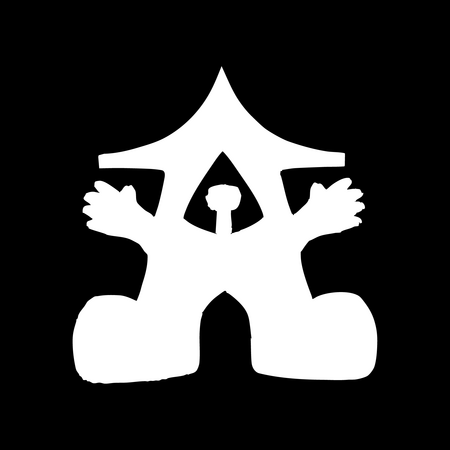
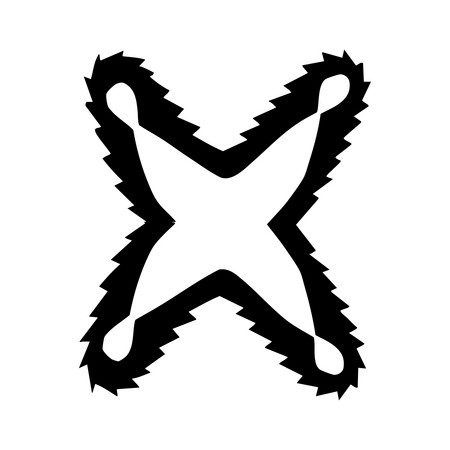
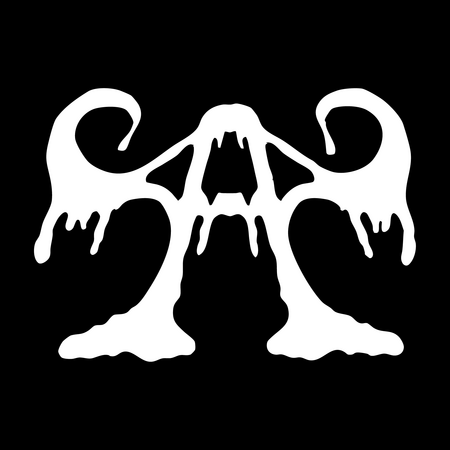
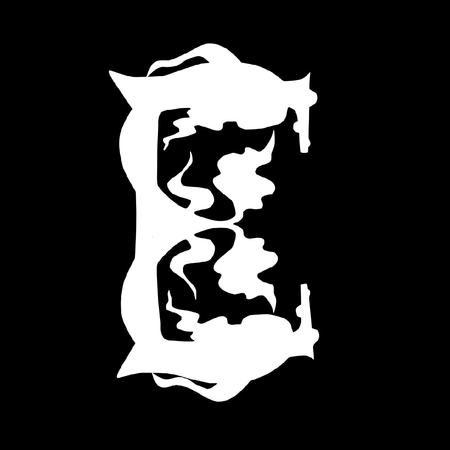
Симметрия в букве — практика учащихся ШКИ (Электросталь) по работе с формой буквы
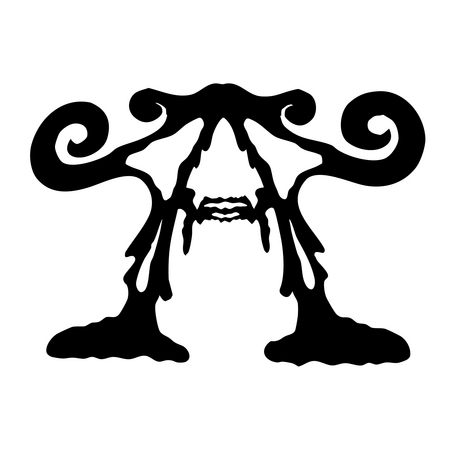
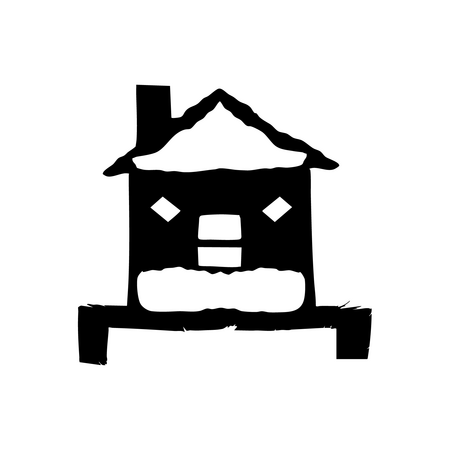
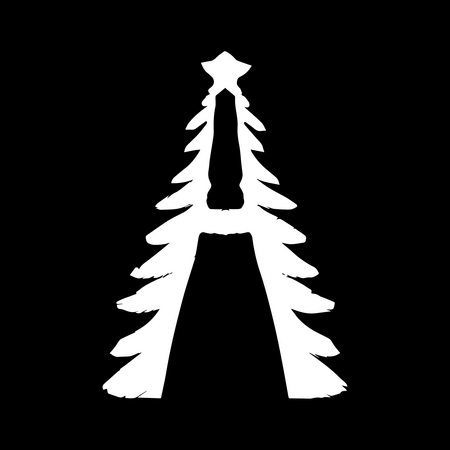
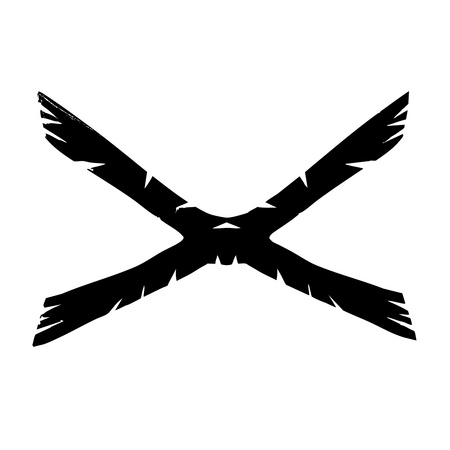
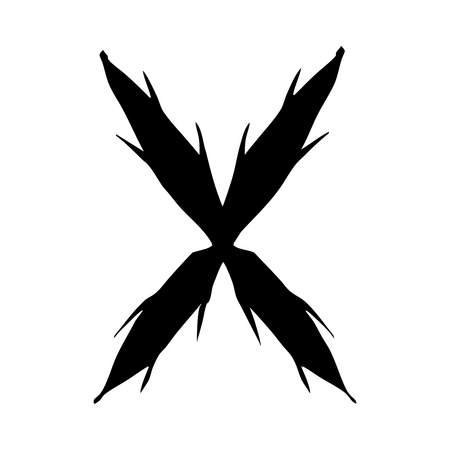
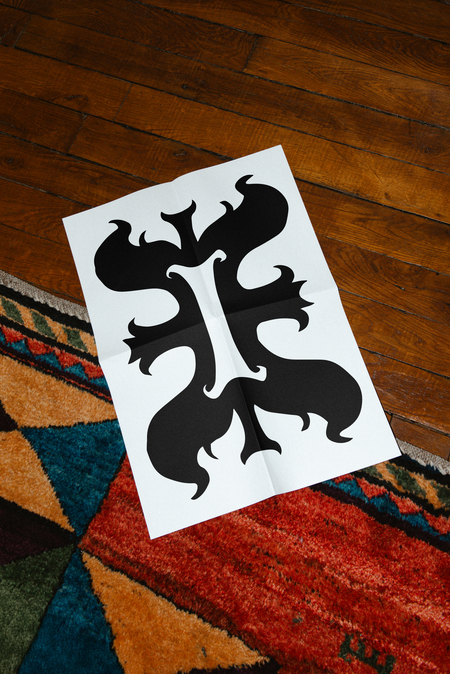
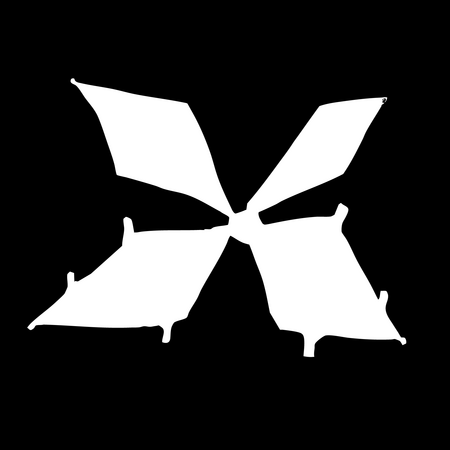
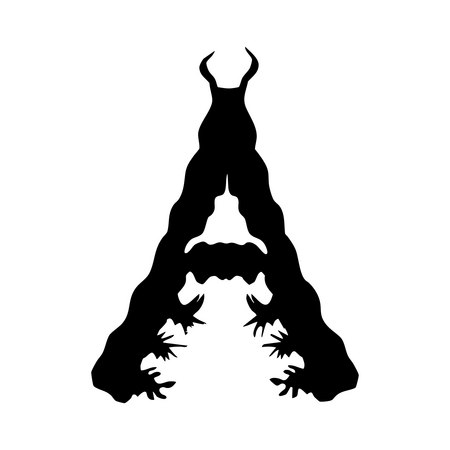
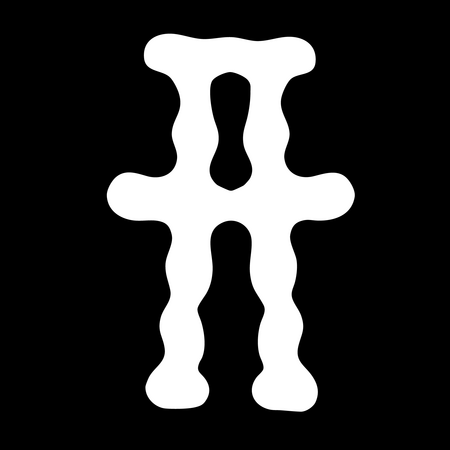
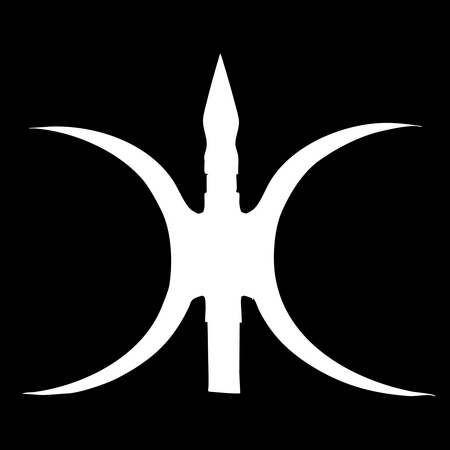
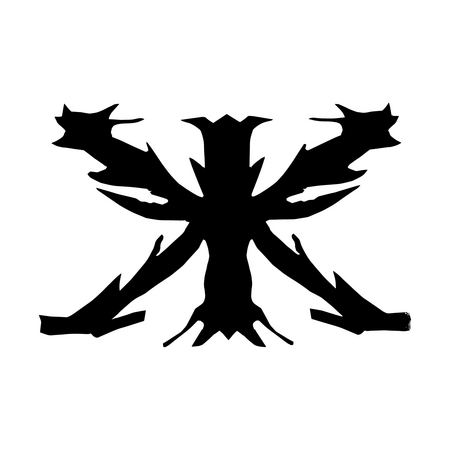
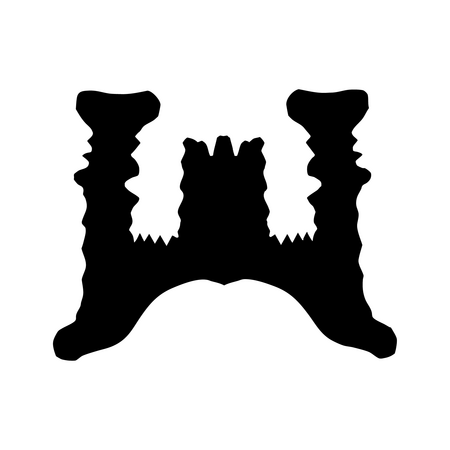
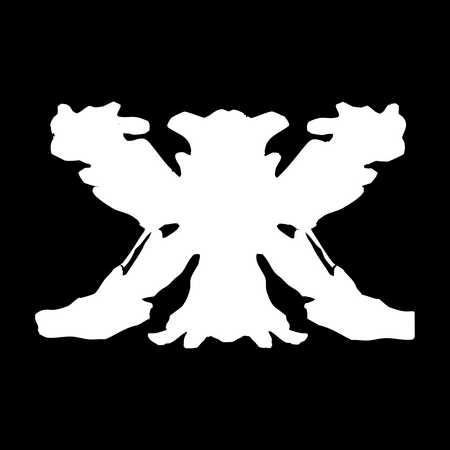
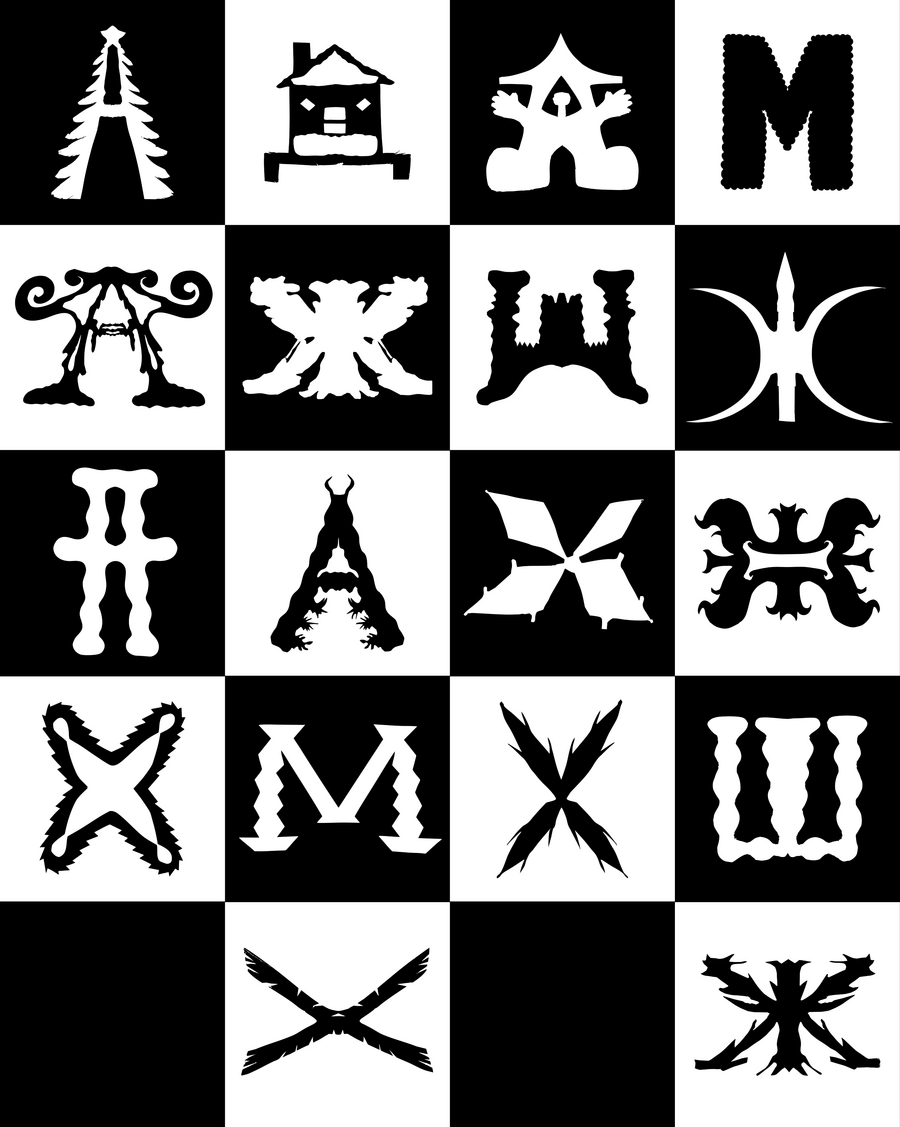
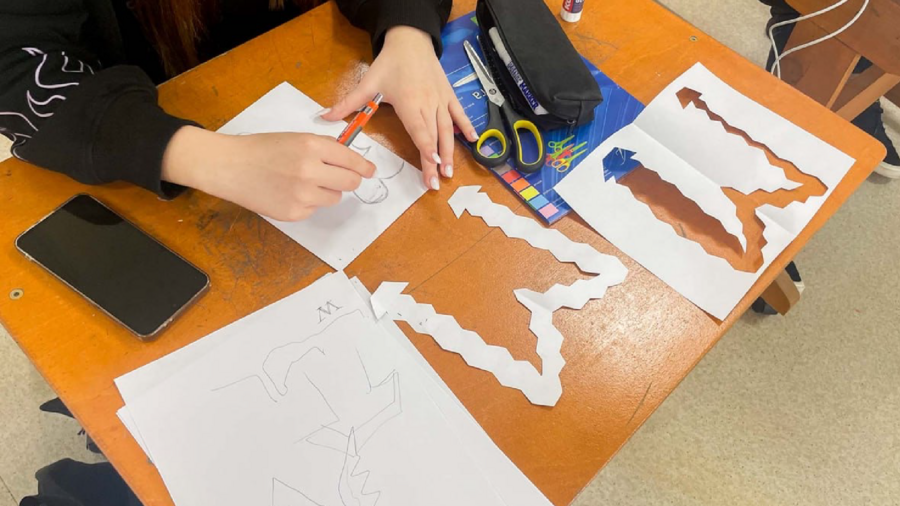
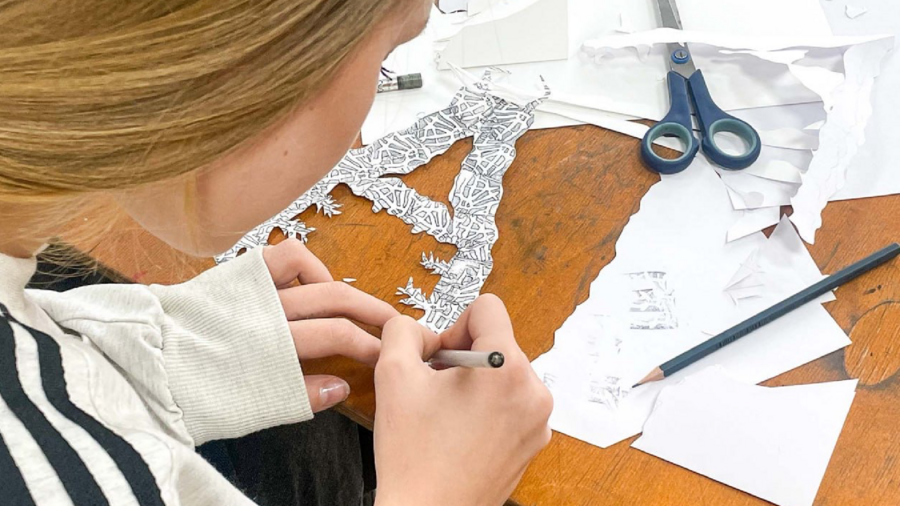
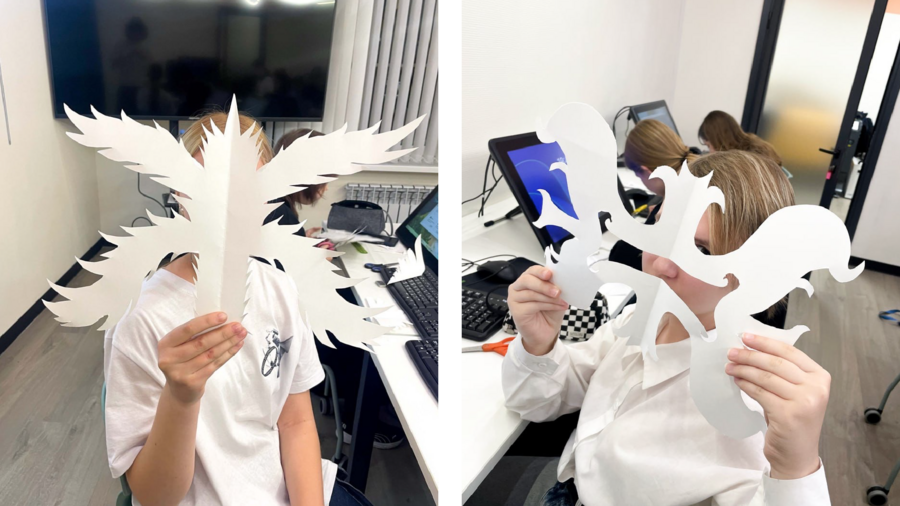
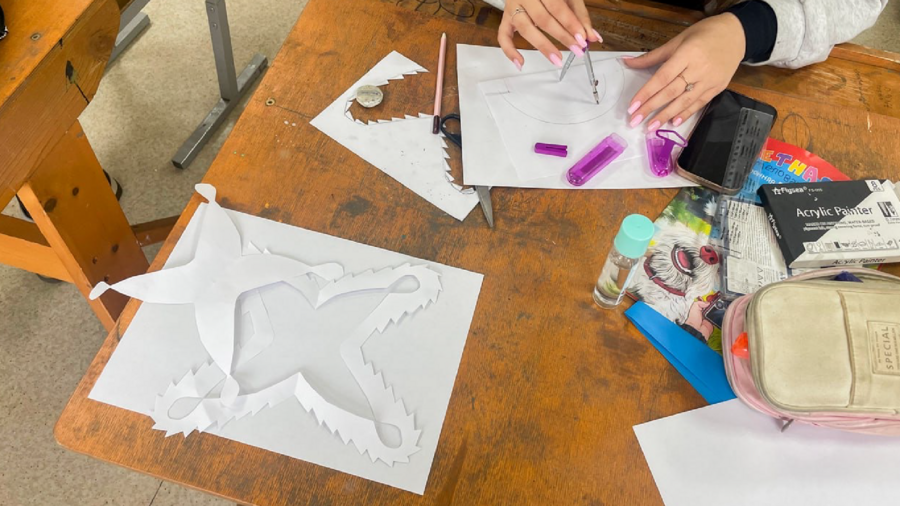
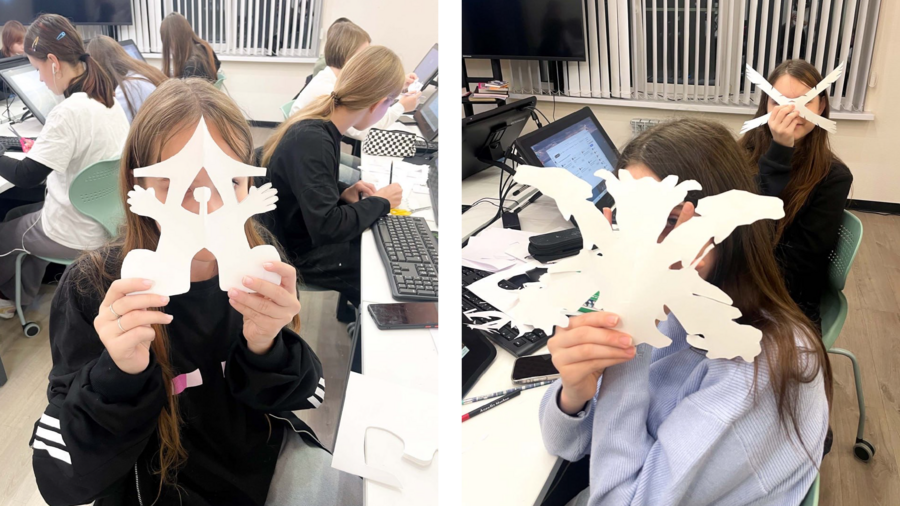
Задача упражнения — исследовать выразительность симметричных форм: ребята искали гармоничные очертания букв, вырезали их из бумаги, чтобы прочувствовать силуэт и пропорции. Затем бумажные формы переводили в вектор — отрабатывали точность контуров и масштабируемость.
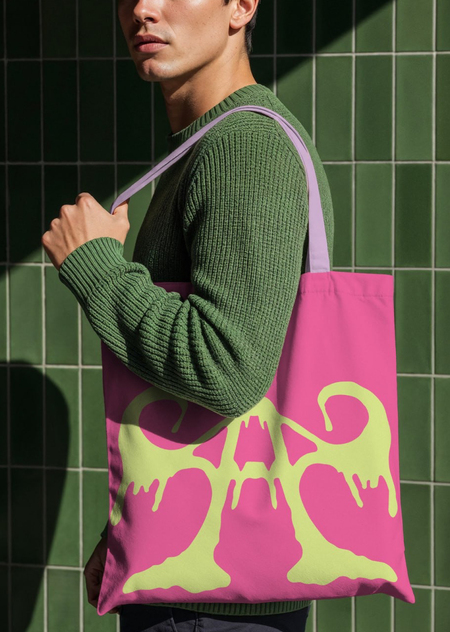
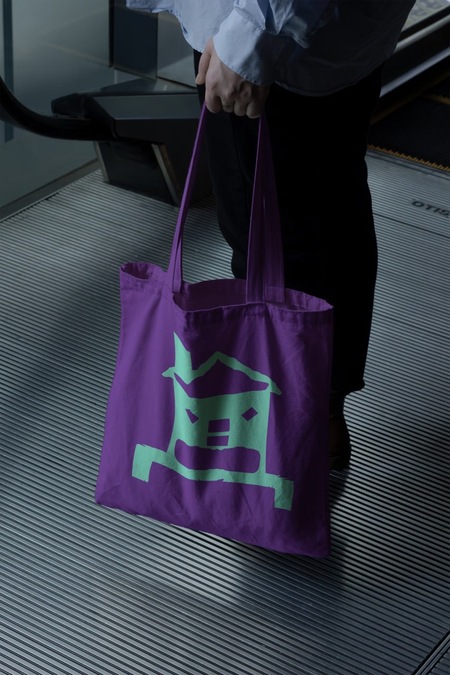
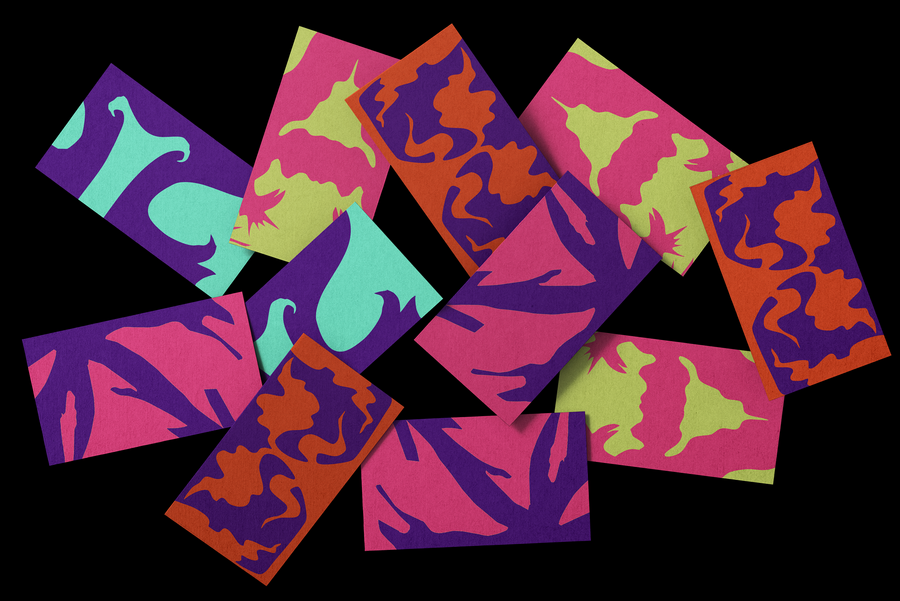
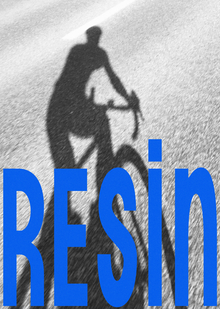
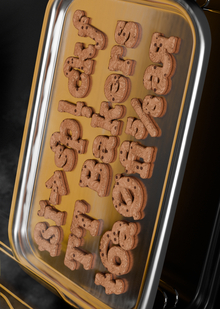
Завершающий шаг — мокапы в Adobe Photoshop: буквы помещались в контекст, чтобы показать, как типографика живёт в пространстве. Проект — про связь ручного поиска и цифрового воплощения: от силуэта на столе до готового визуального решения
Исходный размер 3000x2002
В результате учащиеся освоили сквозной дизайн‑процесс: от ручного поиска формы до цифровой визуализации и презентации идеи в реалистичном окружении.
Исходный размер 2667x3339
0
0
0
0
0
0
0
0
0
0
0
Школа креативных индустрий (ШКИ) в Электростали — образовательный проект в рамках федерального проекта «Придумано в России» при поддержке Минкультуры РФ. Работает на базе ДХШ им. Н. Н. Лаврентьевой. В ШКИ бесплатно обучаются школьники 14–18 лет — они осваивают востребованные профессии креативного сектора в современных студиях. Это вторая ШКИ в Московской области.
elcreative.ru elst_mbudkhsc@mosreg.ru 8 496 570 3706 Электросталь, ул. Западная, д. 15
Мы используем файлы cookies для улучшения работы сайта НИУ ВШЭ и большего удобства его использования. Более подробную...
Показать больше
Press space bar to start a drag.
When dragging you can use the arrow keys to move the item around and escape to cancel.
Some screen readers may require you to be in focus mode or to use your pass through key
Press space bar to start a drag.
When dragging you can use the arrow keys to move the item around and escape to cancel.
Some screen readers may require you to be in focus mode or to use your pass through key
Press space bar to start a drag.
When dragging you can use the arrow keys to move the item around and escape to cancel.
Some screen readers may require you to be in focus mode or to use your pass through key
Press space bar to start a drag.
When dragging you can use the arrow keys to move the item around and escape to cancel.
Some screen readers may require you to be in focus mode or to use your pass through key
Press space bar to start a drag.
When dragging you can use the arrow keys to move the item around and escape to cancel.
Some screen readers may require you to be in focus mode or to use your pass through key
Press space bar to start a drag.
When dragging you can use the arrow keys to move the item around and escape to cancel.
Some screen readers may require you to be in focus mode or to use your pass through key
Press space bar to start a drag.
When dragging you can use the arrow keys to move the item around and escape to cancel.
Some screen readers may require you to be in focus mode or to use your pass through key
Press space bar to start a drag.
When dragging you can use the arrow keys to move the item around and escape to cancel.
Some screen readers may require you to be in focus mode or to use your pass through key
Press space bar to start a drag.
When dragging you can use the arrow keys to move the item around and escape to cancel.
Some screen readers may require you to be in focus mode or to use your pass through key
Press space bar to start a drag.
When dragging you can use the arrow keys to move the item around and escape to cancel.
Some screen readers may require you to be in focus mode or to use your pass through key
Press space bar to start a drag.
When dragging you can use the arrow keys to move the item around and escape to cancel.
Some screen readers may require you to be in focus mode or to use your pass through key