about the project
The project’s concept is to create a personalized generative model based on Stable Diffusion capable of producing high-quality and stylistically diverse images of my dog, Aki. Personal photographs of the pet will be used as the source data (dataset). The goal is to test how accurately the neural network can capture Aki’s unique physical characteristics (coloring, muzzle shape, characteristic gaze) and translate them onto new images while preserving a specified artistic style (for example, cyberpunk, watercolor, oil painting, steampunk).
Source images for training
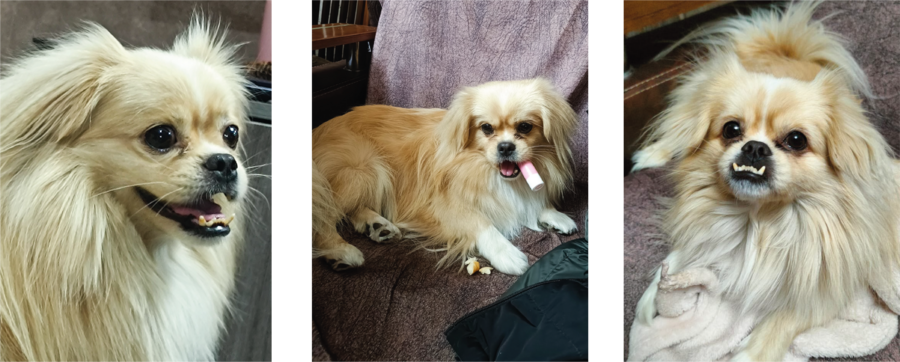
For dataset generation, 30–40 photographs of Aki were selected. The main requirements for the photos were clarity, good lighting, and the absence of blur. To prevent the neural network from confusing the dog with the background, shots were taken from various angles, but primarily focusing on the face.
First sample image
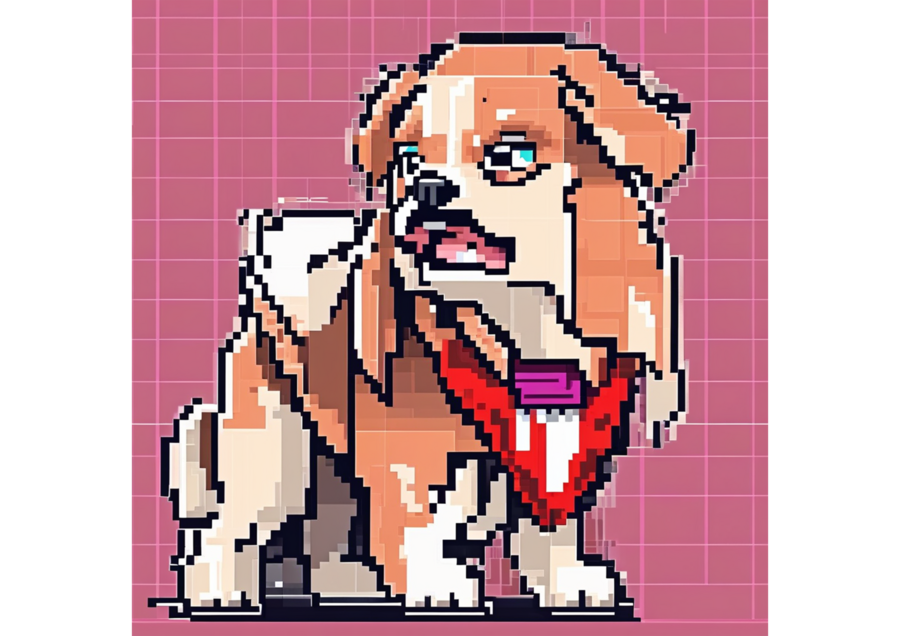
prompt: A pixelated drawing of an Akita dog
Here, we can note that due to the brief prompt, the desired image could not be conveyed.
most successful work
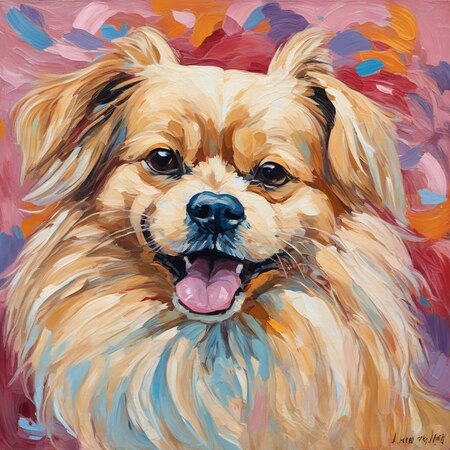
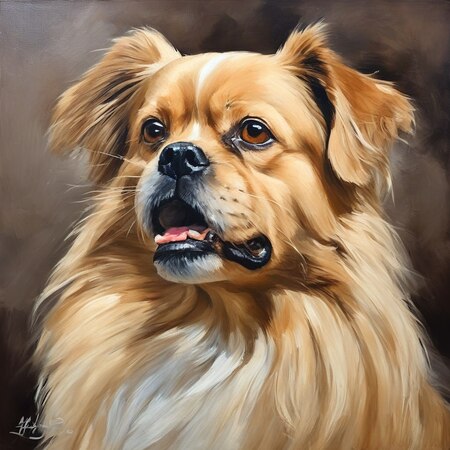
prompts: 1. a post-impressionist oil painting of a dog, thick swirling brush strokes 2. a classical oil portrait of a dog, dramatic lighting, rich brush strokes
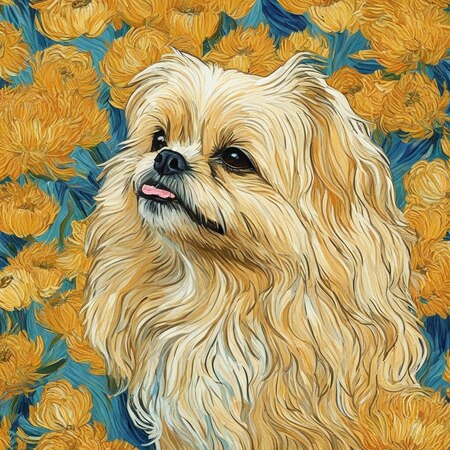
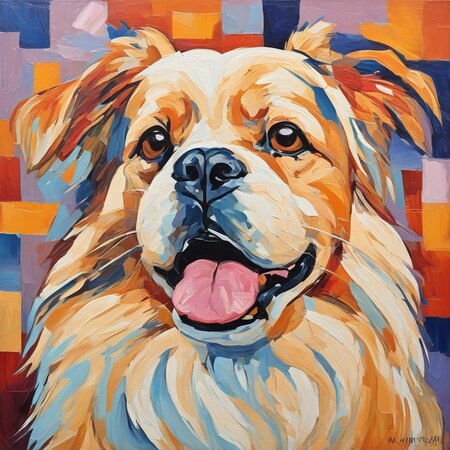
Prompts: 1. Image of an Aki dog in the style of a Van Gogh painting. 2. Impressionist painting of an Aki dog; keep it abstract in the style of Cubism.
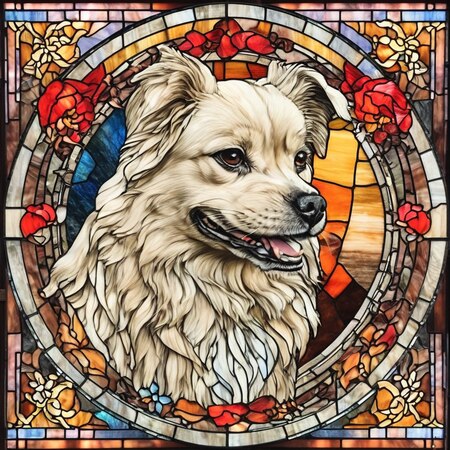
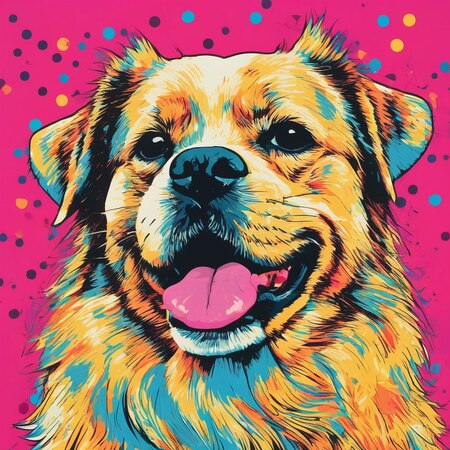
prompts: 1. a stained glass window depicting aki dog, vivid colors, black lead lines 2. a stained glass window depicting aki dog, vivid colors, black lead lines
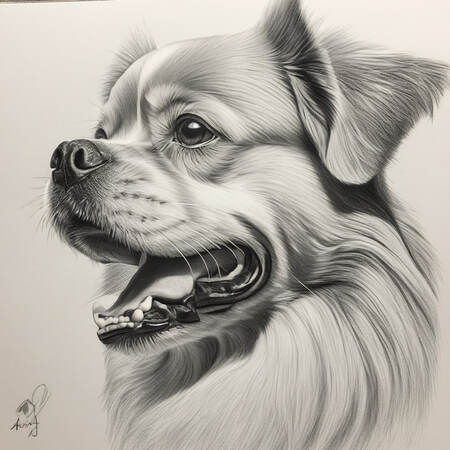
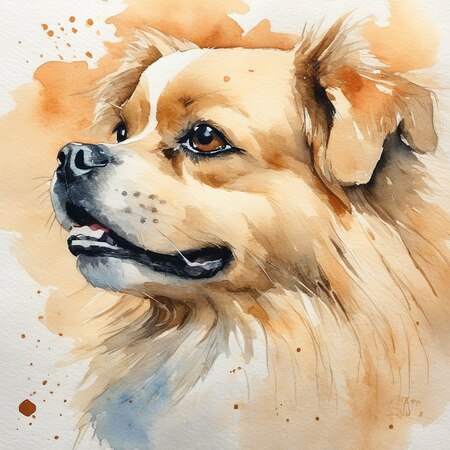
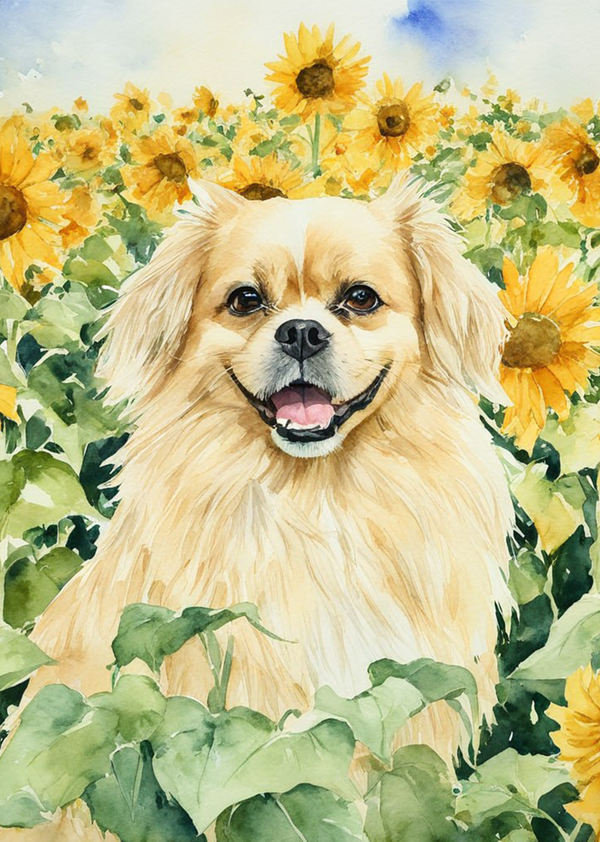
Prompts: 1. a detailed graphite pencil sketch of aki dog, cross-hatching, white paper 2. a loose watercolor painting of aki dog, soft washes, visible paper texture
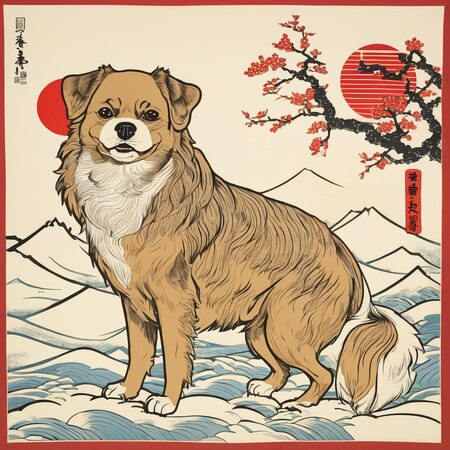
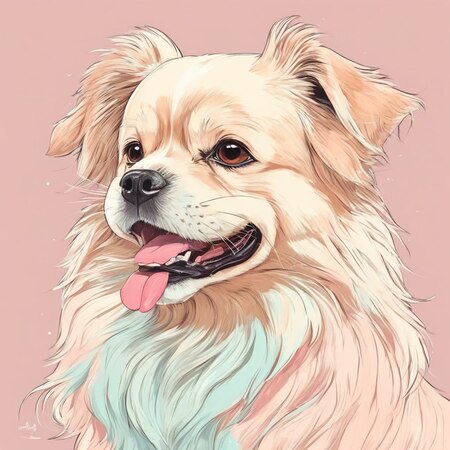
prompts: 1. a Japanese ukiyo-e woodblock print of aki dog, flat colors, bold outlines 2. an anime illustration of aki dog, soft pastel colors, clean line art
prompt: a stylized 3D cartoon render of aki dog, soft studio lighting, big expressive eyes
Code Review
This Python script is designed for the automated preparation and preprocessing of an image dataset for subsequent neural network training. The main stages of the script’s operation are: Initialization: Support for the .heic format (iOS photos) is configured, acceptable file extensions are defined, and a maximum resolution limit (2048 pixels) for height/width is set. Directory Setup: The target folder for saving (/content/dog_train) is completely cleared and reconstructed. Data Filtering: The code recursively scans the source directory, discarding unsuitable file formats and system service files (e.g., macOS utility files). Image Processing: Images are converted to the RGB color model, their orientation is adjusted based on EXIF metadata, and they are proportionally scaled (compressed using the Lanczos method to a maximum dimension of 2048 pixels). Saving and Standardization: The processed files are saved in JPEG format at 95% quality, using sequential numbering such as img_000.jpg. Validation: Upon completion, the number of files and their resolution are checked. If the final dataset is empty, an exception is raised; warnings are issued if the number of images is small (fewer than 5) or the resolution is low (fewer than 512 pixels).
This Python code snippet is designed to automatically generate textual descriptions (captions) for prepared images using the BLIP model. These descriptions are then saved into a specific annotation JSON file, which is typically used for training generative models like Stable Diffusion.
The main stages of the code’s operation are:
Metadata Initialization: The path to the metadata.jsonl file in the TRAIN_DIR directory is set, and if this file existed previously, it is deleted (meta_path.unlink).
BLIP Model Loading: If the USE_BLIP_CAPTIONS flag is active, the script loads the pre-trained model Salesforce/blip-image-captioning-base and its processor from the transformers library. The model is transferred to the GPU device (cuda) using half-precision (torch.float16) to save memory.
Caption Generation Function (caption_image): This function accepts an image, processes it through the processor, generates a text description using the BLIP model, and returns the first decoded line of text.
Dataset traversal and labeling: The script opens the metadata.jsonl file for writing and sequentially iterates through all images in the TRAIN_DIR folder. A textual description is generated for each image. A final prompt is constructed, combining the specified object key marker (INSTANCE_PROMPT) and the description generated by the model ({INSTANCE_PROMPT}, {caption_image (…)}). The result is saved to a JSON Lines file (json.dumps), where the corresponding text (prompt) is specified for each file (file_name). Memory release: After caption generation is complete, the model and processor objects are deleted (del), the garbage collector is invoked (gc.collect ()), and the CUDA cache is cleared (torch.cuda.empty_cache ()), freeing up video memory before the next stage (training). Alternative branch (else): If caption generation is disabled (USE_BLIP_CAPTIONS = False), the script outputs a notification stating that a single base INSTANCE_PROMPT will be used for all photographs.
This code snippet is designed to configure the hyperparameters for training a LoRA model and generate command-line arguments via interactive Jupyter widgets. It sets parameters such as the target directory for saving results (OUTPUT_DIR = «dog_style_LoRA»), image resolution (RESOLUTION = 512), maximum training steps (MAX_TRAIN_STEPS = 0), checkpoint saving frequency (CHECKPOINT_EVERY = 100), and the LoRA network rank (RANK = 8). If MAX_TRAIN_STEPS is set to zero, the script automatically calculates the optimal number of steps based on the total number of prepared images (n_images * 25, in the range of 300 to 800 steps), outputting detailed statistics to the console. Depending on whether automatic text caption generation was previously used (USE_BLIP_CAPTIONS), the DATA_ARGS variable forms arguments either for training on a labeled dataset (--dataset_name and --caption_column).
This code snippet initiates the LoRA training process for Stable Diffusion XL using the accelerate utility and the train_dreambooth_lora_sdxl.py script, passing all previously configured parameters. The command line specifies the base paths for the pre-trained model (stabilityai/stable-diffusion-xl-base-1.0) and the VAE (madebyollin/sdxl-vae-fp16-fix), along with dynamically generated dataset arguments ({DATA_ARGS}), the output directory for saving results ({OUTPUT_DIR}), and the base object prompt ({INSTANCE_PROMPT}). Technical optimization parameters are also configured: the use of mixed precision fp16, image resolution ({RESOLUTION}), center cropping (--center_crop), batch size (--train_batch_size=1), gradient accumulation steps (--gradient_accumulation_steps=4), gradient checkpointing, and the 8bit_adam optimizer to conserve video memory. Additionally, training hyperparameters are passed: LoRA rank ({RANK}), learning rate (--learning_rate=1e-4), SNR gamma coefficient (--snr_gamma=5.0), learning rate scheduler type (constant), total number of steps ({max_steps}), checkpoint saving frequency ({CHECKPOINT_EVERY}), and a fixed generation seed (--seed=0).
This code snippet is designed for backing up and exporting the training results of a LoRA model to Google Drive or to a remote Hugging Face Hub repository, depending on the selected settings. In the first block, when the SAVE_TO_DRIVE flag is enabled, the script mounts Google Drive (drive.mount), searches for the pytorch_lora_weights.safetensors saved weights across all checkpoint and final directories, and then copies them into the specified user folder (DRIVE_SAVE_DIR). In the second block, when PUSH_TO_HUB is activated, the code retrieves the HF_TOKEN authorization token, automatically creates a private repository on the Hugging Face Hub platform, and uploads the final model there, excluding intermediate checkpoints to save space, and then sends a direct link to the created repository.
This code snippet is designed to load and initialize a trained LoRA model alongside the base diffusion model for image generation (inference). It begins by defining interactive parameters: the path to the saved LoRA weights (LORA_PATH) and its influence coefficient (LORA_SCALE = 0.8). The script then loads the variational autoencoder (VAE) and the main stable-diffusion-xl-base-1.0 model pipeline using the safetensors format and fp16 half-precision for optimized VRAM consumption. Subsequently, the previously trained LoRA weights are loaded using the pipe.load_lora_weights method from the specified path, and the entire pipeline is moved to the GPU (cuda) for fast processing.