Нас окружает множество звуков, на которые мы не обращаем внимания,
потому что привыкли к ним. Вместо этого мы слушаем музыку.
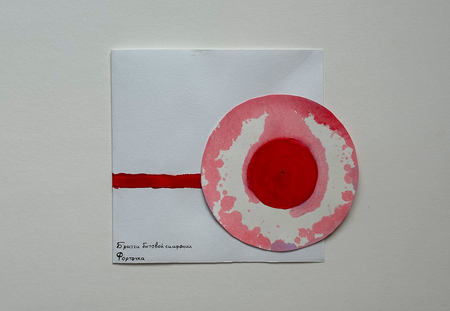
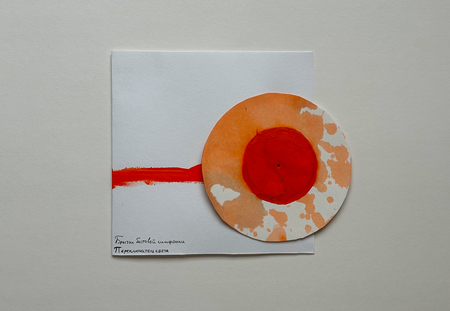
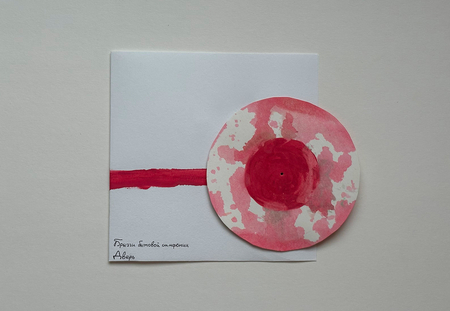
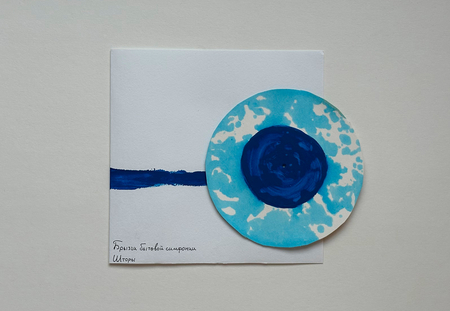
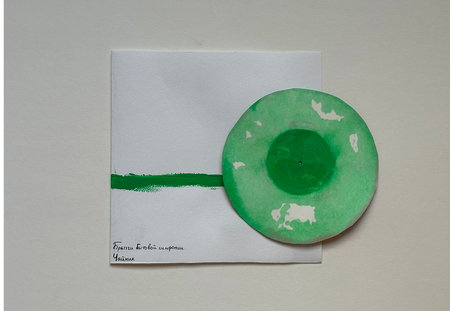
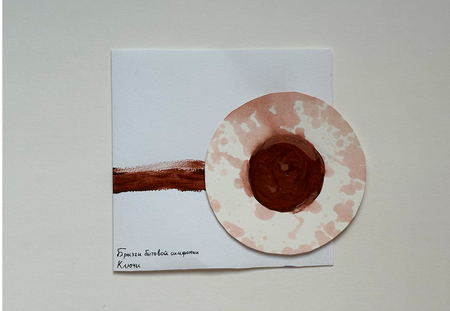
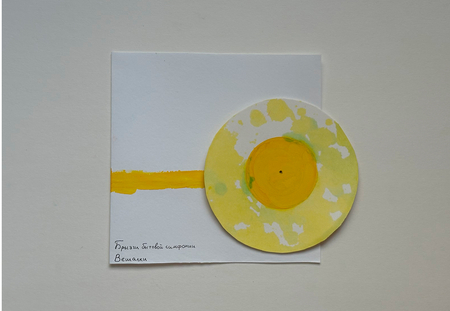
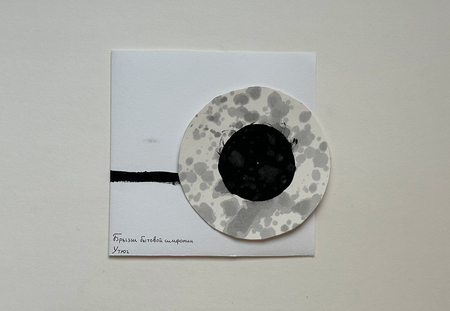
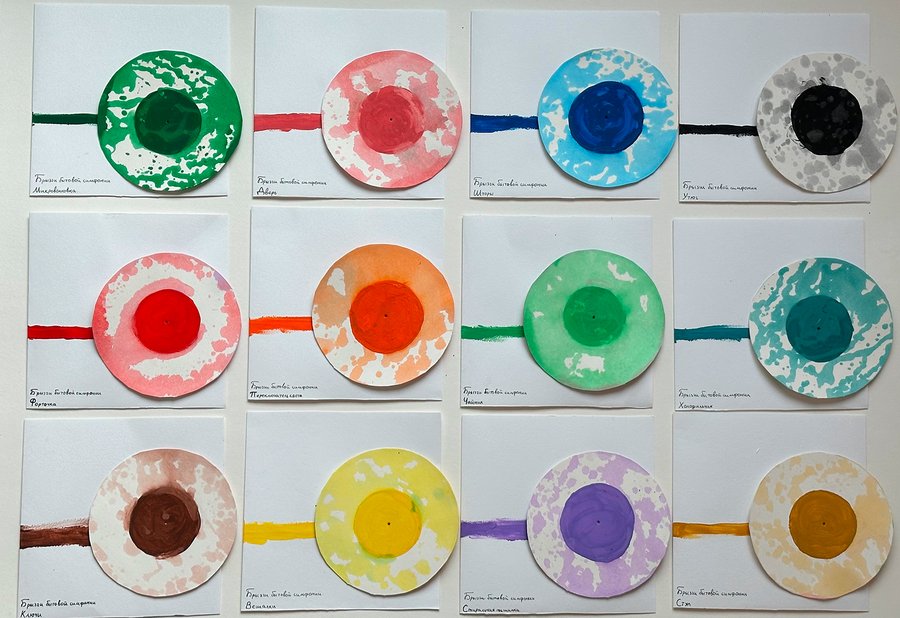
А что, если даже бытовые звуки, например, скрип стула, щелчок выключателя, могут быть музыкой? Но мы и сами легко можем себе их представить, ведь слышали много раз. А что, если попытаться не услышать, а увидеть красоту их звуковых волн с помощью самых простых средств: бумаги и краски?
Исходный размер 1567x1076
Техника исполнения
Звуки бытовых предметов записываются на диктофон.
Колебания динамика музыкальной колонки соответствуют звуковым волнам. Они создают вибрации, благодаря которым в разные стороны разбрызгивается вода с краской.
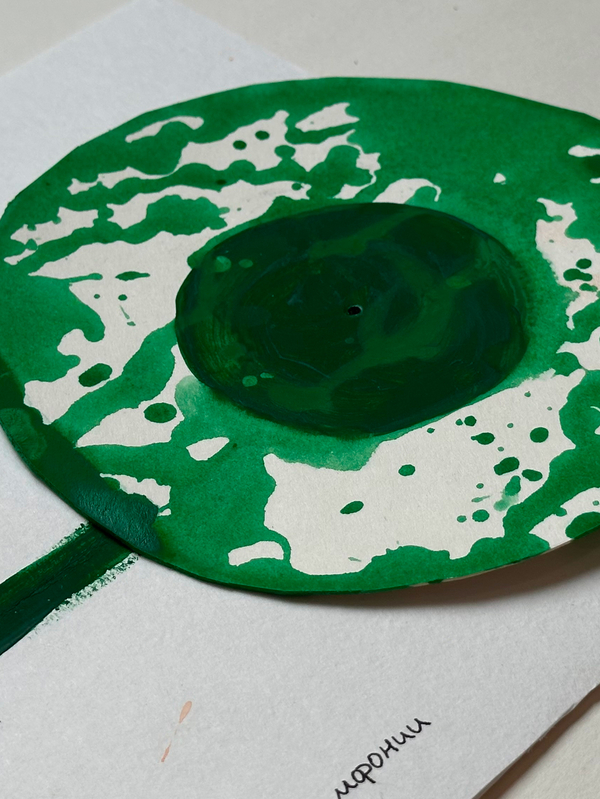
Капли попадают на бумагу, создавая рисунок.
Работа оформляется в виде виниловых пластинок в конвертах.
Мы используем файлы cookies для улучшения работы сайта НИУ ВШЭ и большего удобства его использования. Более подробную...
Показать больше
Press space bar to start a drag.
When dragging you can use the arrow keys to move the item around and escape to cancel.
Some screen readers may require you to be in focus mode or to use your pass through key
Press space bar to start a drag.
When dragging you can use the arrow keys to move the item around and escape to cancel.
Some screen readers may require you to be in focus mode or to use your pass through key
Press space bar to start a drag.
When dragging you can use the arrow keys to move the item around and escape to cancel.
Some screen readers may require you to be in focus mode or to use your pass through key
Press space bar to start a drag.
When dragging you can use the arrow keys to move the item around and escape to cancel.
Some screen readers may require you to be in focus mode or to use your pass through key
Press space bar to start a drag.
When dragging you can use the arrow keys to move the item around and escape to cancel.
Some screen readers may require you to be in focus mode or to use your pass through key
Press space bar to start a drag.
When dragging you can use the arrow keys to move the item around and escape to cancel.
Some screen readers may require you to be in focus mode or to use your pass through key
Press space bar to start a drag.
When dragging you can use the arrow keys to move the item around and escape to cancel.
Some screen readers may require you to be in focus mode or to use your pass through key
Press space bar to start a drag.
When dragging you can use the arrow keys to move the item around and escape to cancel.
Some screen readers may require you to be in focus mode or to use your pass through key