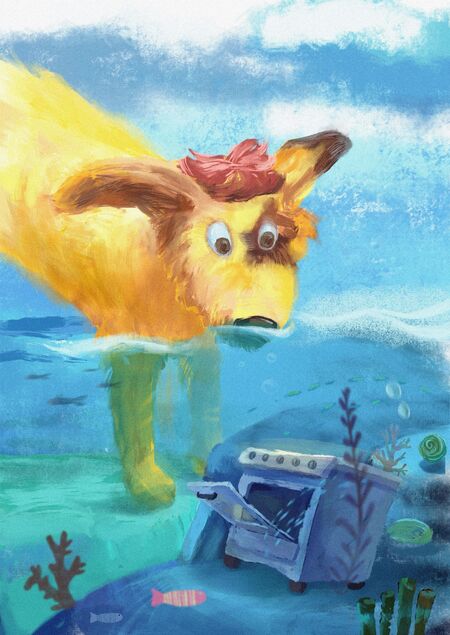
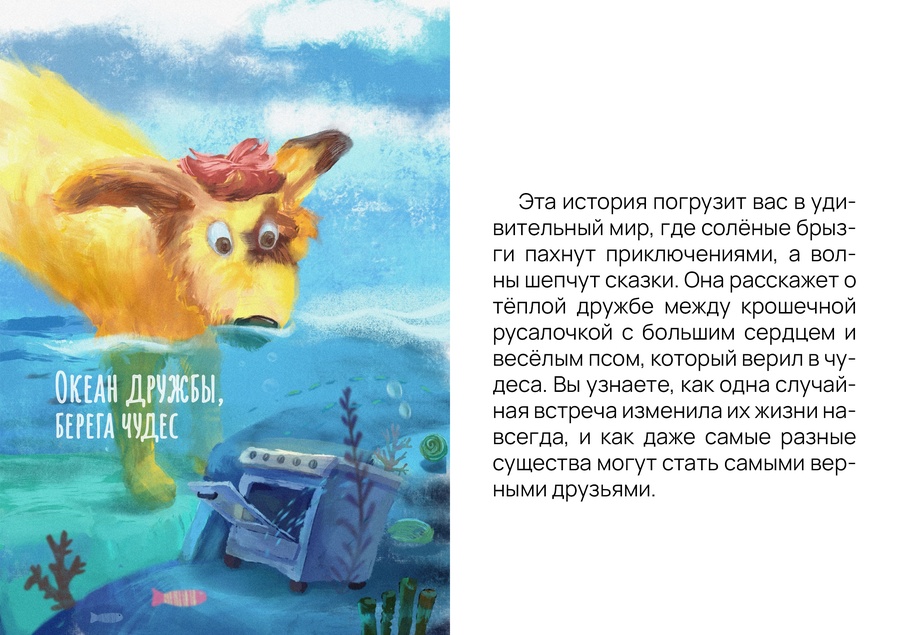
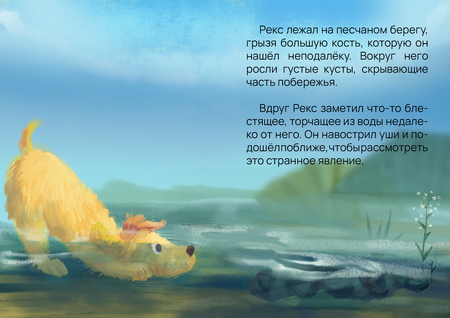
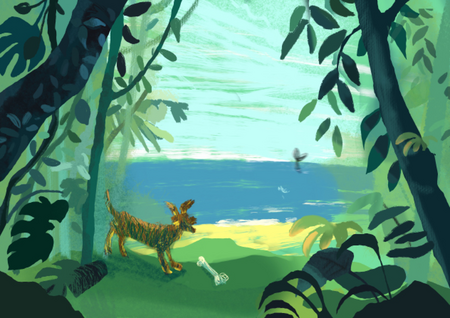
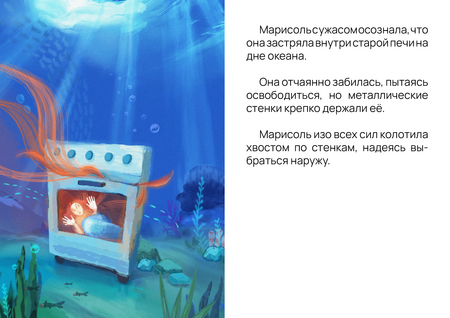
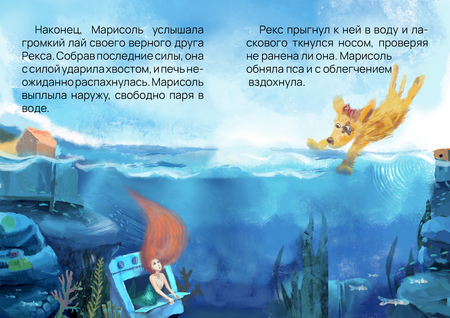
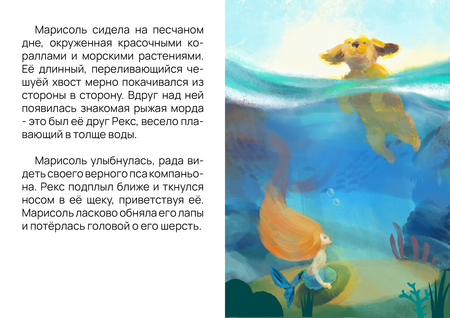
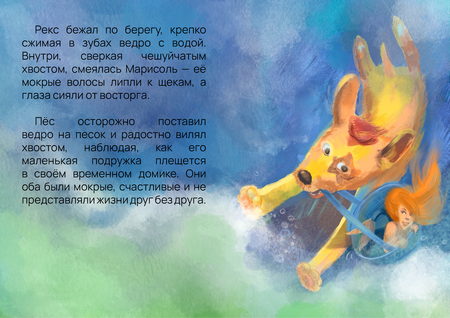
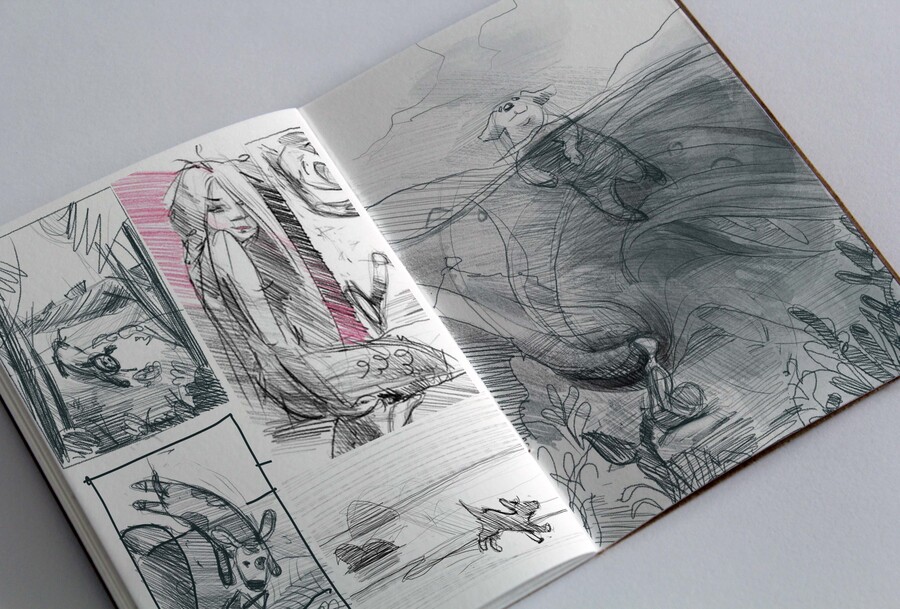
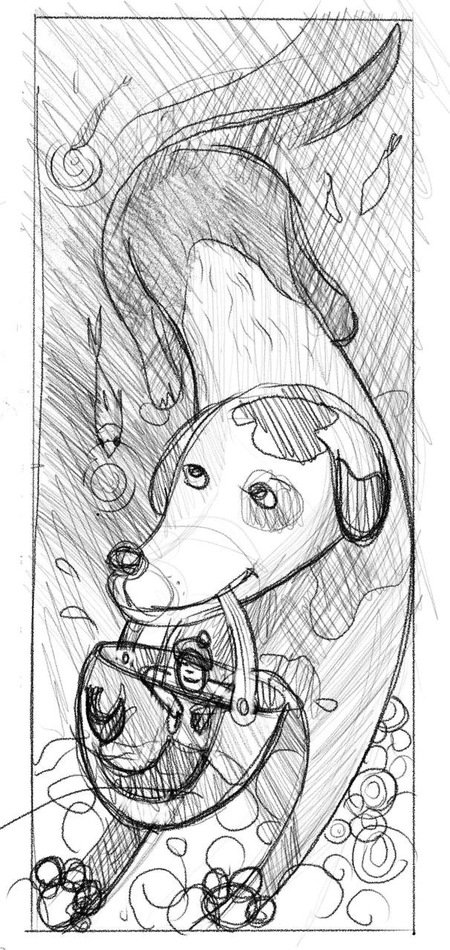
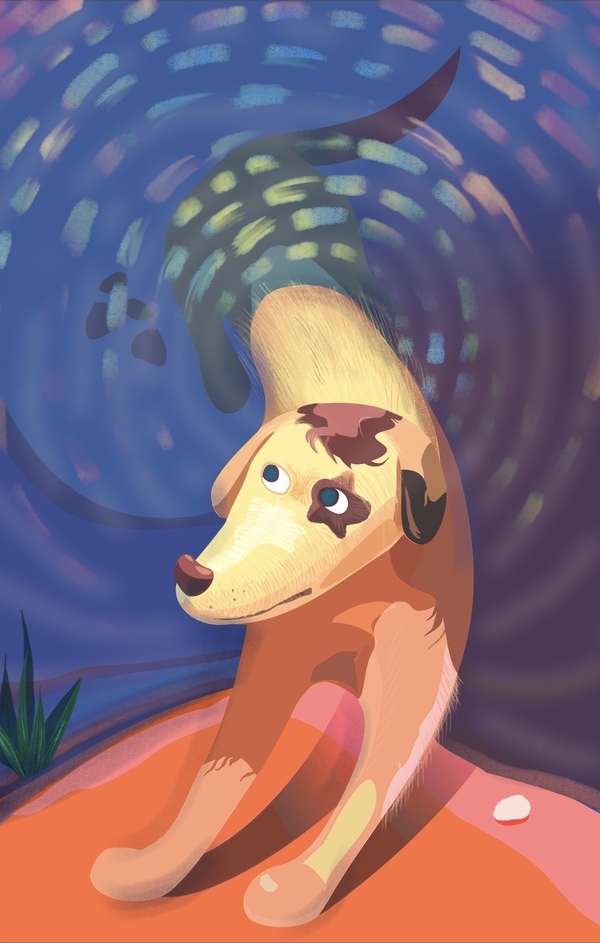
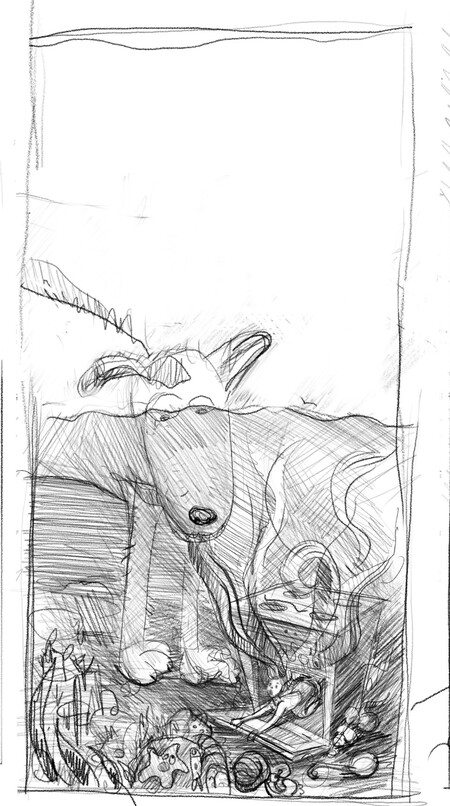
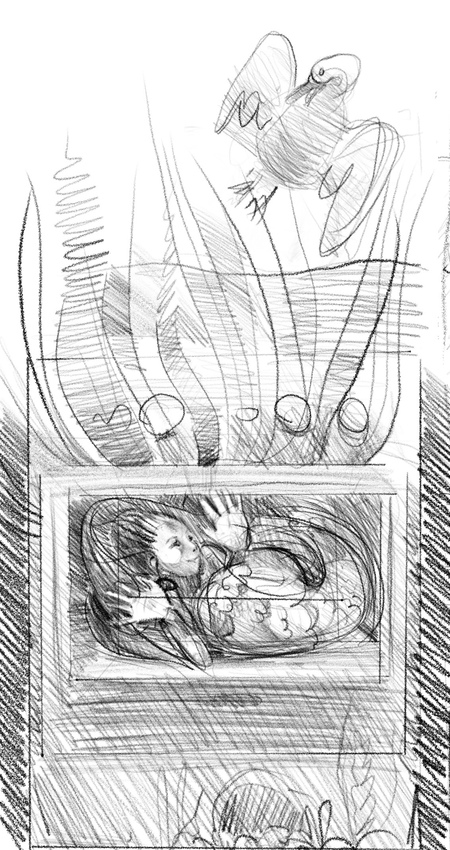
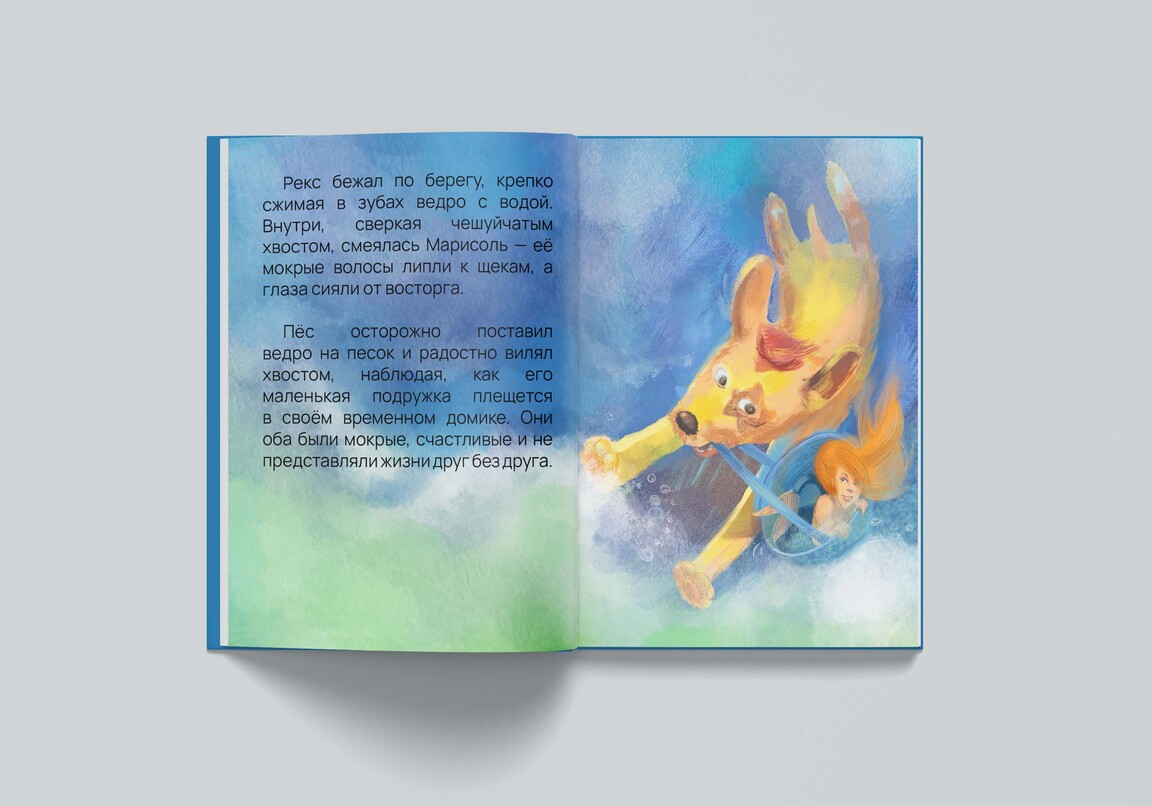
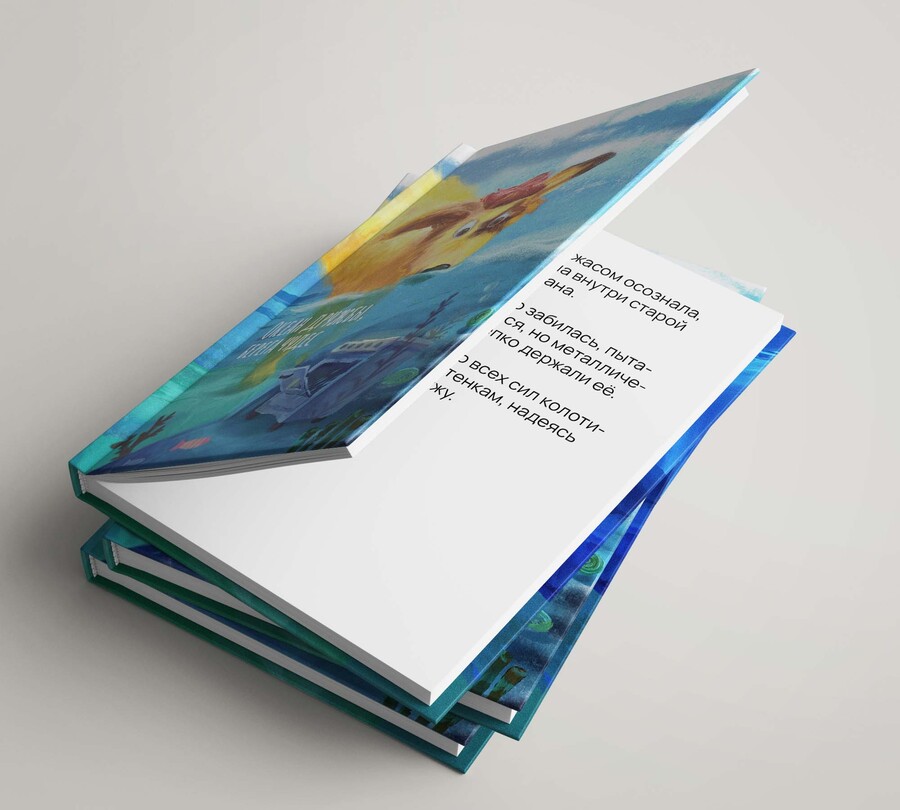
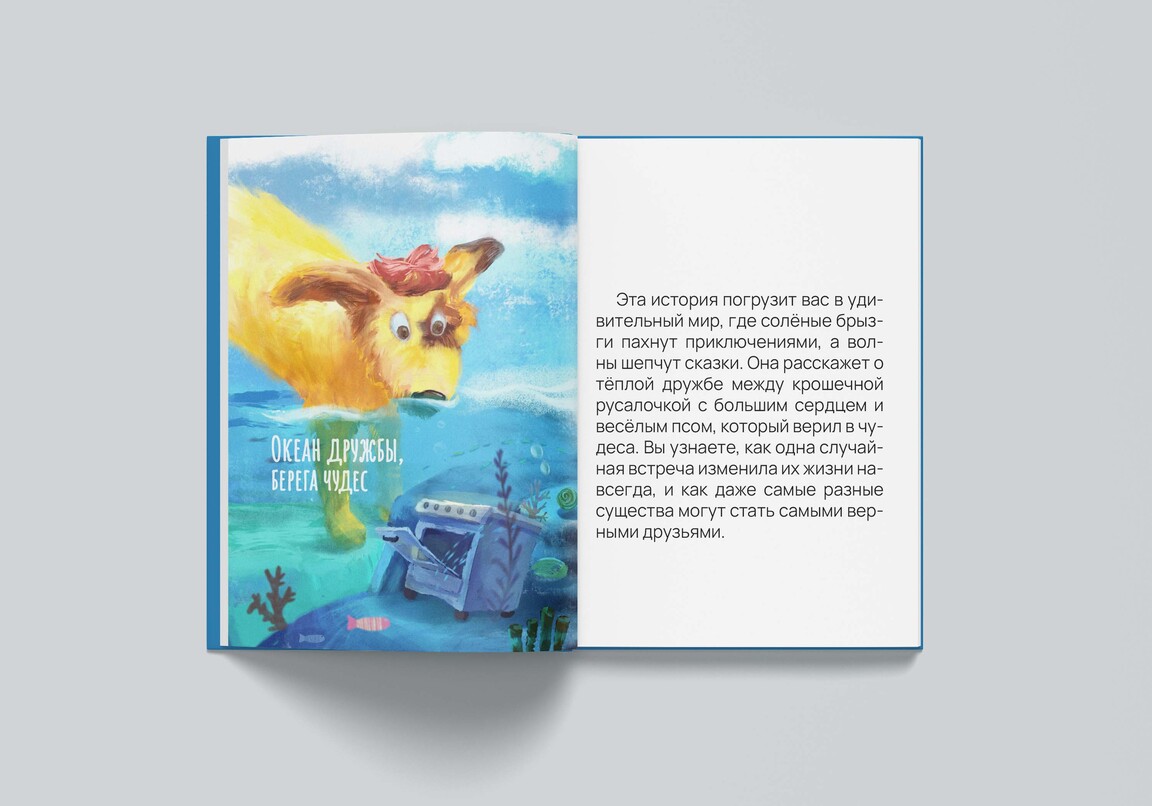
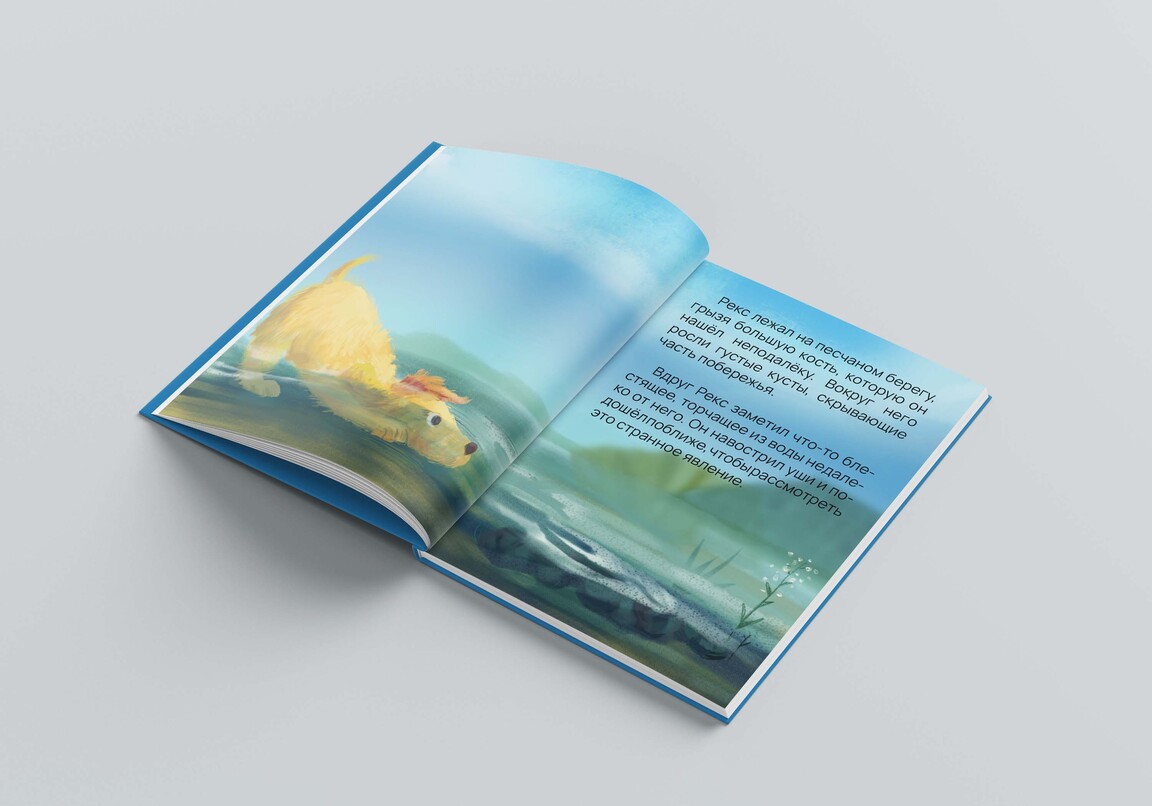
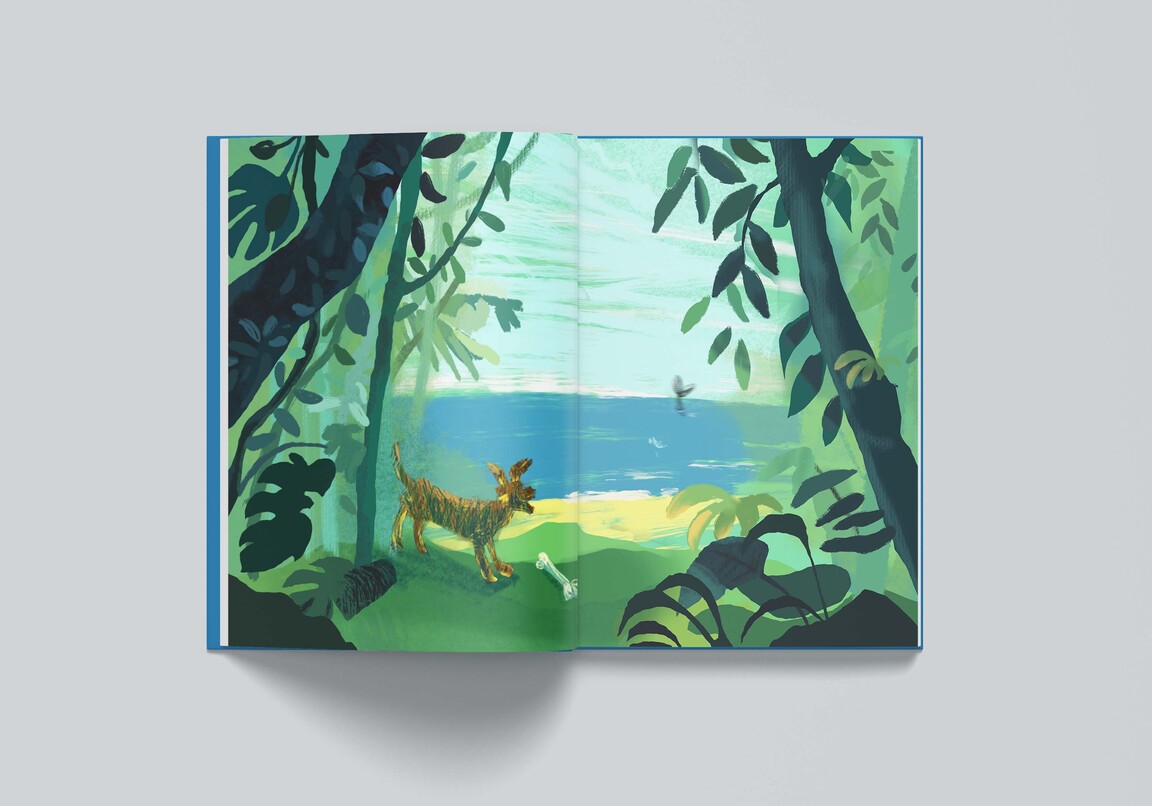
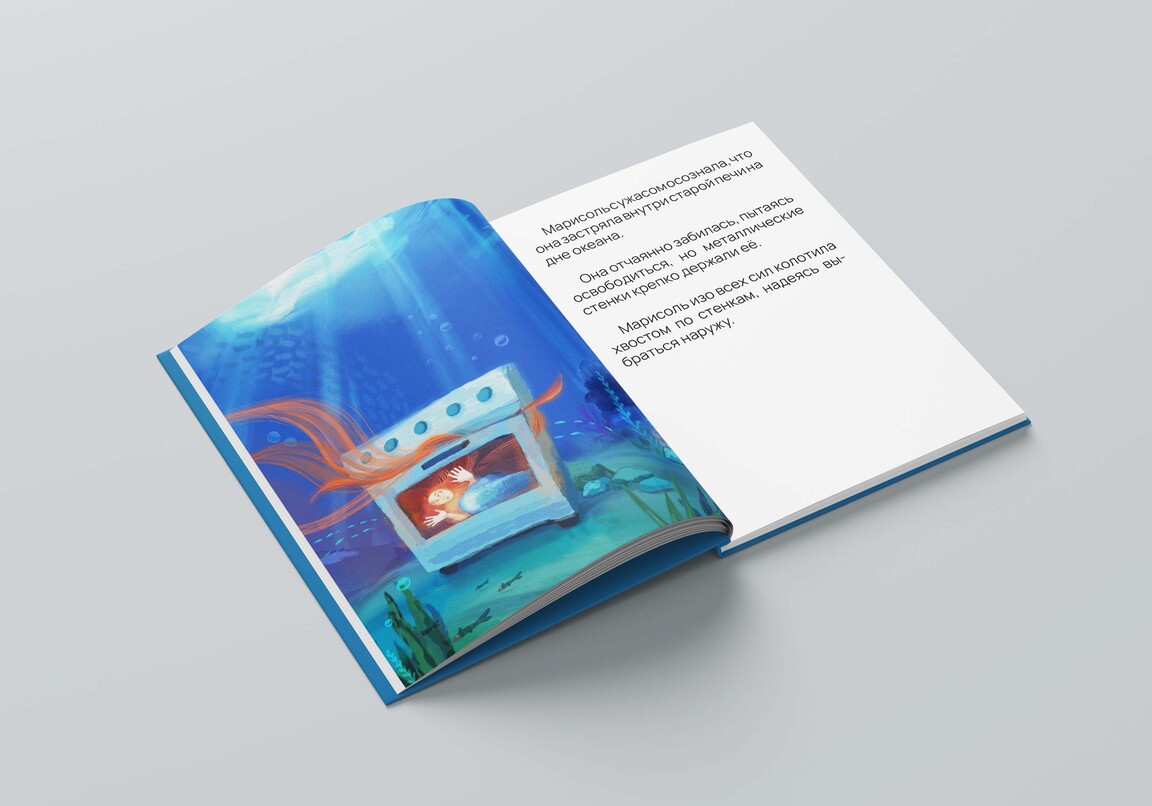
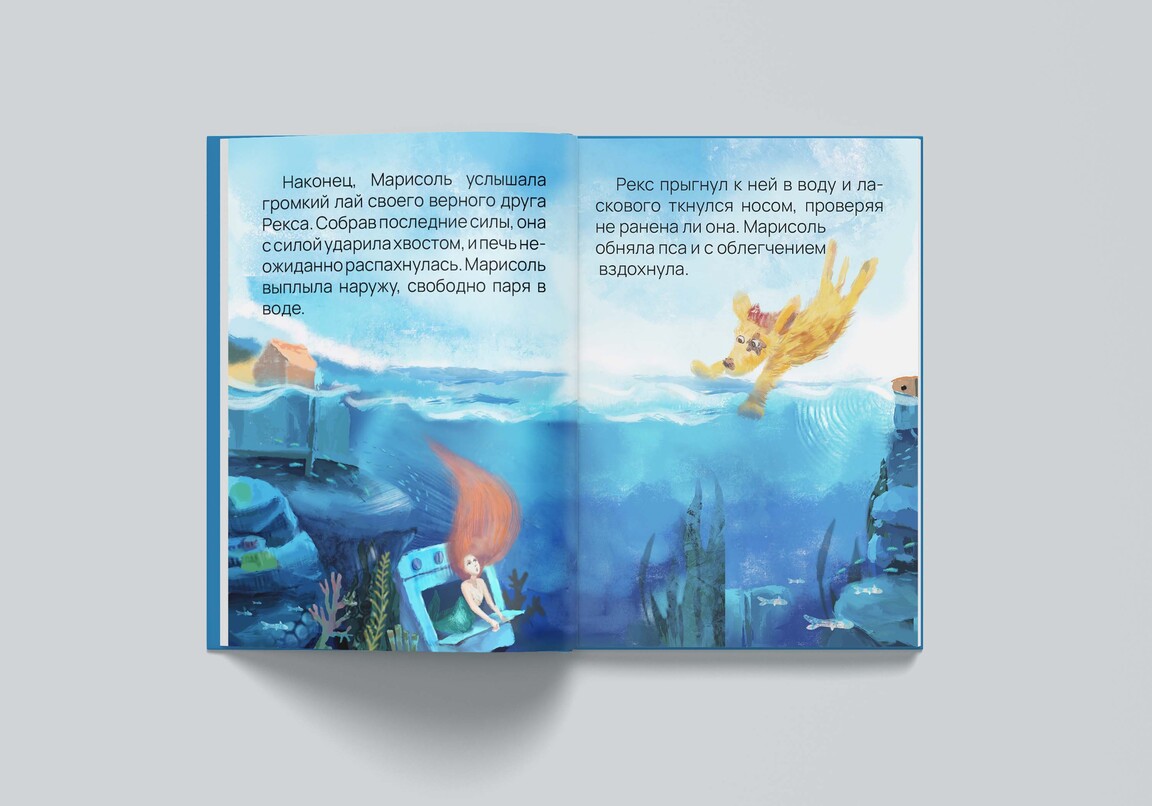
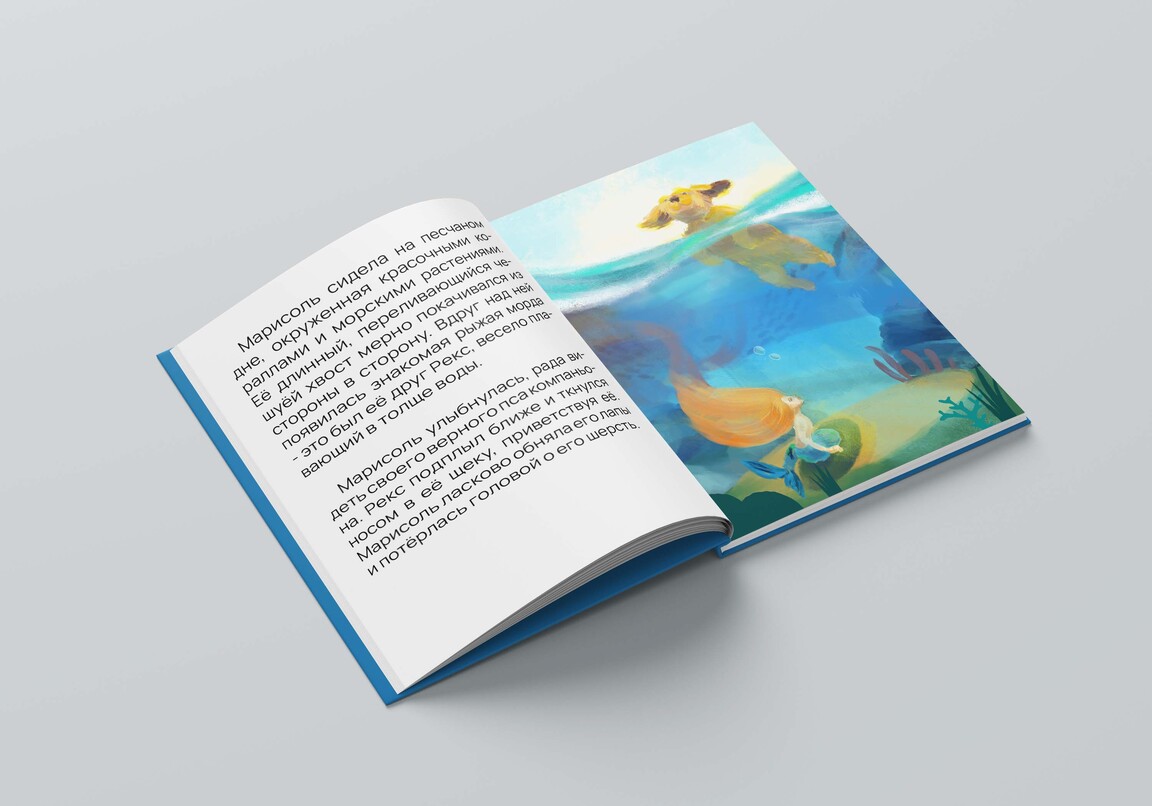
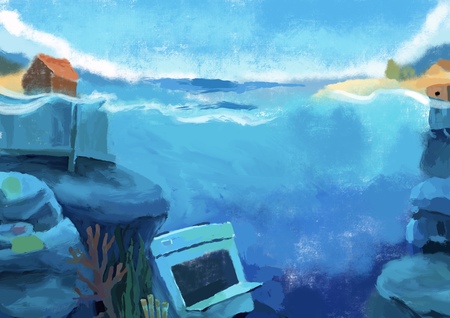
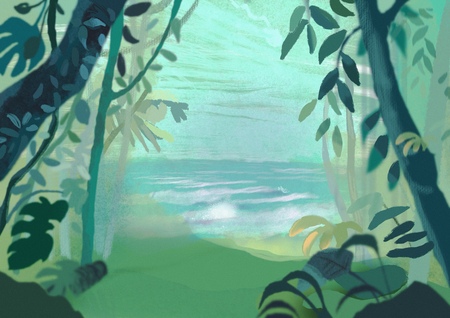
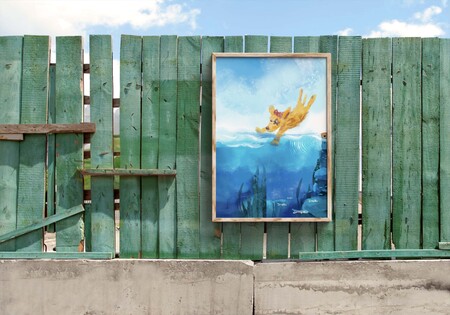
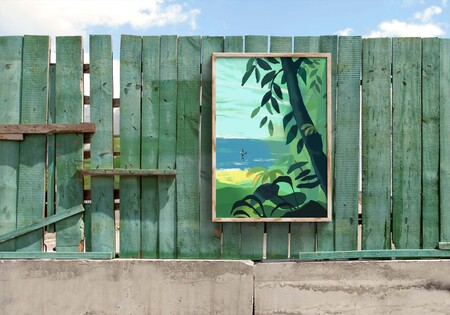
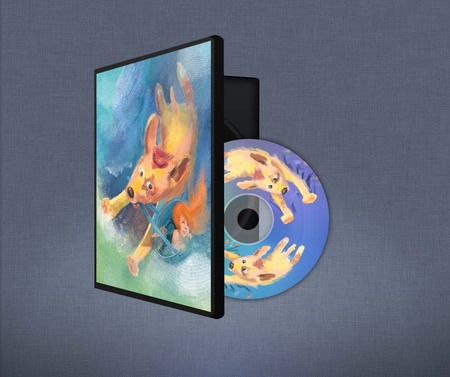
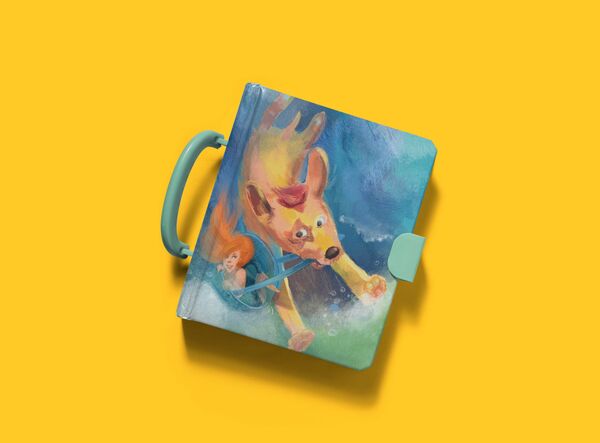
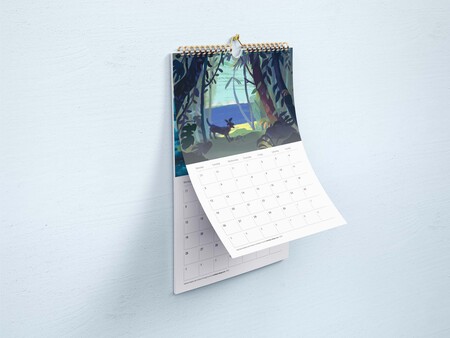
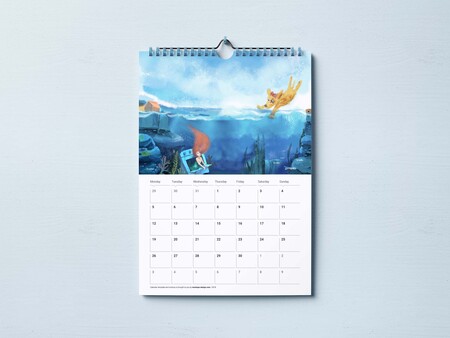
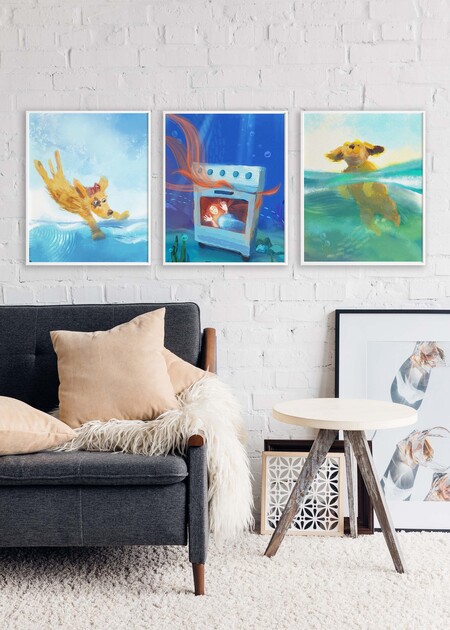
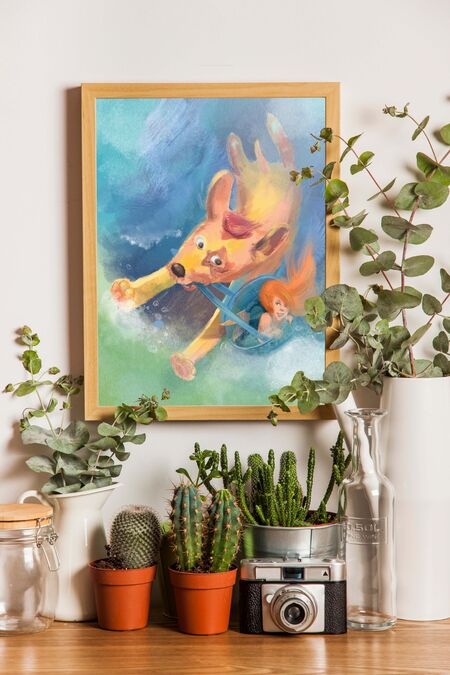
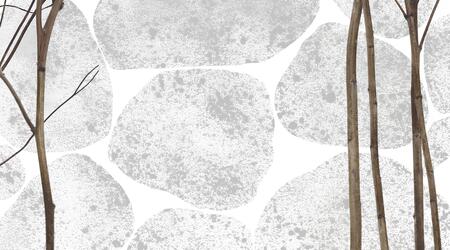
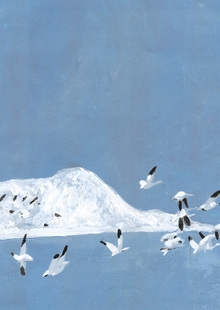
Серия иллюстраций и обложка к детской книге «Океан дружбы берега чудес».
Иллюстрации рассчитаны на младшую аудиторию, и помогают передать атмосферу произведения.
Техника исполнения — цифровая живопись.
Альбина Соловьева создала серию иллюстраций и обложку к детской книге «Океан дружбы, берега чудес». Иллюстрации выполнены в технике цифровой живописи и предназначены для младшей аудитории.
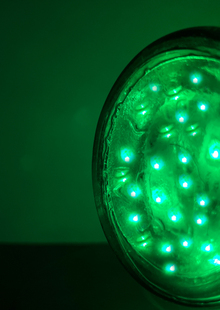
Авторы Людмила Момот и Марина Крамарчук создали интерактивный объект, имитирующий игру в бутылочку с элементами света и звука. Проект включает в себя реалистичную бутылку Боржоми 60-70-х годов с программированной светодиодной подсветкой и звуковыми эффектами.
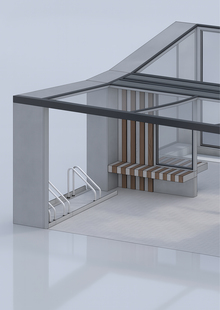
Маргарита Клочко и Виктория Петренко создали тексты для проекта велопарковки в жилом комплексе "Мангазея на Речном". Проект включает описание местоположения, концепции и визуализации, а также альбом чертежей с техническими деталями.
Анастасия Плоцен и Полина Ильковец разработали дизайн-проект велопарковки, сочетающей архитектурный стиль жилого комплекса с функциональностью и эстетикой. Проект включает в себя бетонные, стеклянные и деревянные элементы, обеспечивающие прочность, уют и интеграцию в городскую среду.
Ольга Сухоруких создала книгу о национальных заповедниках России зимой. В ней подробно описаны остров Врангеля, национальный парк «Земля Леопардов» и природный заповедник «Большой Арктический».
hse.space
Unlock new opportunities in education, career, and creativity with HSE SPACE, the digital platform from HSE University. This online hub connects students, faculty, employers, and professional communities, empowering users to build dynamic digital portfolios, showcase extracurricular achievements, participate in competitions, and launch successful careers.
educational projects
extracurricular activities
startups
academic digest
We use cookies to improve the operation of the HSE website and to enhance its usability. More detailed information on the use of cookies can be fou...
Show more
Press space bar to start a drag.
When dragging you can use the arrow keys to move the item around and escape to cancel.
Some screen readers may require you to be in focus mode or to use your pass through key
Press space bar to start a drag.
When dragging you can use the arrow keys to move the item around and escape to cancel.
Some screen readers may require you to be in focus mode or to use your pass through key
Press space bar to start a drag.
When dragging you can use the arrow keys to move the item around and escape to cancel.
Some screen readers may require you to be in focus mode or to use your pass through key
Press space bar to start a drag.
When dragging you can use the arrow keys to move the item around and escape to cancel.
Some screen readers may require you to be in focus mode or to use your pass through key
Press space bar to start a drag.
When dragging you can use the arrow keys to move the item around and escape to cancel.
Some screen readers may require you to be in focus mode or to use your pass through key
Press space bar to start a drag.
When dragging you can use the arrow keys to move the item around and escape to cancel.
Some screen readers may require you to be in focus mode or to use your pass through key
Press space bar to start a drag.
When dragging you can use the arrow keys to move the item around and escape to cancel.
Some screen readers may require you to be in focus mode or to use your pass through key
Press space bar to start a drag.
When dragging you can use the arrow keys to move the item around and escape to cancel.
Some screen readers may require you to be in focus mode or to use your pass through key
Press space bar to start a drag.
When dragging you can use the arrow keys to move the item around and escape to cancel.
Some screen readers may require you to be in focus mode or to use your pass through key
Press space bar to start a drag.
When dragging you can use the arrow keys to move the item around and escape to cancel.
Some screen readers may require you to be in focus mode or to use your pass through key