What is Procedural Craft?
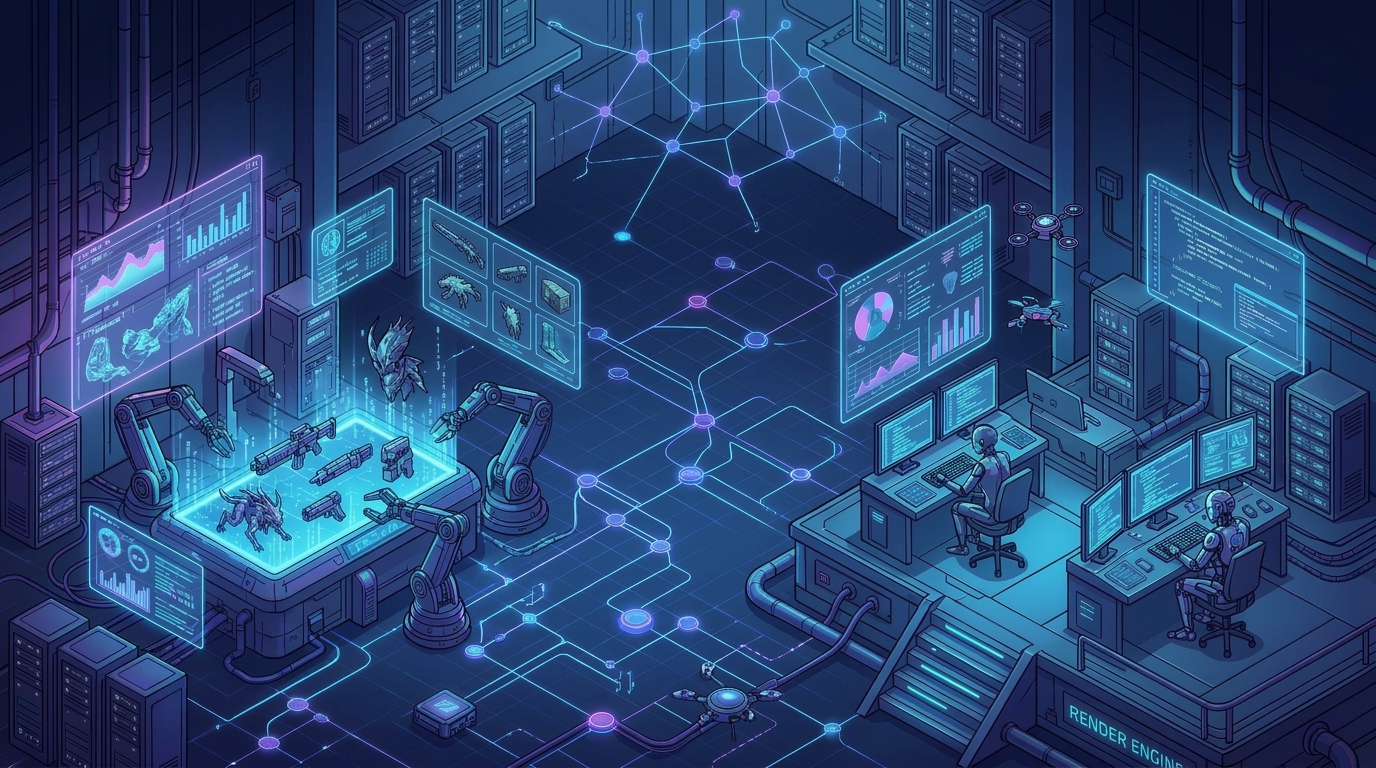
Practical media on the application of generative AI in indie game development. The project demonstrates how to utilize neural networks at every stage: from visual concepts and UI icons to textures, sprites, and complete asset packs.
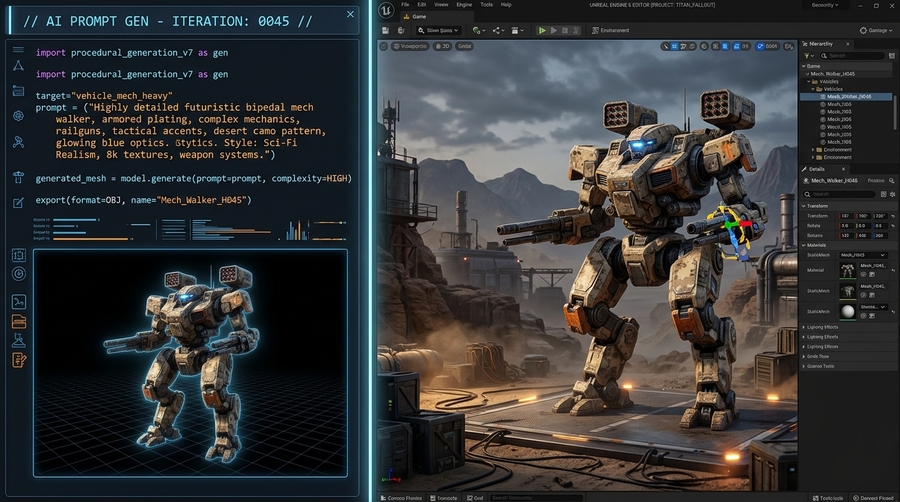
Core Principle: not just to generate beautiful images, but to create assets that can be further refined and integrated into an interactive project.Mission: to make working with generative AI more understandable and accessible for independent developers.
Who are we creating this content for?
Segmenting the classroom into four main groups:
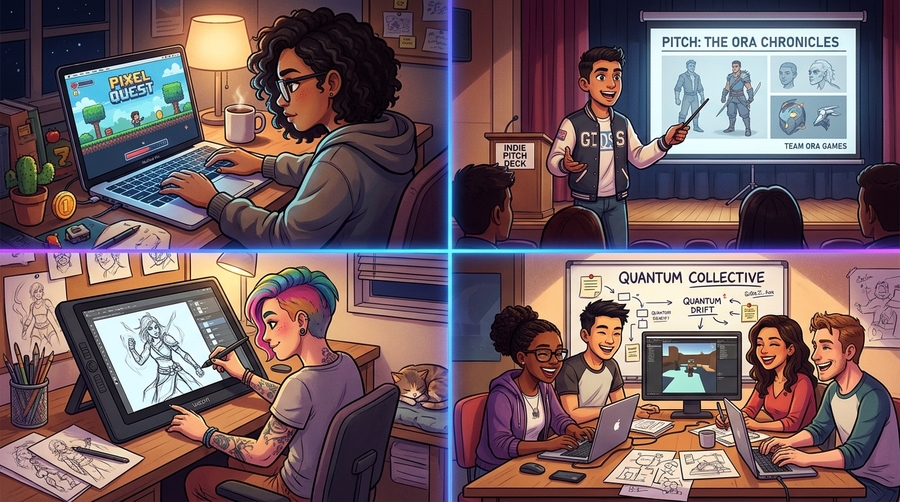
Solo Developers: create games independently, balancing this with studies or work; they need ways to generate visuals without a team.Game Design Students: work on coursework and prototypes, needing clear ways to present their ideas for defense.2D and 3D Artists: are looking for ways to automate routine tasks while maintaining artistic control.Small Indie Studios: operate with tight budgets and deadlines, requiring repeatable processes within their pipeline.
From beautiful generation to game asset
Most materials about neural networks show the results but do not explain how to apply them in real-world development.
Problem: How to maintain a unified style, create legible icons, fix artifacts, and replicate results?
USP 1 — Focus on Game-Ready: concentrating on game-specific tasks and technical asset preparation.
USP 2 — Anti-AI Quality Control: analyzing errors and methods for manual refinement.
USP 3 — Open Pipeline & Presets: prompts, ready-made configuration files (.json), and workflows.
Positioning and Editorial System
Procedural Craft merges the inspiration found in AI Art channels with the practical utility of game development communities.
Telegram Channel (Main): detailed instructions, prompt packs, workflow .json files, source files.VK Clips / Reels (Distribution): short videos, time-lapses, and quick tips.Editorial Principles: showcase the process, explain limitations, separate generation from refinement, and verify licenses.
Phase One: From Concept to Core Assets
Project Roadmap for the First Three Months
November (Visual Pre-production): Location concept, style, common pitfalls. Result: mini-game concept.December (UI and Icons): Uniformly styled icons, legibility, transparent background. Result: set of UI icons.January (Textures and Materials): Stylized textures, seamless tiling, import. Result: set of textures.
Stage Two: From Individual Assets to a Working Pipeline
Frequency: 2 main materials per week + 1 short video demonstration.
February (Characters and Sprites): proportions, 2D sprites, silhouette. Result: character prototype.March (Automation): workflow in ComfyUI, preset saving, balance between AI and manual work. Result: workflow.April (Comprehensive Set): unifying into a single style, export, case study breakdown. Result: demonstration set.
Content Example #1
How to create a visual concept for an indie game location
Format: Step-by-step guide for Telegram (November)
Step 1. Define the objective (what is the player doing, what emotions are evoked?).Step 2. Set visual constraints (palette, lighting, shapes).Step 3. Create variations (change only one parameter at a time).Step 4. Select the best option (composition and readability).Step 5. Refine the concept (remove unnecessary elements, check space for UI).